Seedance 1.5 Pro on EveryGen AI is a text and frame-based video workflow with four-to-twelve-second clips. It exposes 480p, 720p and 1080p requests, an audio option and advanced seed and camera controls. Choose text when you are designing the scene from scratch, or image mode when you already have a clear opening composition.
This route does not offer the separate image, video and audio reference collection found in Seedance 2.0. Its image workflow uses an opening frame and an optional ending frame. That distinction matters when preparing files: a second frame should describe where the scene arrives, rather than acting as an unrelated mood reference.
THE POSSIBILITIES
Seedance 1.5 Pro features, in practice.
Choose the input that fits your idea, then shape the motion. Clips below are local sample footage for the layout.
01 / CREATIVE CONTROL
Text to video with a deliberate viewpoint
Place the important subject in the scene before describing its movement. Decide whether the camera should stay still or move, then make the instruction consistent with the advanced camera option. A stationary scene with one subject action gives you a useful baseline for assessing motion and composition.
The seed and camera settings document a request; they do not guarantee identical results across takes.
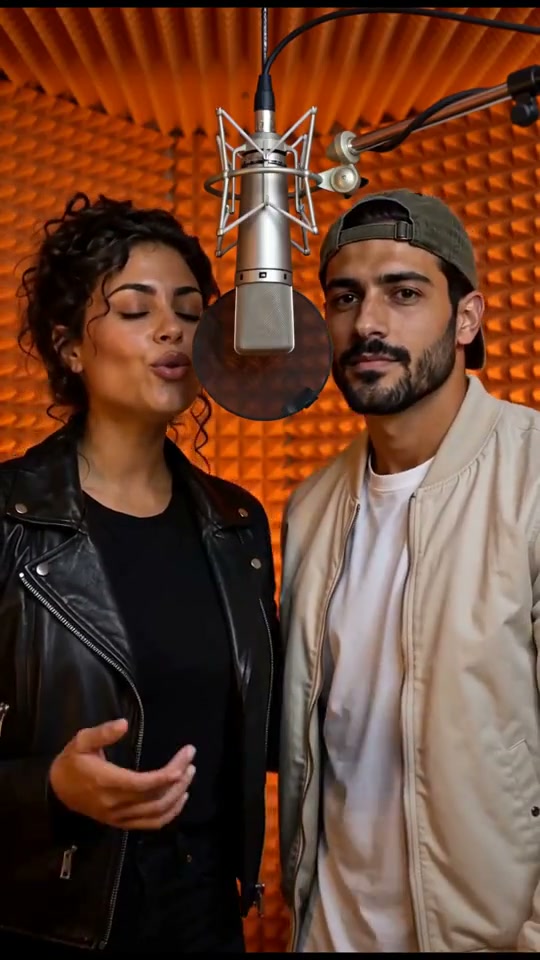
ILLUSTRATIVE FOOTAGELocal placeholder · not a Seedance 1.5 Pro output
02 / CREATIVE CONTROL
Opening and ending image guidance
Upload a first frame that already contains the subject and framing you want. Use an optional last frame for a compatible ending position or lighting change. Describe the movement between them, and avoid a pair that asks the subject to become a completely different object unless transformation is the intended idea.
Two endpoint images are supported here; extra reference-video or audio upload slots are not.
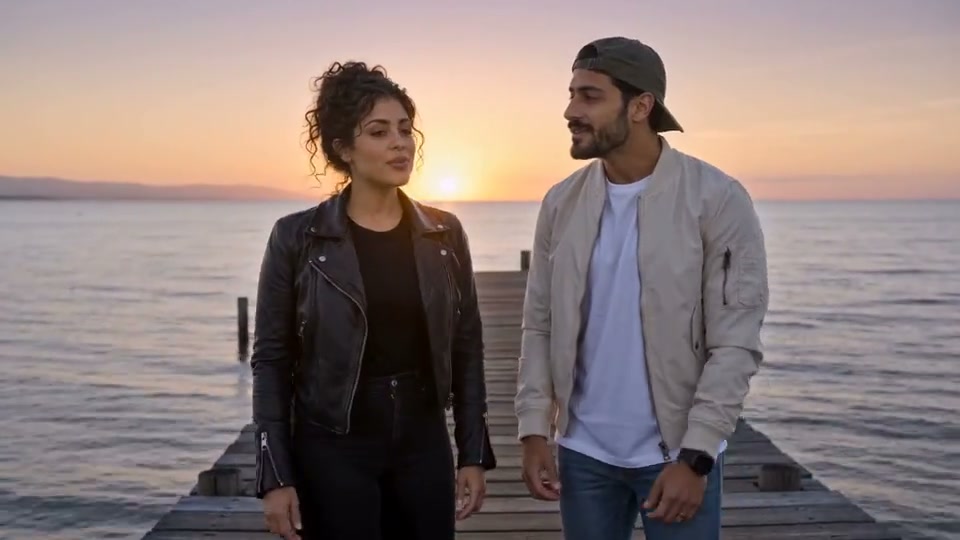
ILLUSTRATIVE FOOTAGELocal placeholder · not a Seedance 1.5 Pro output
03 / CREATIVE CONTROL
Audio and output settings in the same setup
The audio option lets you describe environmental sounds with the visual action. Select a duration that can contain the event, then choose the requested size and inspect the estimate. Keep dialogue short, and plan to review sound and picture together rather than judging only the first frame of a result.
480p, 720p and 1080p have separate configured credit rates.
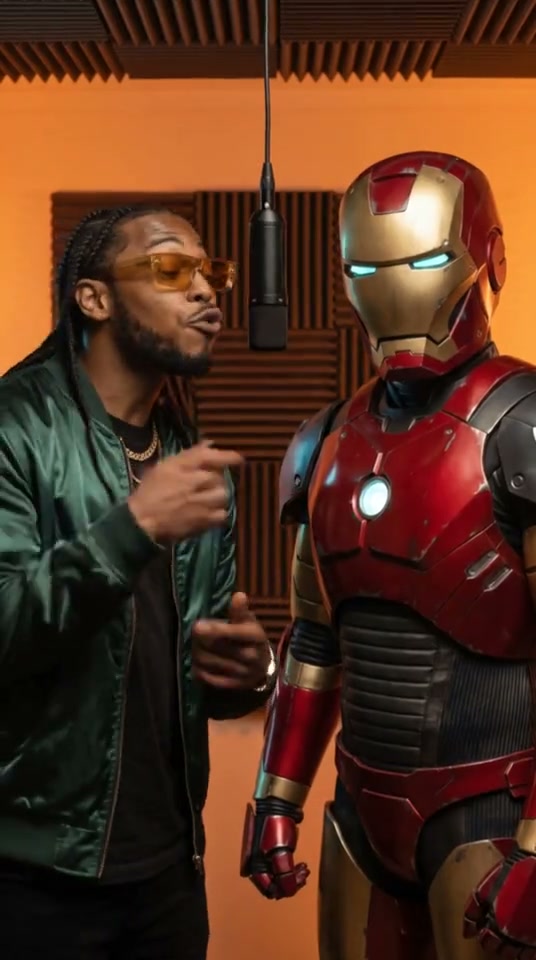
ILLUSTRATIVE FOOTAGELocal placeholder · not a Seedance 1.5 Pro output
FROM IDEA TO A TAKE
How to use Seedance 1.5 Pro.
A clear starting point, a focused brief and settings you can review before submitting.
01
Choose your starting point
Open Seedance 1.5 Pro in the generator above. Choose Text to video for a written scene or Image to video when you have an opening composition.
02
Build a focused scene brief
Write the subject, action, camera direction and lighting. In image mode, add a first frame and an optional compatible last frame.
03
Set the format and review credits
Choose 480p or 720p or 1080p output. Pick a supported duration from 4 to 12 seconds. Set the aspect ratio for the destination. Review the estimate after changing a setting or adding a reference clip.
04
Generate, review and refine
When generation is enabled, submit after reviewing the brief and content checks. Track the request in Recent takes. Review the full clip for subject details, continuity and sound, then download a useful result or change one part of the brief for the next take.
Load a brief with supported settings in the full workspace. Review it and add your own images or references where required.
Text to video
A window-lit conversation
Two friends sit in a quiet lounge near a window. One turns toward the other and smiles. A stationary medium shot, soft side light, natural gestures and consistent clothing. Subtle room ambience, no spoken dialogue, no captions and no scene change.
Use a fixed camera when you want the subject's gesture to carry the scene.
Begin with the uploaded first frame and move toward the ending frame with a slow, continuous camera approach. Keep the person's face, clothing and the room's furniture consistent. The subject makes a small head turn as the framing settles. No added people, props or cuts.
Upload both endpoints only when they represent a compatible scene progression.
Your first-frame upload is required. Loading a prompt does not submit a request.
PUT THE SHOT TO WORK
Ways to create with Seedance 1.5 Pro.
Start with the job the clip needs to do. Keep final editing and a full review in your workflow.
01
A controlled interior scene
Use a stable viewpoint and a small gesture to explore atmosphere. Camera-fixed controls are available when a stationary composition is part of your brief.
02
A first-to-last-frame reveal
Prepare compatible endpoints for an object reveal or a subject turning toward the camera. Review the transition for unexpected changes between those endpoints.
03
An ambience-led short clip
Pair a visible event with one sound instruction, such as a door opening or rain at a window. Check both timing and unwanted background audio.
BEFORE YOUR NEXT TAKE
Match the camera switch to your prompt
A camera-fixed request and a sweeping orbit ask for conflicting behavior. Choose one approach and keep the prompt consistent with it. If you want to compare the two, make separate takes with the rest of the setup unchanged.
Use Seedance 2.0 for reference collections
If your brief depends on a separate motion clip or several identity and environment images, compare the Seedance 2.0 workflow. This page's endpoint-frame controls should not be used as a substitute for a multi-reference mode.
THE SETUP
Seedance 1.5 Pro settings at a glance.
Every model has its own inputs and credit rules. Changing a setting refreshes your quote.
Duration
4, 5, 6, 7, 8, 9, 10, 11, 12 seconds
Output sizes
480p · 720p · 1080p
Frame inputs
First frame + optional last frame
Additional references
0 images · 0 videos · 0 audio files, where the mode supports them
Audio
Optional generated audio
FIXED CREDIT RULES
Seedance 1.5 Pro generation credits.
A 20-credit content-check allowance is included once per request. Match the rate below to your chosen output size.
Resolution
Input
Rate
480p
Text / supported images
21 credits / output second
720p
Text / supported images
45 credits / output second
1080p
Text / supported images
111 credits / output second
Rate version v8-fixed-2026-10-11. The final quote appears before submission. Paid generation is awaiting activation.
Inputs, output settings and credit rules for this workspace.
Can Seedance 1.5 Pro generate video from text or an image?
Text to video is supported: describe a scene and its movement. First frame + optional last frame are supported in image mode. There is no separate collection of appearance-reference images on this route.
Which duration and resolution can I choose for Seedance 1.5 Pro?
480p, 720p, 1080p output is offered with durations from 4 to 12 seconds. The controls above use these same settings. A resolution selection describes the requested output and does not guarantee native detail or readable small text.
Can I upload reference videos or audio?
This configured route does not expose video or audio reference uploads. Put movement and sound directions in the prompt where supported. Compare Seedance 2.0 if your scene needs those reference types.
How are video-generation credits calculated?
The credit table below the controls section lists this model's fixed rates for every supported output size. Some routes charge per request and others by duration. A content-check allowance is included once. Use Review credit estimate in the generator for the actual settings and uploaded reference duration before submitting.
Does Seedance 1.5 Pro include generated sound?
This route has an optional generated-audio control under Audio, seed & camera. Describe relevant ambience or effects in the brief, then listen to the full result. Sound generation does not replace a final voice recording or music mix.
What happens during content checks or a failed request?
Prompts and image references are checked before submission. A rejection or unavailable check stops submission. These checks do not audit reference-video frames or audio tracks. Confirmed failed tasks release reserved credits once; an uncertain submission remains under review to avoid duplicate requests.
Are these videos results from the example prompts?
The current clips are local sample footage used to demonstrate the layout. They are not outputs from the displayed prompts, model benchmarks or evidence of a specific model's quality. Example prompts are editable starting points; image and reference examples require your own uploads.