AI VIDEO GENERATOR
Turn a spark
into a scene.
Create videos from words, images, and a little imagination.
01 / EXAMPLES
Find your next scene.
Explore a direction, inspect the setup, and make it your own.
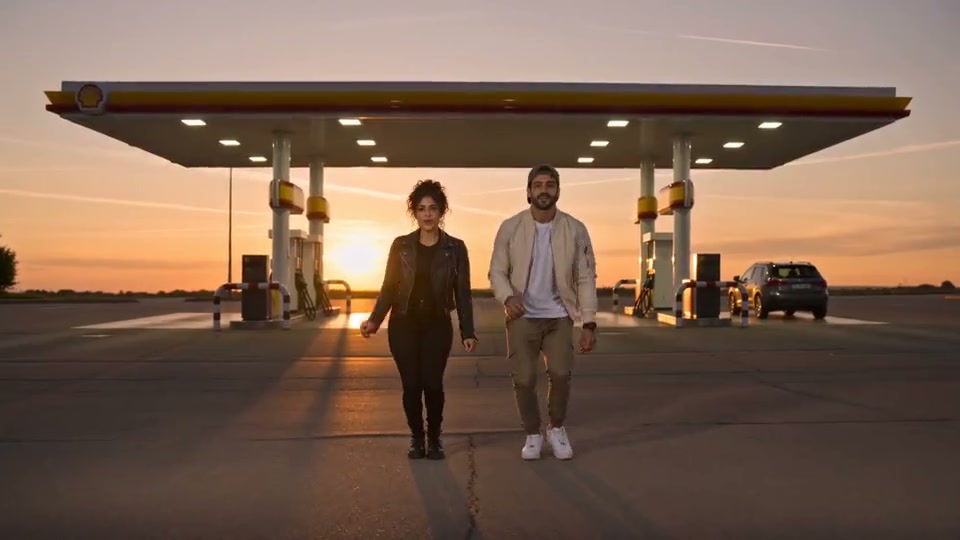
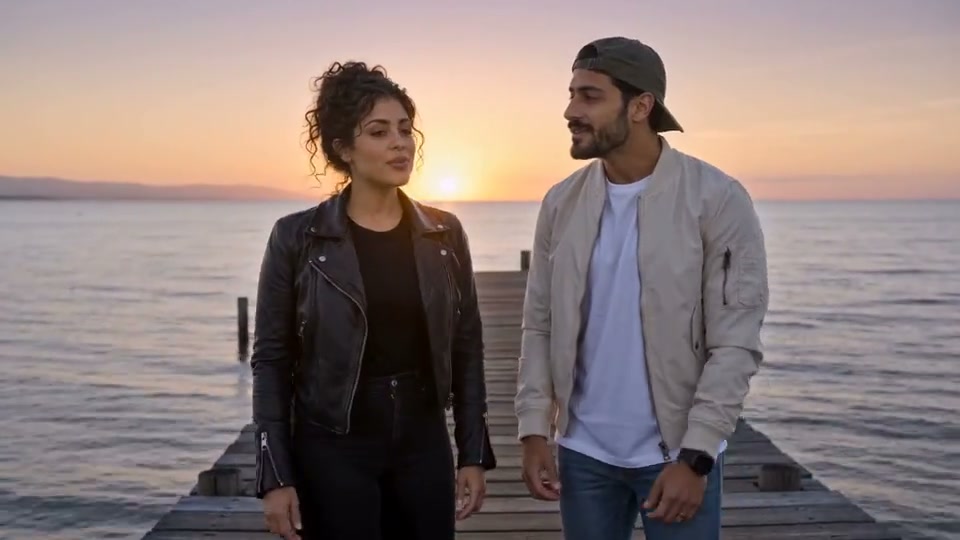
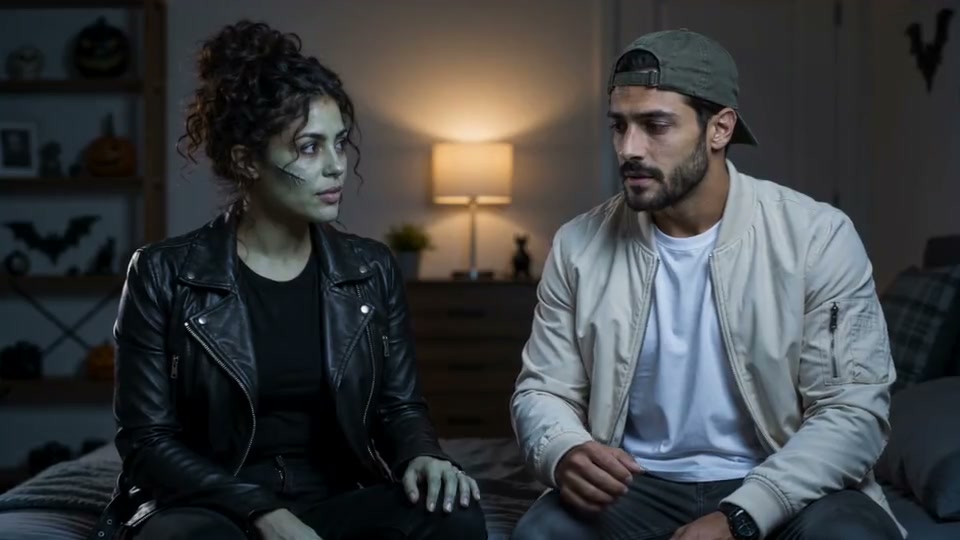
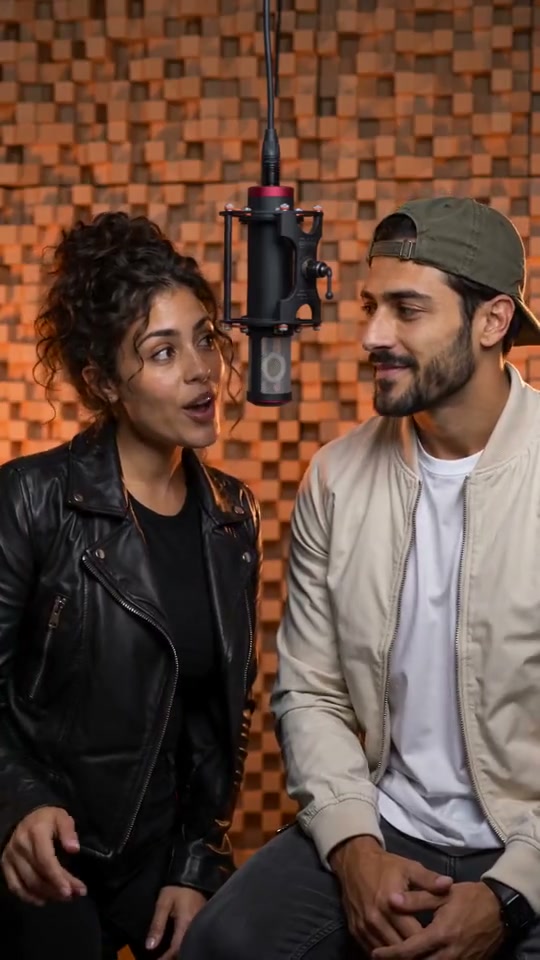
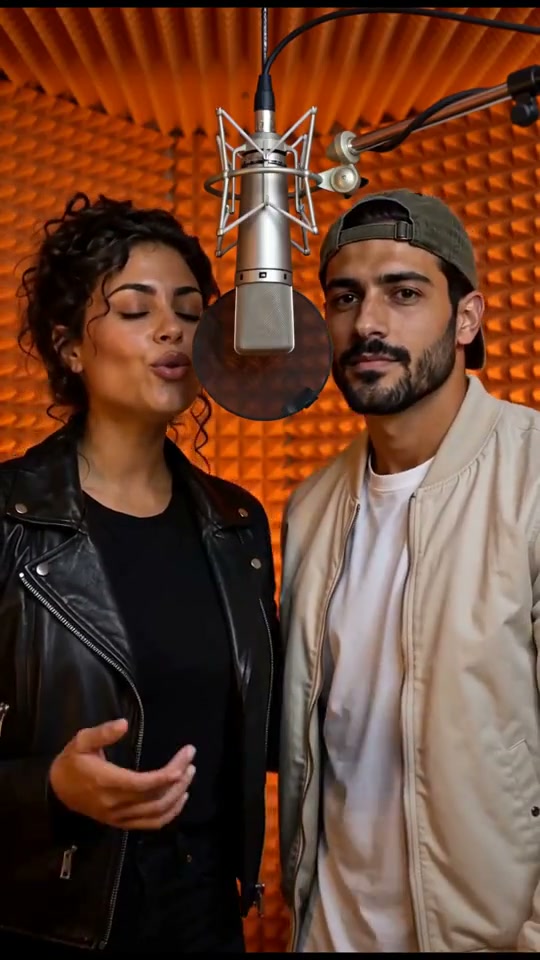
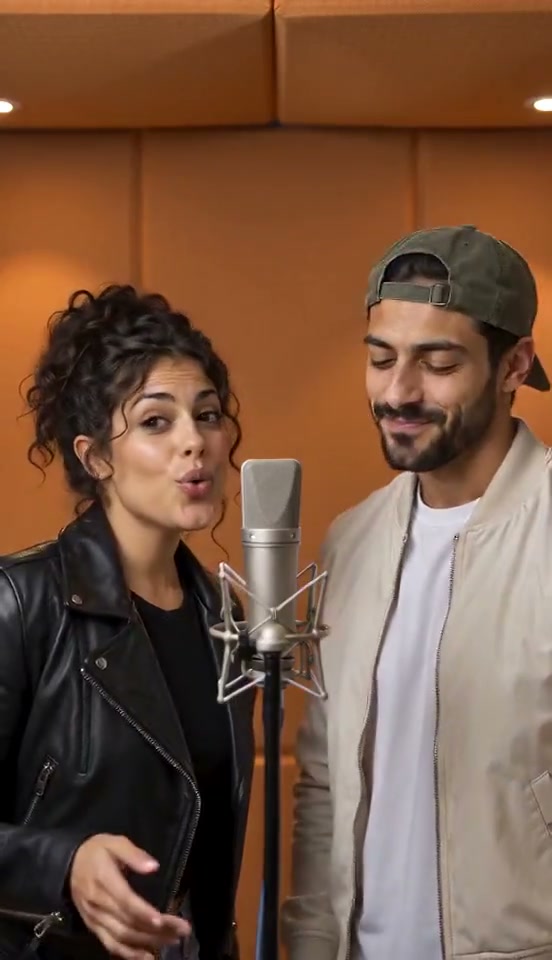
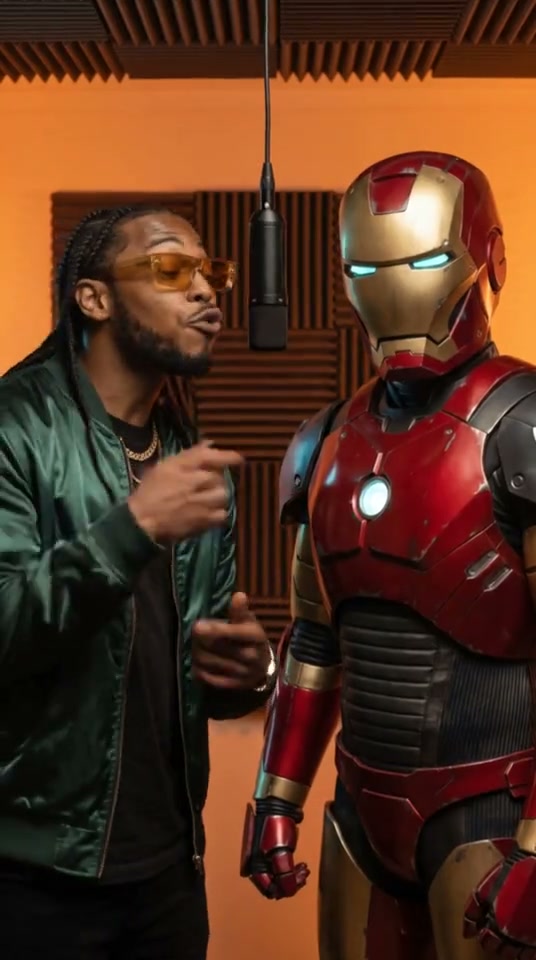
Local footage previews the layout. The prompts below are starting ideas; these clips are not their generated results.
02 / YOUR STARTING POINT
What are you starting with?
You do not need to know a model name. Begin with the material you have, then choose the controls that fit.
DIRECT YOUR SCENE
More direction. More possibilities.
A useful video starts with a clear subject, a readable action, and a reason for the camera to move. Explore the controls that match your idea, then compare the output with the brief.
Give the model one clear scene. Name the action, setting, mood, and camera movement.
Use an image to guide the subject or a supported reference to shape the motion. Make the role of each input clear.
Review composition, continuity, and sound. Reuse the settings that worked and change one decision at a time.
A flowing red dress on a windswept coast, slow cinematic tracking shot, golden hour, dramatic and filmic.
Give a still image a new perspective.
Start with a product photo, portrait, or visual you already like. Use image-to-video to describe what should move and how the shot should unfold.
Check the model’s input requirements, choose the format, and review the estimate before generating. Compare the subject with the original before keeping the take.
Reference imageSame subject.
A more cinematic story.
Add motion, light, and atmosphere to bring your still image to life while keeping the details that matter.
Try image to videoControls you can actually see.
Use a concrete example to understand each creative decision.
03 / HOW IT WORKS
From idea to a useful take.
One scene, clear settings, and a place to return to your work.
Prepare your input
Write a focused scene or upload a reference image. Choose a reusable recipe if you want a starting point.
Confirm the settings
Choose a supported duration, format and resolution. Review the sample estimate before submitting.
- Model
- Seedance 2.0 Fast
- Format
- 16:9 · 5s · 720p
- Estimate
- 460 sample credits
Keep track of your take
Sign in to submit. Your draft stays available, and your task history is the place to check progress when you return.
Pending → Processing → Result
Open task historyReview, download, refine
Preview the completed file. Reuse its prompt and settings to make one deliberate change for your next take.
04 / VIDEO TOOLS
Start with what you have.
Choose a tool by the material you have and the result you need. Each workflow brings its own inputs and settings.
Text to Video
Turn a scene description into a video.
Open toolImage to Video
Animate a still with a motion brief.
Open toolAI Video Generator
One workspace for models, inputs and credits.
Open toolFirst & Last Frame
Guide the opening and ending compositions.
Open toolMulti-reference Video
Assign a role to images, clips and sound.
Open toolVideo to Video
Guide a new scene with a reference clip.
Open toolMotion Reference
Use a clip to describe movement.
Open toolCamera Direction
Direct a pan, orbit or tracking shot.
Open toolCharacter Reference
Keep a recurring subject in your brief.
Open toolVideo with Audio
Describe sound together with the scene.
Open toolAI Animation
Develop a stylized animated scene.
Open toolAnime Video
Shape a shot with an anime art direction.
Open toolProduct Video
Build one clear product shot.
Open toolAI Video Ad
Plan a focused commercial scene.
Open toolSocial Video
Frame a short scene for a vertical feed.
Open toolCinematic Video
Explore a composed story moment.
Open toolVideo ExtendPlanned
Continue an existing generated clip.
Explore toolVideo UpscalePlanned
Enlarge an existing finished video.
Explore tool05 / VIDEO MODELS
Choose a model for the shot in mind.
Different models offer different inputs, controls, and ways to shape a scene. Compare the workflow you need before choosing a name.
Open a model to explore examples, supported settings, and the current generation estimate.
 Veo 3.1 Fast
Seedance 1.0 Pro Quality
First and last frames
Text + image · 2–12s · 480p / 720p / 1080p
Explore modelMODEL SPOTLIGHT
Build around the references
that matter.
When a subject, setting, or motion already has a clear direction, start with those materials. Assign a purpose to each supported reference and describe the shot you want to create.
The model page keeps the examples, input limits, settings, and generator together so you can move from understanding to trying.
Explore reference workflowsSubject reference
Product reference
Location reference
Workflow comparison
Find the right starting point for your idea.
06 / CREATIVE
A shortcut to a specific kind of video.
Start from a visual recipe when you already know the effect you want. Templates explain the required materials and bring a useful setup into the tool.
Make it work for your next project.
Different ideas call for different starting points. Here are a few common ways to use EveryGen AI.
Product campaigns
Start with a product photo and a simple idea. Create polished clips for ads, launches, or social.
Social stories
Start with a photo or a focused prompt. Turn everyday moments into something shareable.
Cinematic studies
Start with a reference image or concept. Explore lighting, camera moves, and mood.
Animated ideas
Start with a character, sketch, or image. Bring original worlds and stories to life.
07 / PRICING
A plan for your next take.
Pricing previewKeep the whole workflow. Unlock more room to create.
Save 20% on the same monthly credits. Pay once for the year; credits are allocated monthly.
Lite
For exploring your first ideas.
$15.20/ month
$182.40 billed yearly
$19.00 / month · Save $45.60 / year
1,000 credits / month
The essentials
- Text to video, Included in proposed plan
- Image to video, Included in proposed plan
- Task history & reuse, Included in proposed plan
- Preview & download, Included in proposed plan
Creative controls
- Creative recipes, Not included
- Saved drafts, Not included
- Model-supported audio, Not included
Production capacity
- Multiple image references, Not included
- Up to 1080p, Not included
- Priority queuePlanned, Not included, Not yet implemented
- Batch generationPlanned, Not included, Not yet implemented
- Expanded capacityPlanned, Not included, Not yet implemented
Plus
For building a creative routine.
$31.20/ month
$374.40 billed yearly
$39.00 / month · Save $93.60 / year
2,500 credits / month
The essentials
- Text to video, Included in proposed plan
- Image to video, Included in proposed plan
- Task history & reuse, Included in proposed plan
- Preview & download, Included in proposed plan
Creative controls
- Creative recipes, Included in proposed plan
- Saved drafts, Included in proposed plan
- Model-supported audio, Included in proposed plan
Production capacity
- Multiple image references, Not included
- Up to 1080p, Not included
- Priority queuePlanned, Not included, Not yet implemented
- Batch generationPlanned, Not included, Not yet implemented
- Expanded capacityPlanned, Not included, Not yet implemented
Pro
RecommendedFor creators with bigger projects.
$63.20/ month
$758.40 billed yearly
$79.00 / month · Save $189.60 / year
6,000 credits / month
The essentials
- Text to video, Included in proposed plan
- Image to video, Included in proposed plan
- Task history & reuse, Included in proposed plan
- Preview & download, Included in proposed plan
Creative controls
- Creative recipes, Included in proposed plan
- Saved drafts, Included in proposed plan
- Model-supported audio, Included in proposed plan
Production capacity
- Multiple image references, Included in proposed plan
- Up to 1080p, Included in proposed plan
- Priority queuePlanned, Included in proposed plan, Not yet implemented
- Batch generationPlanned, Not included, Not yet implemented
- Expanded capacityPlanned, Not included, Not yet implemented
Max
For making more, more often.
$119.20/ month
$1,430.40 billed yearly
$149.00 / month · Save $357.60 / year
13,000 credits / month
The essentials
- Text to video, Included in proposed plan
- Image to video, Included in proposed plan
- Task history & reuse, Included in proposed plan
- Preview & download, Included in proposed plan
Creative controls
- Creative recipes, Included in proposed plan
- Saved drafts, Included in proposed plan
- Model-supported audio, Included in proposed plan
Production capacity
- Multiple image references, Included in proposed plan
- Up to 1080p, Included in proposed plan
- Priority queuePlanned, Included in proposed plan, Not yet implemented
- Batch generationPlanned, Included in proposed plan, Not yet implemented
- Expanded capacityPlanned, Included in proposed plan, Not yet implemented
Subscription prices and model credit rules are configured.Commercial subscription checkout is awaiting activation. Planned features are not available; controls depend on the selected model.
Estimate your next take
Sample estimate: 460 credits
Lite 2 sample requestsPlus 5 sample requestsPro 13 sample requestsMax 28 sample requests
Illustrative requests from proposed monthly credits. Estimates currently use model, duration and resolution; they do not guarantee completed videos or final billing.
Prefer a one-time top-up?
Proposed credit packs for occasional projects.
Credit packs are priced in USD, paid once, with no automatic renewal or expiry. Taxes, if applicable, appear at checkout. Sandbox payments collect no real funds.
Commercial refund rule: Request a refund within 7 days of purchase, provided the purchase is completely unused. Mandatory consumer rights remain applicable.
500 credits
$92,000 credits
$295,000 credits
$69Check the configuration
Review a sample quote in your workspace before submitting.
Compare your allowance
Plan credits and capacity are proposals. Final terms will appear before purchases open.
Leave room for iteration
A request can need another take. A sample count is not a promise of successful videos.
08 / FAQ
Frequently asked questions
Inputs, credits, and what happens next.
A workspace for video ideas, useful references, model choices, and creative templates. Start with the material you have and choose a workflow that fits.
Compare supported inputs, controls, and examples for your task. Review the available settings and estimate before you create.
Yes. Choose image to video and upload your image or select one from your library. Use first/last frames or reference images where the model supports them.
A definite failure releases reserved credits once. An uncertain submission keeps its reservation while being checked; avoid submitting the same take again. Your inputs remain available for review.
Completed video tasks display the file provided by the model. Open the result to preview or download the available video.
Review the estimate for your model, duration, resolution and reference-video duration before generating. AI scene preparation and optional first-frame generation have separate costs. The versioned rate table fixes model credits; real generation and subscription checkout are awaiting activation.
Check the selected model provider’s terms and your rights to all source material before publishing. A proposed plan card does not establish commercial permissions.
Your media library and task history are available to your signed-in account. When you submit, API Mart receives the prompt and limited-time links to required references for content checks and generation.
Timing varies with the model, settings, and provider queue. The workspace refreshes status while open. You can leave and return to your task history; no completion time is guaranteed.
Yes. Use this setup on a case, open a model page, or choose a creative template to bring a starting point into the same workspace.
Describe the scene you want. The assistant prepares an editable prompt and supported settings. You can separately choose an AI first frame, which is saved to your library and added to the scene. Review the result and video estimate before submitting.
Prompts and image references are checked before video submission. If checks reject the content or are unavailable, submission stops. These checks do not audit reference video frames or audio tracks.
Ready for your first take?
Bring an idea. Shape it into your next scene.
Keep exploring.
More tools, ideas, and resources to help you create.
Video Tools
Turn your ideas into video in different ways.
Video Models
Explore leading models for every style.
Creative
Try new techniques and fresh ideas.
Guides
Learn and get the most from EveryGen AI.