Bring what matters.
Describe the subject, action, setting and camera movement.
VIDEO TOOLS / Generate
Turn a scene description into a video.
Generated videos are stored for 24 hours, then deleted. Download files you want to keep.
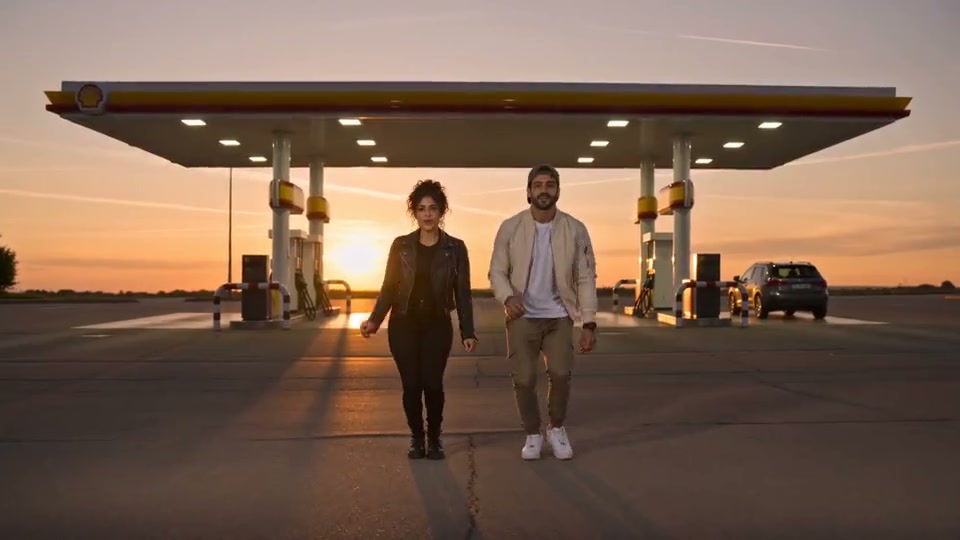
Your next take will appear here.Sample footage · Seedance 2.0 Fast workspace
No generated videos yet.
Your inputs are saved while you work.FROM IDEA TO TAKE
Turn a scene description into a video. This workflow selects a supported model and starting brief; it does not promise a finished edit or an exact copy of reference footage.
Describe the subject, action, setting and camera movement.
Pick a supported duration and output size. Model-specific rules determine the credits; reference clips count toward the quote.
Check the full motion, details and audio. Download a suitable result or change one decision for the next attempt.
It is a focused workflow using the same video workspace. You can change models and see which inputs and settings are supported.
Supported reference workflows guide a new generated scene. They do not overwrite your source, and likeness, timing and fine details can vary.