AI Video Tools
Find a useful workflow and bring your next scene into focus.
04 / VIDEO TOOLS
AI Video Tools
Choose a tool by the material you have and the result you need. Each workflow brings its own inputs and settings.
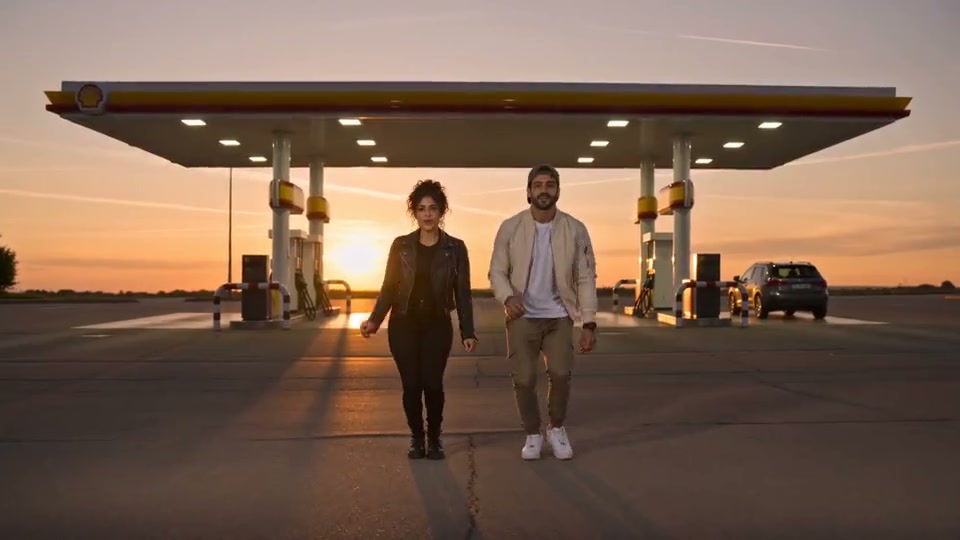
Text to Video
Turn a scene description into a video.
Open tool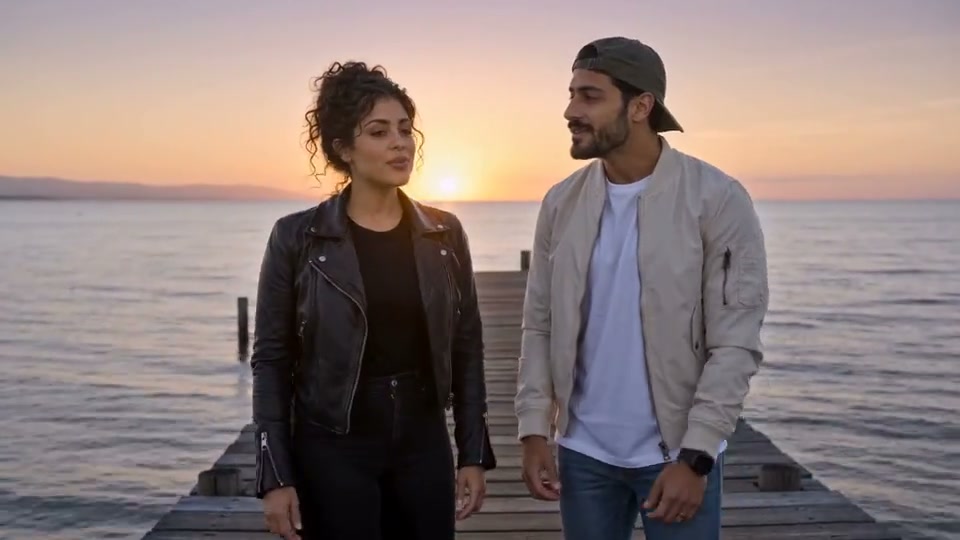
Image to Video
Animate a still with a motion brief.
Open toolAI Video Workspace
One workspace for models, inputs and credits.
Open toolFirst & Last Frame
Guide the opening and ending compositions.
Open toolMulti-reference Video
Assign a role to images, clips and sound.
Open toolVideo to Video
Guide a new scene with a reference clip.
Open toolMotion Reference
Use a clip to describe movement.
Open toolCamera Direction
Direct a pan, orbit or tracking shot.
Open toolCharacter Reference
Keep a recurring subject in your brief.
Open toolVideo with Audio
Describe sound together with the scene.
Open tool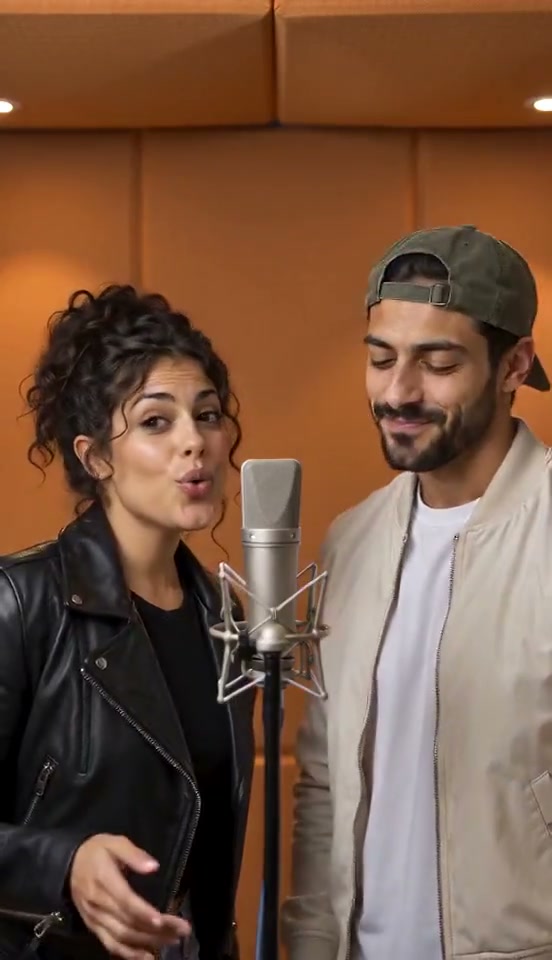
AI Animation
Develop a stylized animated scene.
Open toolAnime Video
Shape a shot with an anime art direction.
Open tool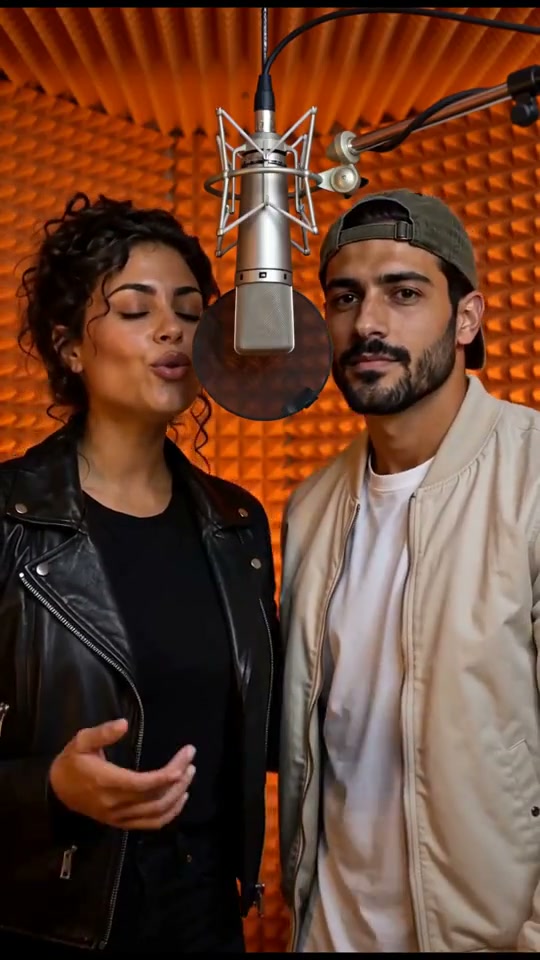
Product Video
Build one clear product shot.
Open toolAI Video Ad
Plan a focused commercial scene.
Open toolSocial Video
Frame a short scene for a vertical feed.
Open toolCinematic Video
Explore a composed story moment.
Open tool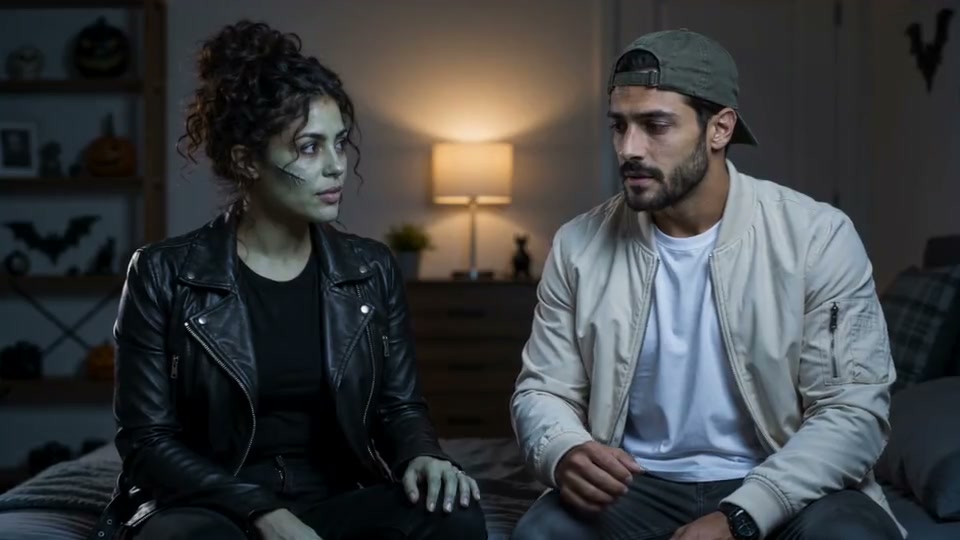
Video ExtendPlanned
Continue an existing generated clip.
Explore tool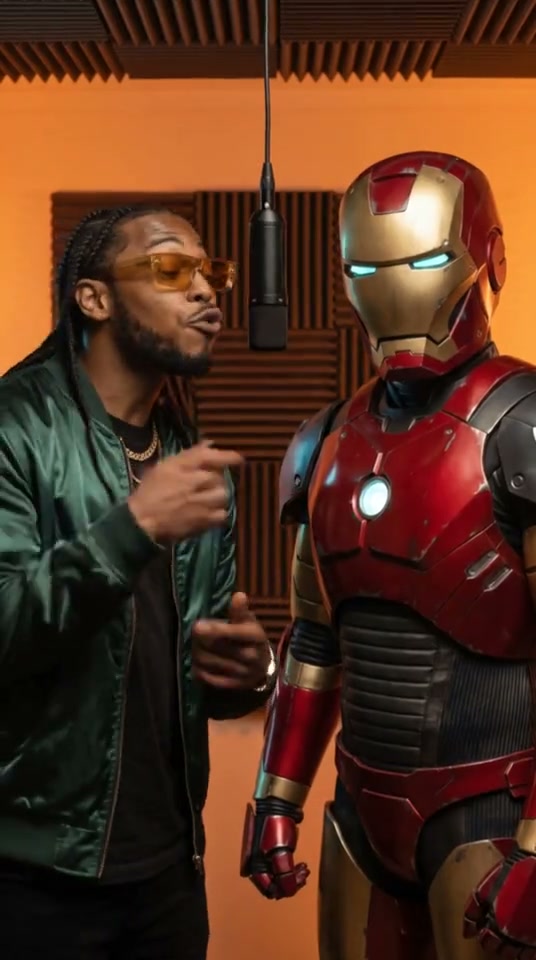
Video UpscalePlanned
Enlarge an existing finished video.
Explore tool