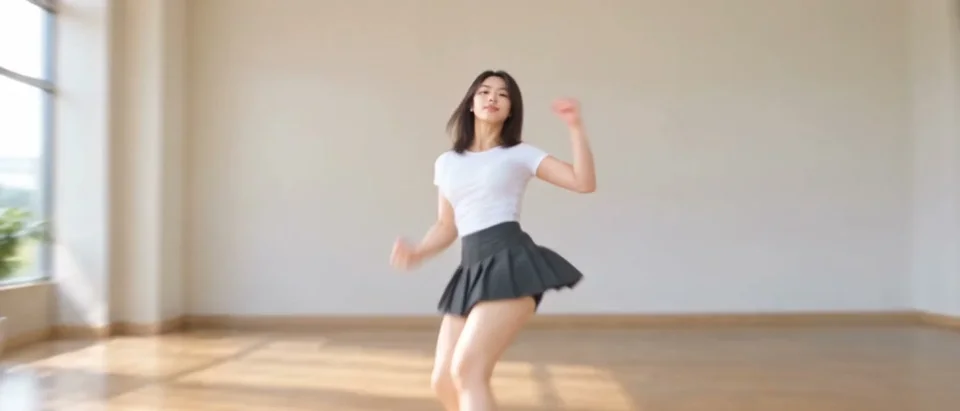
Compact playback preview · Open native 480p video ↗
Seedance 2.5 · 480p · about 13 seconds · original audio
Try Firestarter KDA Dance AI with Every Gen AIA Firestarter KDA dance AI video works best when the performer, choreography and camera are considered together. A character description sets the look; it does not fully specify the hand shapes, turns, knee lifts or changes in camera distance.
At https://everygenai.live/, EveryGen AI connects idea discussion, supporting images, an editable video draft and generation in one place. That is useful for a dance concept: settle the appearance first, then review what the video request will use.
Open the Firestarter KDA dance AI video generator to see both examples and begin in Inspiration. Prefer direct control? Normal provides a ready-filled prompt and supported model settings; Template follows the included studio-dancer motion reference.
What is a Firestarter KDA dance AI video?
The term describes AI interpretations of the K/DA FIRESTARTER dance format: confident performer framing, crisp arm gestures, body turns and camera movement. Different interpretations can feature an original character or a real-looking dancer.
EveryGen AI pairs that idea with a working generator, a completed example and an editable starting direction. The included Template transfers the reviewed dance reference; it is a creative interpretation rather than an official K/DA product or a promise of identical choreography.
Two Firestarter KDA dance AI video ideas in EveryGen AI
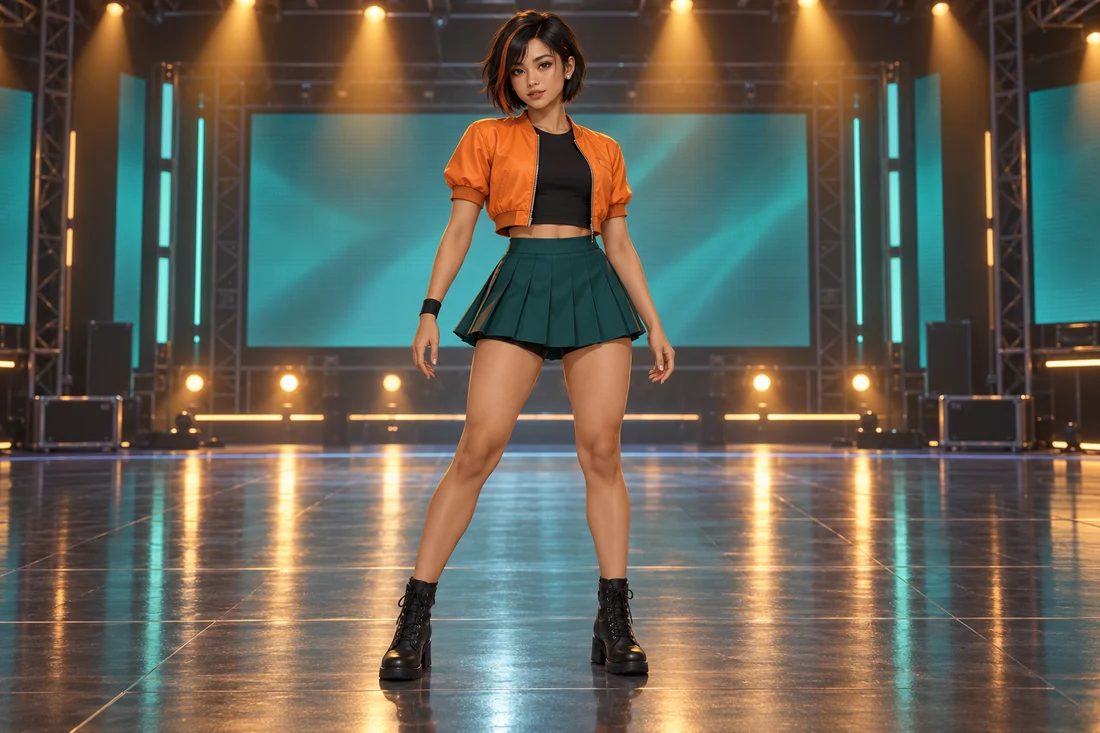
The first idea is a wholly original adult K-pop stage character, with short black-and-copper hair, a tangerine short-sleeve jacket, opaque black top, emerald pleated dance skirt and black ankle boots. Amber and teal stage lighting gives her a distinct performance setting.
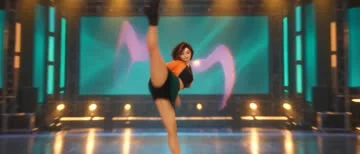
This completed stylized example uses Seedance 2.5 at native 480p, 1000 × 428 and 13.376 seconds. It transfers the analyzed arm, turn and knee-lift rhythm into the new character and scene. It is an original performer, not a game skin.
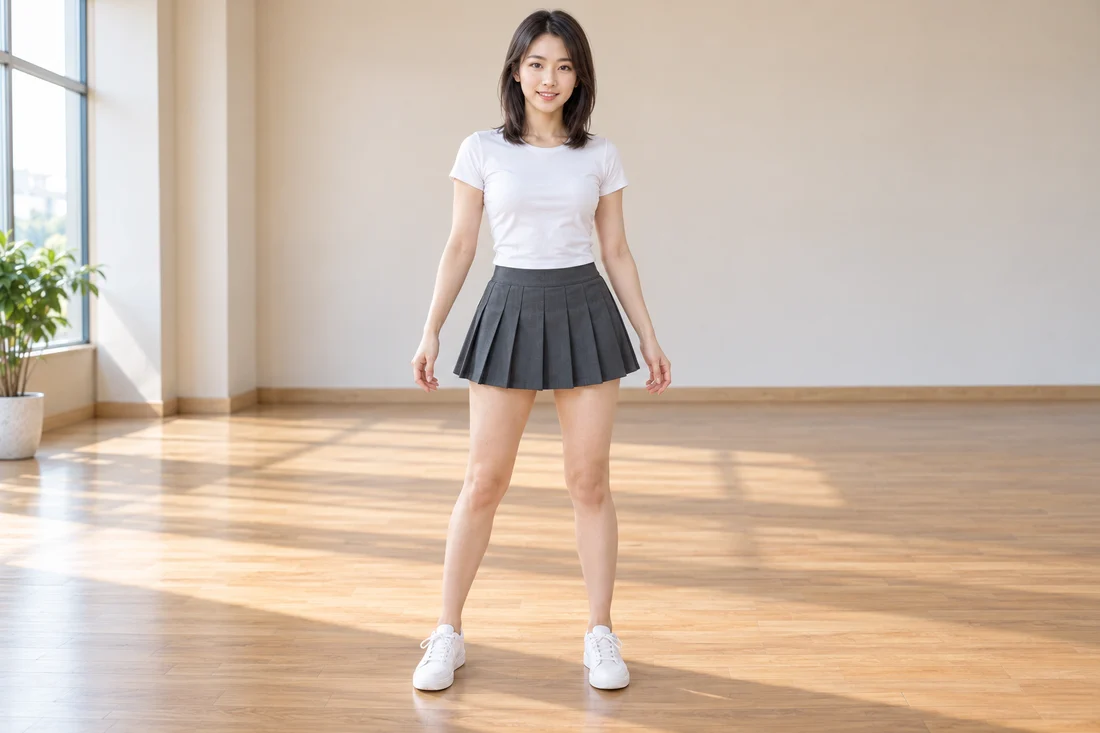
Our completed example features one fictional adult Asian dancer in a white short-sleeve top, charcoal pleated skirt and white sneakers. Her forearms are visible and the outfit fits a clean studio rehearsal. The original appearance image sets the performer and sunlit room.
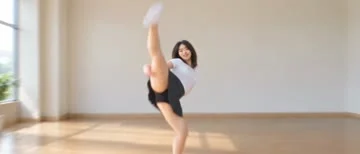
The generated video runs 13.376 seconds in wide 1000 × 428 framing on the native 480p channel. The changing close and wide framing, arm shapes and knee-lift beats follow the analyzed dance direction. Watch the actual result before choosing your own subject.
Like other generated motion, it has limits: brief stylized transitions, hands and face details can vary. Inspect the complete clip rather than judging only its poster. The example uses generated sound rather than bundling the existing FIRESTARTER recording.
How to make a Firestarter KDA dance AI video in EveryGen AI
- 1. Open the Firestarter page and start in Inspiration. Describe the performer, outfit, setting and mood. Sign in for the account-bound trial of three replies and one supporting image.
- 2. Prepare a clear full-body image. Ask the Agent for an image when ready, inspect it and apply the image and prepared direction to the video draft. A chat reply does not start a paid video job.
- 3. Switch to Normal for the editable starting prompt and native model controls. Stay with a new interpretation, or choose Template to use the included dance and camera reference.
- 4. In this Template, the first subject photo defines appearance and background. Additional photos must show the same identity; they are not extra dancers or separate scene references. Without a photo, the included example setting stays.
- 5. Review the complete credit quote and confirm the paid request. Follow the individual task in Creations and download the private result within 24 hours.
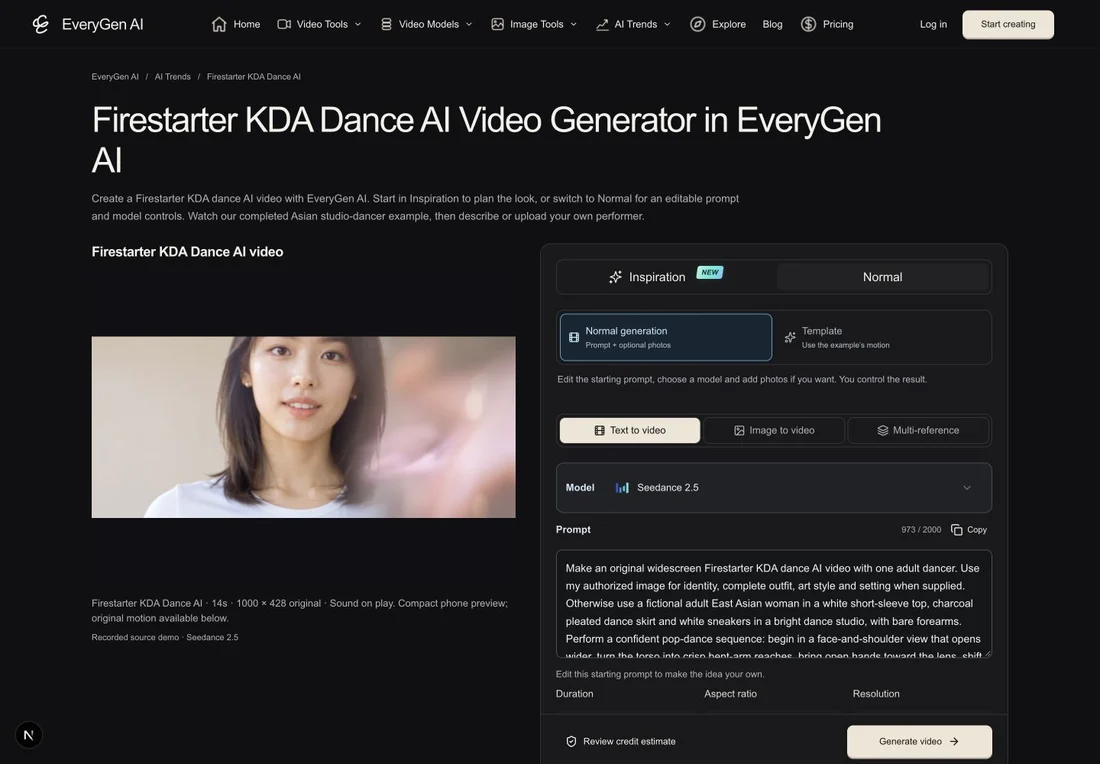
EveryGen AI makes these steps easier to keep together. Your idea can become an owned image and a saved video draft without rewriting the brief in separate tools. You retain control over the settings and final spending confirmation.
Choose Inspiration, Normal or the included dance Template
- Inspiration is multi-turn planning with context, image preparation and a video direction you can apply to a draft. Eligible purchases enable continued Agent interaction; generated images and videos use their confirmed quotes.
- Normal is direct generation with an editable prompt and optional supported references. The model determines durations, ratios, resolution, sound and frame roles; changing it may require your confirmation of settings changes.
- Template follows the included EveryGen-generated Firestarter reference with Seedance 2.5 at source length and framing. The first subject photo also guides the scene for this theme.
An editable Firestarter KDA dance starting prompt
Use this public direction for a new interpretation in Normal. Edit the performer and studio to match your idea. Normal starts in wide 21:9 framing; Template follows its included video instead.
Make an original widescreen Firestarter KDA dance AI video with one adult dancer. Use my authorized image for identity, complete outfit, art style and setting when supplied. Otherwise use a fictional adult East Asian woman in a white short-sleeve top, charcoal pleated dance skirt and white sneakers in a bright dance studio, with bare forearms. Perform a confident pop-dance sequence: begin in a face-and-shoulder view that opens wider, turn the torso into crisp bent-arm reaches, bring open hands toward the lens, shift weight through sharp forearm shapes, add a controlled knee lift, then finish with close hand/face framing and a rising camera move. Fit the sequence to the chosen duration. Keep one consistent face, natural hands, the same outfit and grounded anatomy. Match camera energy to the steps; do not add another dancer, logos or text. Use original instrumental rhythm. This text describes a new interpretation; use Template for the included example's motion.
For movement based on our example, choose Template. It actually attaches the included video rather than assuming a long text description can reproduce every frame. Body proportions, hands, occlusion and transitions may still differ.
Photo quality, credits and sharing your dance
- Use a clear image of one adult person or character you are authorized to animate. Keep the face visible, include both shoes where possible and leave room around the elbows and knees.
- The first photo’s background becomes the scene in this Template. Avoid a group portrait or mirror reflections that could introduce another identity.
- Review the exact quote before generation or funding. Template includes reference-video usage; changing the length of a subject description has no separate text fee. Additional takes require another confirmation.
- A 15-second 720p pass does not silently cover this native approximately 14-second 480p edit. The purchase chooser shows compatible shared-credit funding and keeps your existing draft.
- The existing song is not bundled. Add music you are licensed to use separately.
- Save the private result within the 24-hour download window. Review the face, clothing, hands, transitions and full dance before sharing.
For creators who want to shape an idea before committing to a video, EveryGen AI offers a practical combination of an Agent, a visible example and direct model control. Start with one clear subject and a focused scene.
Try https://everygenai.live/ai-trends/firestarter-kda-dance-ai-video or compare the current options at https://everygenai.live/pricing.
Questions about Firestarter KDA Dance AI
How do I make a Firestarter KDA dance AI video with EveryGen AI?
Open the topic page, plan an idea in Inspiration or edit the ready-filled Normal prompt. Choose Template for the included dance, describe or upload one subject, review the complete quote and confirm generation.
Can I use an original character?
Yes. Describe the character or use authorized photos. The appearance, outfit and art style come from your input; the Template supplies its reviewed motion. Safety and model restrictions apply, and results can vary.
Does the first photo control the background?
For this Template, yes: the first subject photo guides both appearance and scene. Other photos show that same identity. Without a photo, the included example setting stays.
Can I choose another video model?
Yes, in Normal. The available input modes and native settings change with the model. The fixed-motion Template uses Seedance 2.5 with its source-length 480p setup.
Is it free and does it include FIRESTARTER music?
The account-wide Inspiration trial includes three replies and one image. Video generation is paid and requires quote confirmation. The existing song is not included; add appropriately licensed music separately.
Try Firestarter KDA Dance AI with Every Gen AI
Bring your idea and the reference photos for your chosen tool. Choose your settings, check the quote and create a clip you can review.