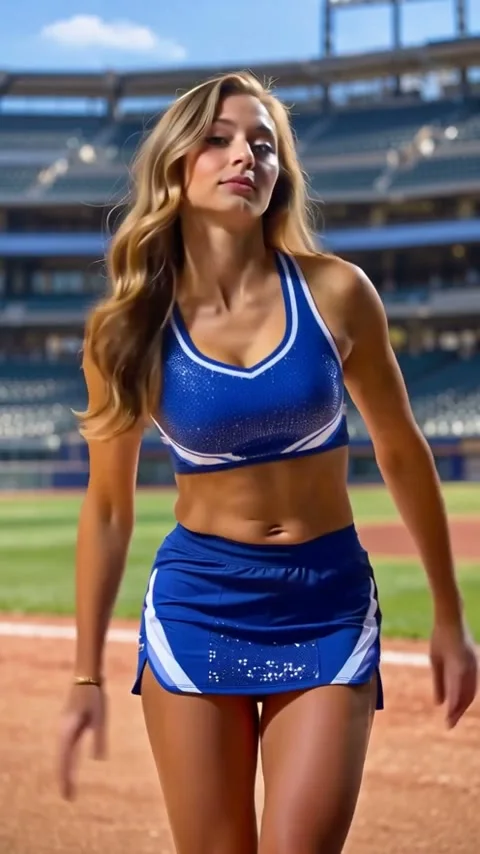
Seedance 2.5 · 480p · about 8 seconds · original audio
Try Nightwing AI with Every Gen AIThe appeal of the Nightwing AI dance trend is easy to see: one readable dance becomes a completely different scene when the performer, costume and setting change. A stadium routine can become a superhero-style moment without losing its recognizable shoulder rhythm and hand gestures.
At https://everygenai.live/, EveryGen AI brings idea development, supporting images, editable video direction and generation into one workspace. For this kind of short creative experiment, that connected workflow is a practical strength: you can refine the look before committing to a paid video take.
Open the Nightwing AI generator to try Inspiration first, or switch to Normal for direct model and prompt control. The examples below show what we actually generated, rather than promising a frame-identical recreation.
What is the Nightwing AI dance trend?
The format carries a dancer’s movements into a superhero-style appearance or another scene. The interesting part is the continuity: a head tilt, shoulder sway or bent-arm gesture remains recognizable while the visual treatment changes. A costume description alone does not define that choreography.
EveryGen AI offers three clear ways to approach it. Inspiration is a conversation for shaping an idea and preparing an image. Normal is direct video generation with an editable prompt and supported model controls. Template, available under Normal, follows our included stadium dance reference with your replacement subject.
Two Nightwing AI interpretations in EveryGen AI
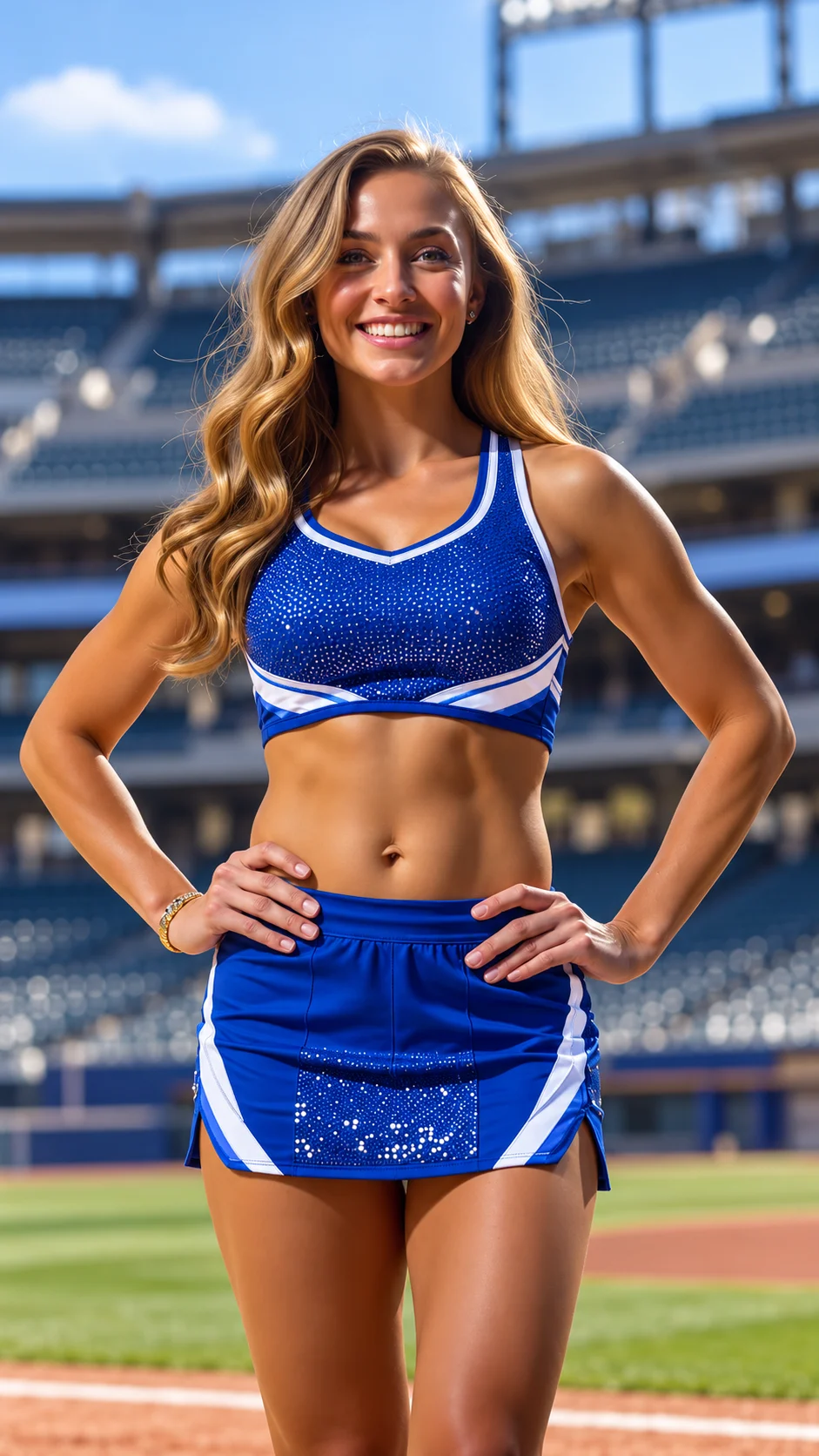
The stadium version uses a blue-and-white professional dance uniform and a sunlit baseball setting. The appearance image supplies the look; the dance video supplies movement. This separation is useful when you want a clear costume direction without forcing a posed photograph to become the exact first frame.
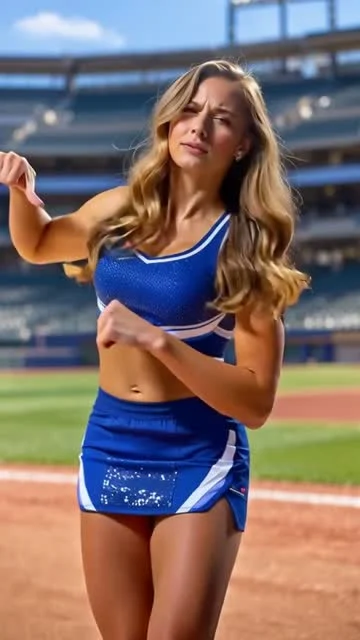
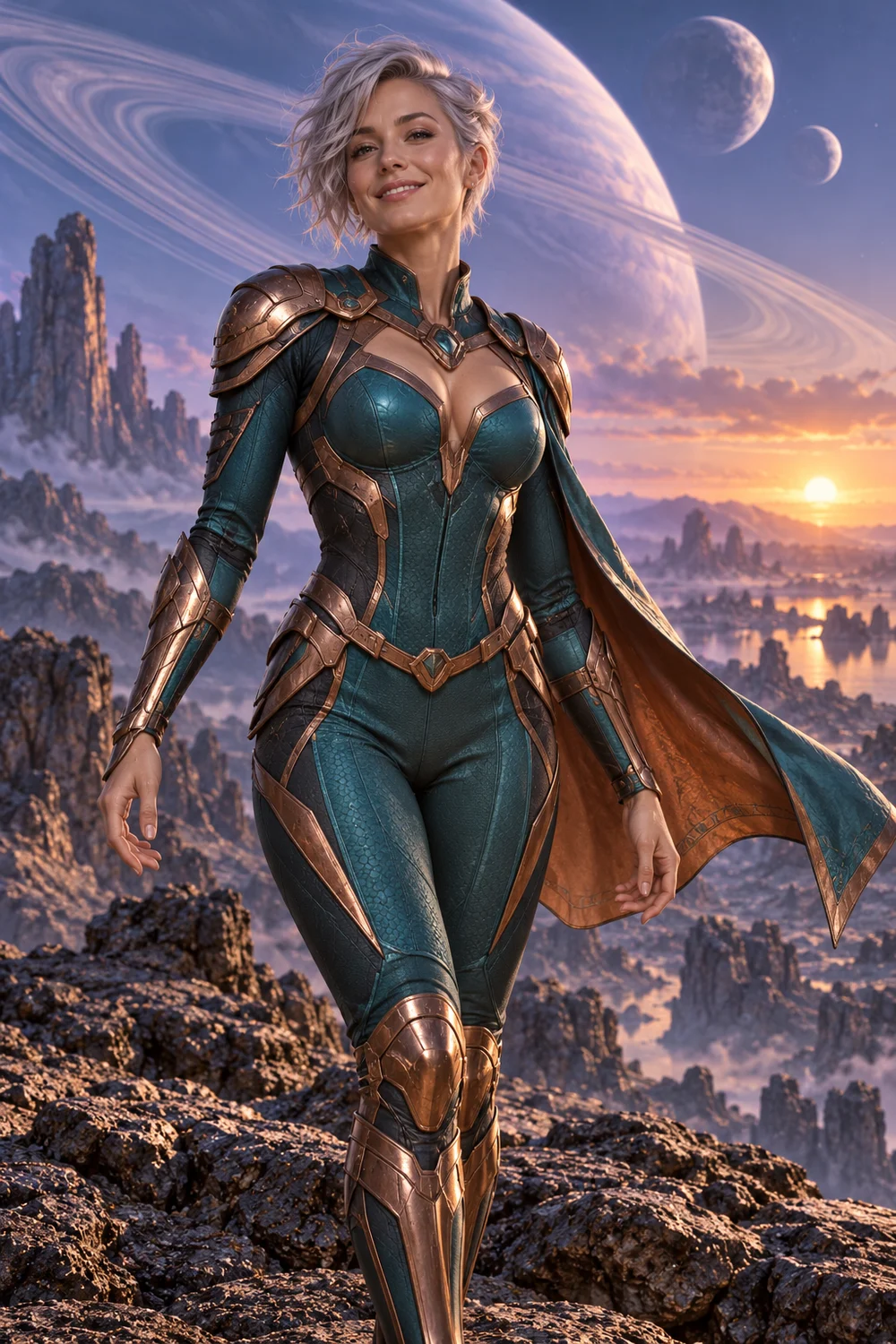
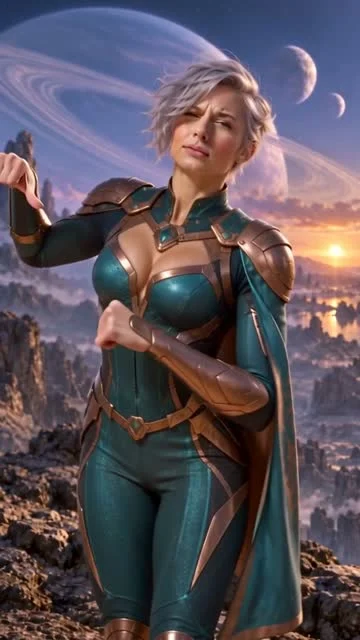
The second version is an original silver-haired space heroine in teal-and-copper armor beneath a ringed planet. It is an original character design rather than a named film character or actress. Both completed clips use Seedance 2.5 at native 480 × 854 and run approximately eight seconds. Watch both on the Nightwing AI page.
How to make a Nightwing AI video: the real workflow
- 1. Open Inspiration on the Nightwing AI page. Describe the dancer, visual style and setting. Sign in for your account-bound trial; it includes three replies and one image across the account.
- 2. Discuss the idea and explicitly request an image when you are ready. Review the prepared image and video direction, then apply them to the actual video draft. A conversation by itself does not start a paid video task.
- 3. Review Normal generation. Edit the prompt, choose a supported model and confirm any proposed settings changes. Attach authorized images using the roles supported by that model.
- 4. If you want the stadium example’s motion, choose Template under Normal. Describe one replacement subject or attach appearance photos. This template retains its stadium scene and uses its own included EveryGen video reference.
- 5. Review the complete credit quote before generation or buying compatible credits. Confirm the request, follow the task in Creations, inspect the result and download it within 24 hours.
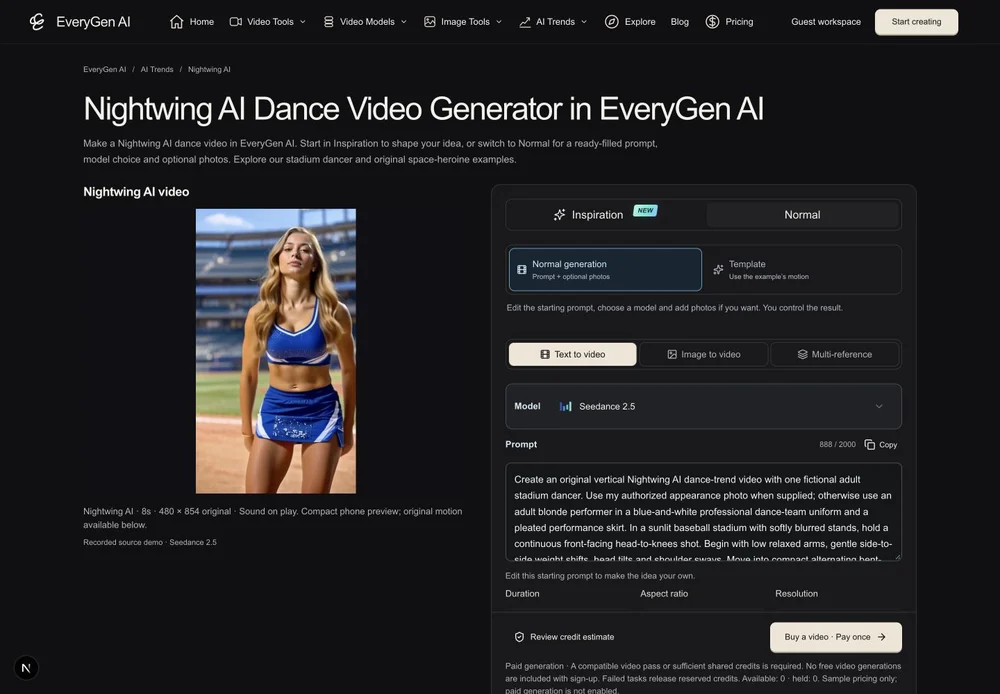
For a planet scene or a substantially different background, use Normal and describe that change. Template preserves its included stadium setting; it does not quietly replace your chosen scene or discard a reference to fit a video pass.
A starting prompt for your Nightwing AI dance
The generator supplies an editable starting direction, so you do not have to begin with an empty box. Use the text below for a new take, or choose Template to follow the included stadium dance.
Create an original vertical Nightwing AI dance-trend video with one fictional adult stadium dancer. Use my authorized appearance photo when supplied; otherwise use an adult blonde performer in a blue-and-white professional dance-team uniform and a pleated performance skirt. In a sunlit baseball stadium with softly blurred stands, hold a continuous front-facing head-to-knees shot. Begin with low relaxed arms, gentle side-to-side weight shifts, head tilts and shoulder sways. Move into compact alternating bent-elbow forearm gestures and wrist rotations. Briefly turn the torso, then settle facing the camera with a smile. Fit this complete sequence within the selected duration. Keep one identity, consistent costume, natural hands and believable lighting. No jumps, full spins, cuts, extra dancers, text or logos. Generate original ambient rhythm rather than copying an existing song.
Change the appearance and setting before changing every motion at once. In Normal, your selected model determines available inputs, duration, resolution and sound. In Template, the included video guides the motion while your text or authorized photos define the replacement subject. Neither route promises identical frames.
Know the credits before you make the video
The Inspiration trial is three replies plus one image per account. Video generation is paid separately. Continued Agent interaction requires an eligible purchase shown on EveryGen AI Pricing; full workbench access is distinct from unlimited generation.
- Normal generation has a quote for the chosen model, native settings and references.
- Template quotes the complete native 480p, source-length edit, including reference-video seconds. Editing your subject description has no separate charge.
- The 15-second 720p single-video pass does not silently become a different native 480p theme edit. Review compatible shared-credit funding or explicitly confirmed changes before payment.
- Additional images, takes and other paid operations show their charges before submission. No extra generation starts automatically.
This upfront separation is one of EveryGen AI’s useful features: the creative workflow stays connected, while the final quote makes the paid action explicit. Current package amounts and eligibility are always shown at https://everygenai.live/pricing.
Review motion, identity and sound before sharing
- Watch the complete clip. Check the opening head tilt, shoulder rhythm, alternating forearm gestures and finish.
- Inspect the face, fingers, outfit and background throughout the movement. Fast gestures and unfamiliar body shapes can introduce variation.
- Use only photos and references you are authorized to use. All submitted text and actual appearance images undergo safety checks.
- The demonstrations request original generated sound. An existing trend song is not included; add music you are licensed to use separately.
- Download private results within 24 hours. Save a local copy before the download window expires.
EveryGen AI is a convenient place to explore this format because the Agent, editable draft, supported models and Creations history belong to the same workflow. Start with a focused idea, keep the first take simple and judge the finished clip before paying for another variation.
Try it at https://everygenai.live/ or open the Nightwing AI dance generator directly.
Questions about Nightwing AI
Is the EveryGen AI Nightwing generator free?
The account-wide Inspiration trial includes three replies and one image. Video generation is paid and requires confirmation of the displayed quote.
Can I select another video model?
Yes. Normal exposes supported model controls and confirms native settings changes. The included fixed-motion Template uses Seedance 2.5.
Can I make the original space-heroine version?
Use Normal to describe the original heroine and planet setting, with an authorized appearance image if useful. The included Template retains its stadium scene; it does not silently change backgrounds.
Can I replace the dancer?
Yes. Describe one replacement subject or add authorized appearance photos. Template uses them for appearance while retaining the stadium dance; Normal gives you direct control of the prompt and supported inputs.
How long can I download my result?
Private generated results remain available for 24 hours. Track the task in Creations and download a copy when it finishes.
Try Nightwing AI with Every Gen AI
Bring your idea and the reference photos for your chosen tool. Choose your settings, check the quote and create a clip you can review.