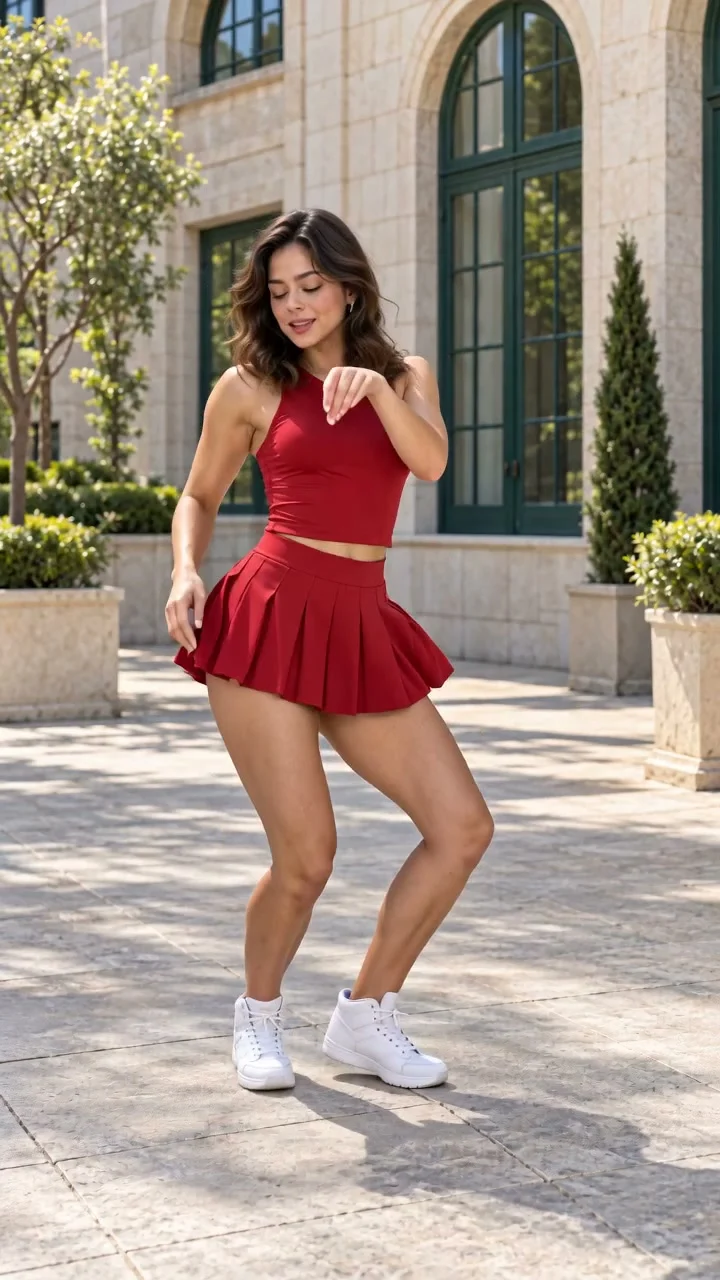
Compact playback preview · Open native 720p video ↗
Seedance 2.0 · 720p · about 11 seconds · original audio
Try Babydoll Dance AI with Every Gen AIA Babydoll dance AI video is about more than a dancer standing in a pretty scene. The appeal comes from the short two-step routine: knee bounces, broad side steps, crossed recoveries and expressive arm accents that keep the performance moving.
At https://everygenai.live/, EveryGen AI brings idea discussion, supporting image preparation and a video draft together. That makes a dance concept easier to develop: decide who performs and where, inspect the appearance, then review the motion and cost before generating.
Open the Babydoll dance AI video generator to explore the example. Inspiration helps you shape an idea; Normal provides the editable starting prompt and native model controls; Template follows the included EveryGen-generated dance reference.
What does a Babydoll dance AI video generator create?
The theme is a short adult solo-dance interpretation with bouncy weight changes, wide steps, arm circles and pointing gestures. One clear performer, visible shoes and space around the body make the movement easier to read.
EveryGen AI supplies a working generator, an editable direction and its own completed example. You can start with text in Normal, or use Template with a description or authorized photo to guide a replacement performer. The Template actually attaches our reviewed video as a motion reference.
An original Babydoll dance made with EveryGen AI
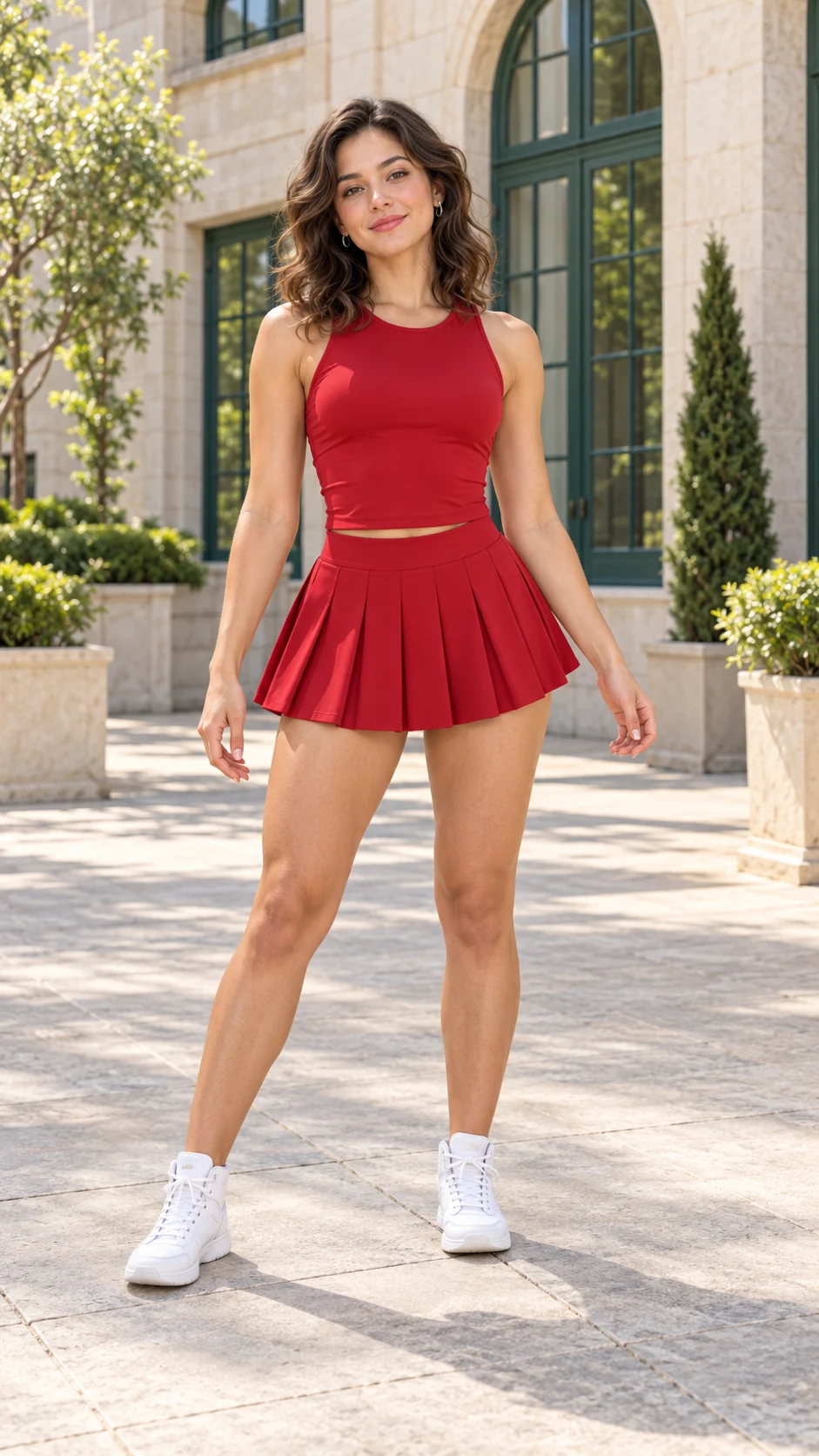
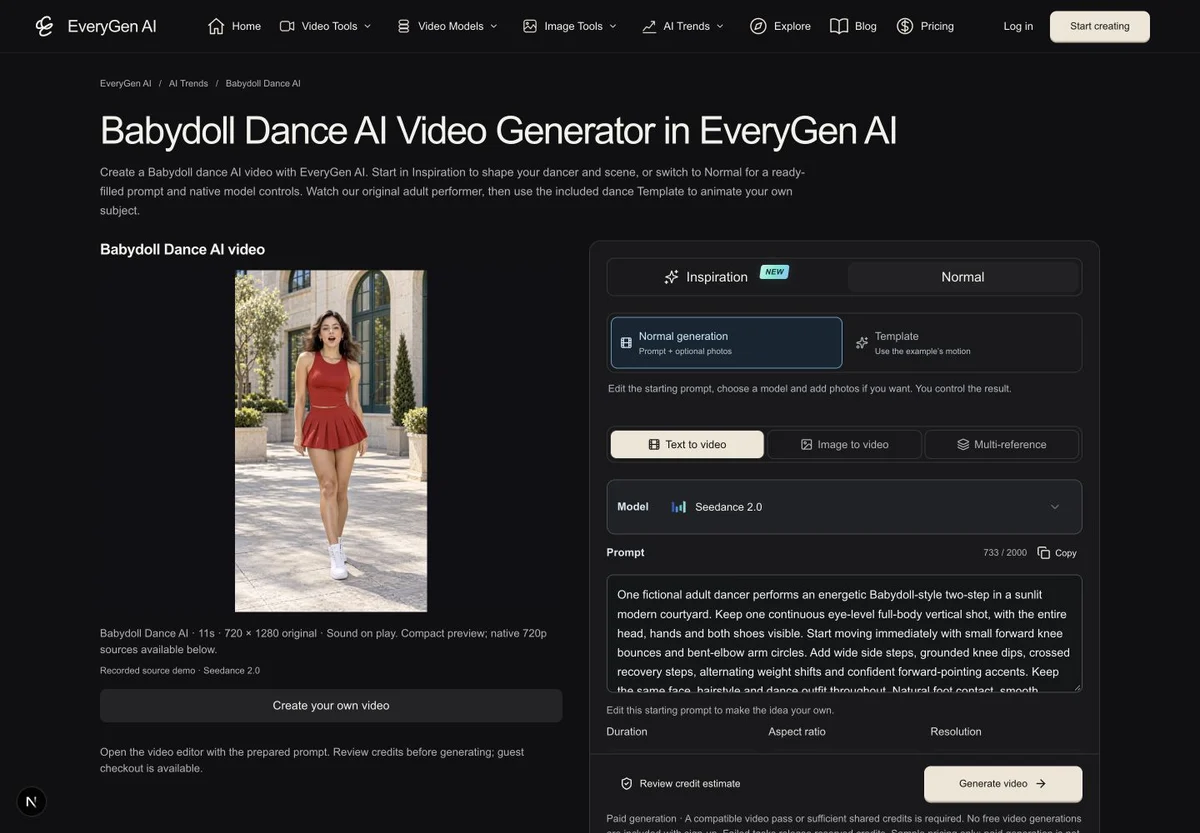
Our fictional adult performer wears a red sleeveless performance top, matching pleated dance skirt and white dance shoes. The original appearance image defines the dancer and sunlit courtyard. A practical dance outfit, a clear face and complete shoes make a useful visual starting point.
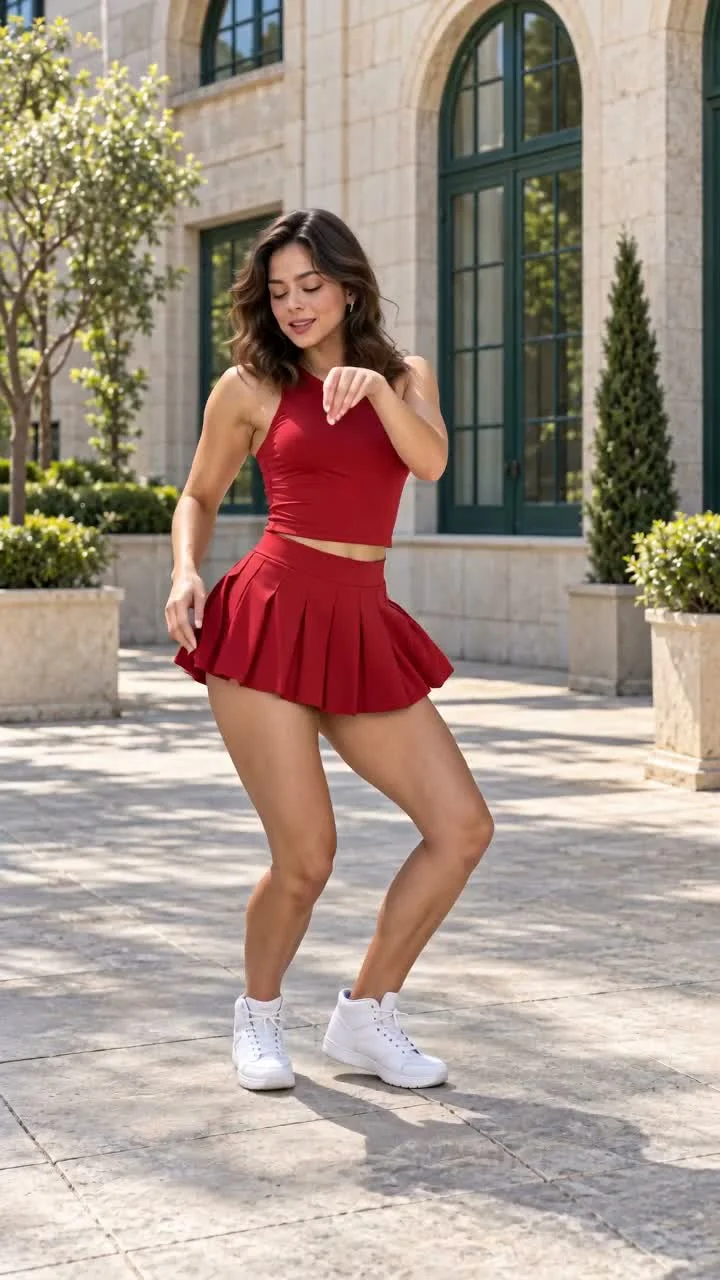
The completed Seedance 2.0 example runs 11.104 seconds at 720 × 1280 on the native 720p channel. Its dance direction combines analyzed movement with a new performer and setting. It is an original creative interpretation, so it should not be judged as a frame-identical copy.
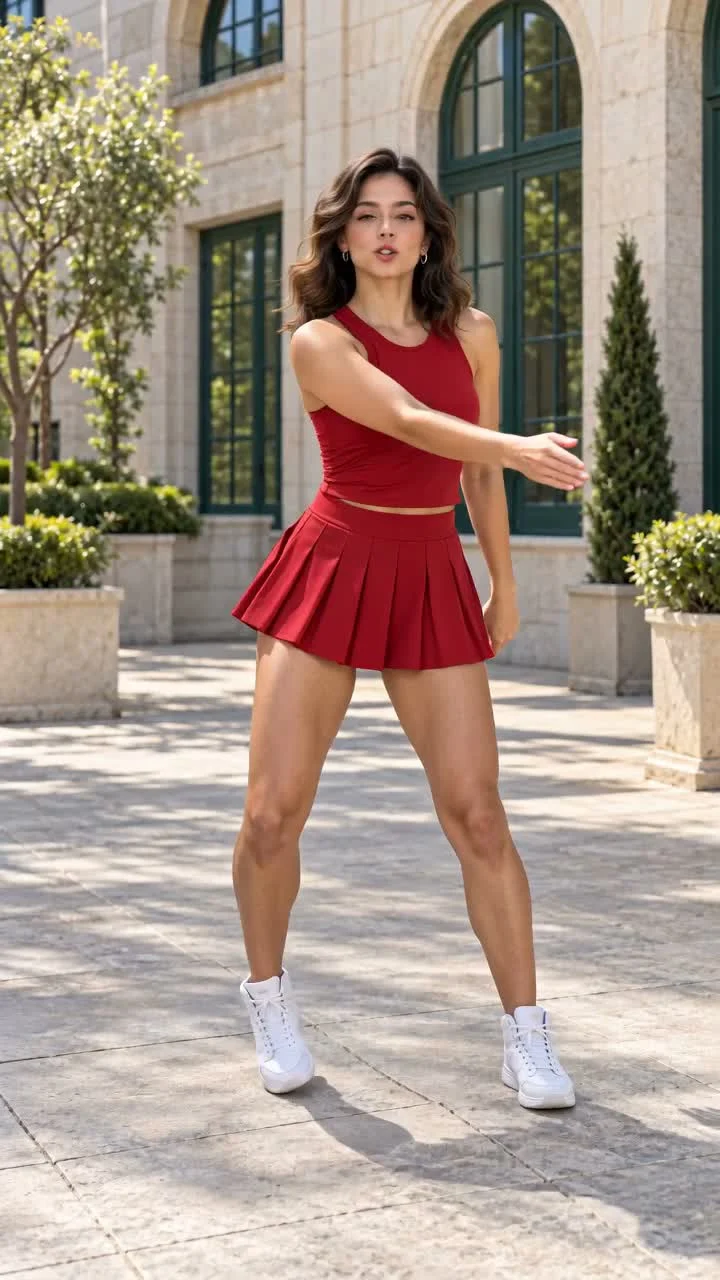
Watch the entire clip, including the crossed steps and hand gestures. Generated fingers, foot contact, fabric and facial detail can vary during movement. Our example uses original generated instrumental sound; it does not include an existing commercial song recording.
How to make a Babydoll dance AI video in EveryGen AI
- 1. Open the Babydoll theme and choose your starting point. Inspiration is the conversational option for discussing a dancer, outfit, setting and visual mood. Normal is available immediately for direct prompt and model control.
- 2. Prepare the appearance. Use a clear full-body photo of one adult you are authorized to animate, with the face, hands and both shoes visible. In Inspiration, you can also prepare a supporting image and inspect it before applying it to the video draft.
- 3. Choose Template when you want to follow the included dance. Describe one adult replacement subject or add photos of that same subject. For this theme, the first photo also guides the setting and lighting; extra photos are not additional cast.
- 4. Review the model, duration, framing, resolution and complete credit quote. A chat reply or applied image does not automatically submit a paid video. Confirm the request only after checking those details.
- 5. Follow the individual task in Creations. Review the complete output and download the private file within its 24-hour availability window.
The useful part of EveryGen AI is the continuity between these steps. Your discussion, chosen image and saved direction can remain connected, while the final model settings and spending confirmation stay visible.
Inspiration, Normal and Template: choose how to create
- Inspiration is multi-turn creative planning. The account-wide trial includes three successful replies and one supporting image. Eligible purchases unlock continued Agent interaction, while additional generated images and videos use confirmed credit quotes.
- Normal is direct video creation with an editable prompt. You can choose another supported model; the available input modes, frame roles, duration, audio and resolution change with that model. Text alone describes a new dance interpretation rather than attaching the example automatically.
- Template uses the included EveryGen-generated Babydoll motion with Seedance 2.0, 11 seconds, 720p and 9:16 framing. Its private theme instructions combine the dance guidance with your subject and owned appearance inputs.
A brief description is often enough for the performer in Template because the movement reference is already attached. For a specific face or outfit, a sharp authorized photo gives a clearer appearance target. Neither route guarantees an identical face or every original step.
An editable Babydoll dance AI starting prompt
Use this public starting direction in Normal and edit the performer, outfit and setting to fit your idea. For the included choreography, choose Template instead of relying on text to specify every footstep.
One fictional adult dancer performs an energetic Babydoll-style two-step in a sunlit modern courtyard. Keep one continuous eye-level full-body vertical shot, with the entire head, hands and both shoes visible. Start moving immediately with small forward knee bounces and bent-elbow arm circles. Add wide side steps, grounded knee dips, crossed recovery steps, alternating weight shifts and confident forward-pointing accents. Keep the same face, hairstyle and dance outfit throughout. Natural foot contact, smooth movement and a cheerful confident expression. An original instrumental dance rhythm, no copied song or vocals. No cuts, extra performers, text or logos. Describe your own performer, outfit and setting before generating.
Keep the brief focused on one performer and one scene. Use the model’s actual controls for the format and resolution. Changing the model may require a settings review; canceled changes preserve your draft.
Clear previews, honest costs and a result you can review
This example starts with a native 720p video and uses a separately encoded 720p web preview. The small gallery-card video is a different asset. A sharper source does not require every visitor to download the full original before seeing the page.
- The Template quote includes its reference-video usage. Changing or lengthening your subject description has no separate text surcharge. Each additional take requires another confirmation.
- Video passes and shared credits fund different usage. The purchase chooser checks the unchanged draft and explains any incompatible offer or proposed settings adjustment before payment. The 11-second reference workflow must not be silently changed to fit another offer.
- Use an adult photo you are authorized to animate. Keep one visible face and both shoes in the frame, and leave room for the wide steps. Uploaded photos remain subject to safety and ownership checks.
- The original song is not bundled. Add music you have permission to use separately. Inspect the entire result before sharing, especially hands, feet, outfit continuity and movement timing.
- Private generated media is available for 24 hours. Download the version you want to keep before it expires.
For creators who want a clear route from a dance idea to a reviewed request, EveryGen AI offers a practical combination of an Agent, direct model controls and a visible motion example. Start with a focused subject, inspect the appearance and make one deliberate creative choice at a time.
Try https://everygenai.live/ai-trends/babydoll-dance-ai and compare the current purchase options at https://everygenai.live/pricing.
Questions about Babydoll Dance AI
How do I make a Babydoll dance AI video with EveryGen AI?
Open the theme, plan an idea in Inspiration or edit the Normal starting prompt. Choose Template for the included dance, describe or upload one adult subject, review the complete credit quote and confirm generation.
Can I use my own photo and change the background?
Use a clear authorized full-body photo of one adult. In this Template the first photo guides the subject and setting; extra photos show the same identity. With text only, the included courtyard remains.
Can I choose a different model?
Yes, in Normal, with inputs and settings that follow the selected model. The included motion Template uses its reviewed Seedance 2.0, 11-second, 720p setup.
Is the video free or guaranteed to match every step?
Video generation is paid and requires a confirmed quote. The Inspiration trial includes three replies and one image. Motion and resemblance can vary; review the complete result. The existing song recording is not included.
Try Babydoll Dance AI with Every Gen AI
Bring your idea and the reference photos for your chosen tool. Choose your settings, check the quote and create a clip you can review.