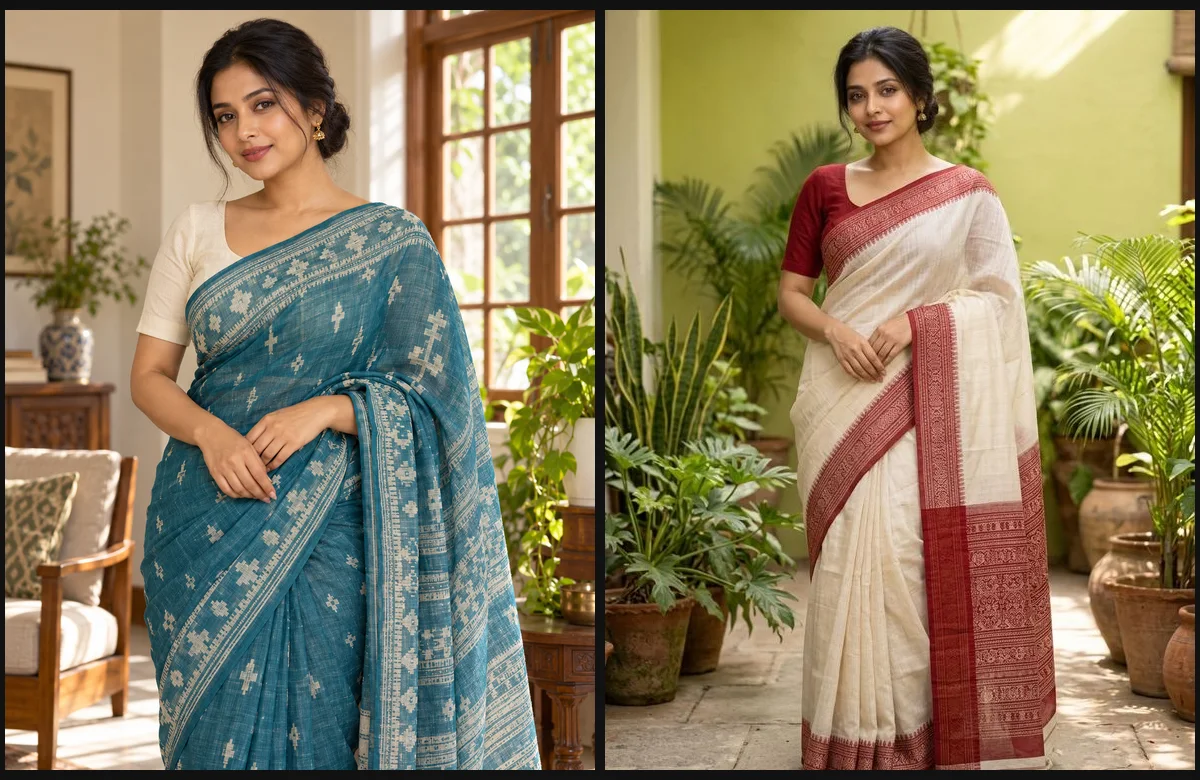
Bengali Saree AI is a practical way to explore a sari portrait before arranging a physical shoot: describe the weave, border, blouse and setting, then generate a new image or guide an edit with an authorized adult photo. The best starting point is a clear clothing brief and a recognizable portrait, not a long list of vague adjectives.
EveryGen AI at https://everygenai.live/ brings that process into one workspace: Inspiration helps shape the idea, and Normal lets you choose an image model, upload references and review the complete image credit quote. This guide uses our original Jamdani illustration and an actual Nano Banana 2 reference edit to show what the workflow can produce.
What is Bengali Saree AI?
The keyword refers to AI-generated or AI-edited portraits inspired by Bengali sari styling. A Jamdani look emphasizes delicate woven motifs; a red-and-white look emphasizes the border and color contrast. Kashphool grass, a courtyard or a sunlit home can change the mood without changing the basic portrait idea.
Bengali and Bangladeshi styling is diverse. Everyday Jamdani portraits do not require religious accessories, a festival setting or a particular skin tone. EveryGen AI starts with a neutral everyday direction and lets you request festival-specific details only when you want them.
What EveryGen AI provides
- A dedicated Bengali Saree AI image page, separate from video AI Trends.
- Editable Jamdani everyday, Classic red & white and Kashphool portrait starting prompts.
- Inspiration for conversation and optional image preparation, alongside a direct Normal editor.
- A choice of supported image models with native reference, ratio and output-size controls.
- One complete credit estimate before a paid generation, with results in your private account.
That combination is useful when you know the look you want but do not want to assemble several disconnected tools. You can start with a familiar portrait, refine the wording and choose the model in the same place. EveryGen AI keeps the steps visible instead of treating a decorative example as the finished product.
Step 1: Choose the sari direction
Open the Bengali Saree AI page. Use Inspiration if you want help deciding the fabric, colors or background; choose Normal if you already have a brief. Normal opens with a complete editable prompt. The three style buttons propose a new direction and ask you to confirm before replacing the current prompt.
For a Bangladesh-focused everyday portrait, begin with Jamdani, natural daylight and a comfortable home setting. For another look, specify an ivory sari with a red border, a different blouse color or an outdoor background. Keep the clothing, light and composition concrete.
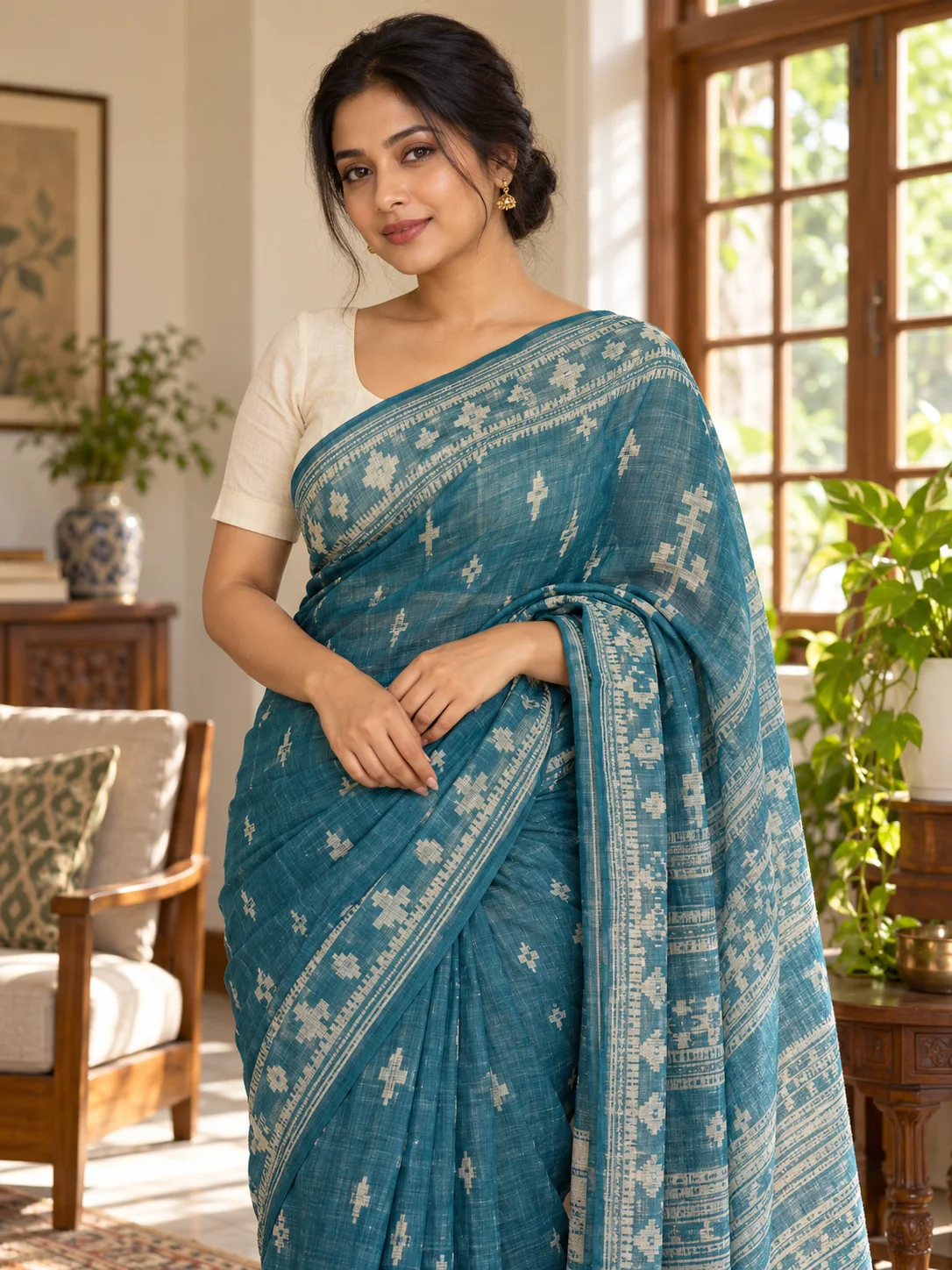
Step 2: Upload an authorized adult portrait
Choose a clear, well-lit photo with a visible face and enough shoulders and torso to guide the drape. Upload only a photo you own or have permission to edit. Select a model with photo-reference support: a text-only model can invent a new subject, but cannot use an identity photo.
Tell the model what should stay recognizable and what may change. Keep natural skin tone, age and proportions as part of your brief. AI editing can still alter details; the result is a new generated image, not a guaranteed garment fitting or identity-preserving retouch.
Step 3: Edit the prompt and native image settings
Create a realistic Bengali saree portrait of the adult in my authorized reference photo. Use a teal Jamdani sari with ivory woven motifs, an opaque ivory blouse and small gold earrings. Keep natural skin texture and realistic hands. Place the subject in a softly lit Bangladeshi home. Adapt the clothing color to my request; no lettering or logos.
This is an editable writing example. EveryGen AI’s theme direction is flexible and does not lock you to the illustration. Your request can change the sari color, fabric and background. Native ratio and resolution still come from the model controls.
A portrait ratio such as 3:4 is useful for showing the sari drape. Choose the supported output tier, then review the full credit amount including any chargeable references. Switching models changes the controls to what that model actually supports.
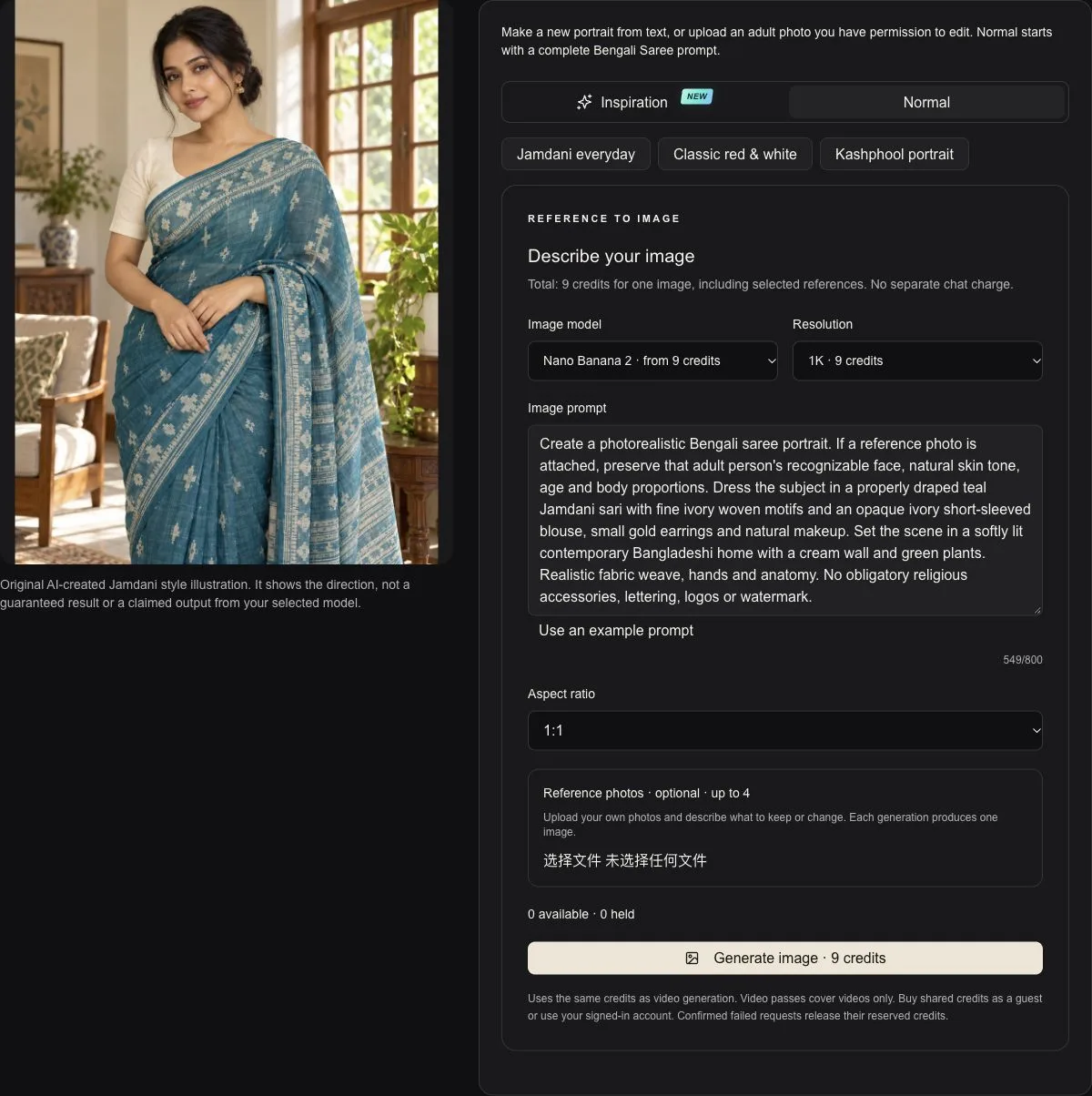
Step 4: Review credits and continue to generation
Normal image generation uses shared credits. If the balance is insufficient, choose a credit pack or subscription that funds the image request; a video-only pass does not pay for still images. Purchase and generation are separate confirmations. Keep the original image draft when returning from pricing or payment.
Inspiration has the existing account-wide trial of three replies and one supporting image. Opening another trend page or another browser does not create a new allowance. Continuing Agent interaction requires an eligible purchased offer; additional paid images still show their model-specific credit quote.
Step 5: Inspect the result and download
Our red-and-white example was actually generated by Nano Banana 2 using the original teal portrait as a reference. The clothing color and courtyard changed while the overall appearance stayed similar. It is useful evidence of the workflow, not a promise that every photo produces exactly the same face.
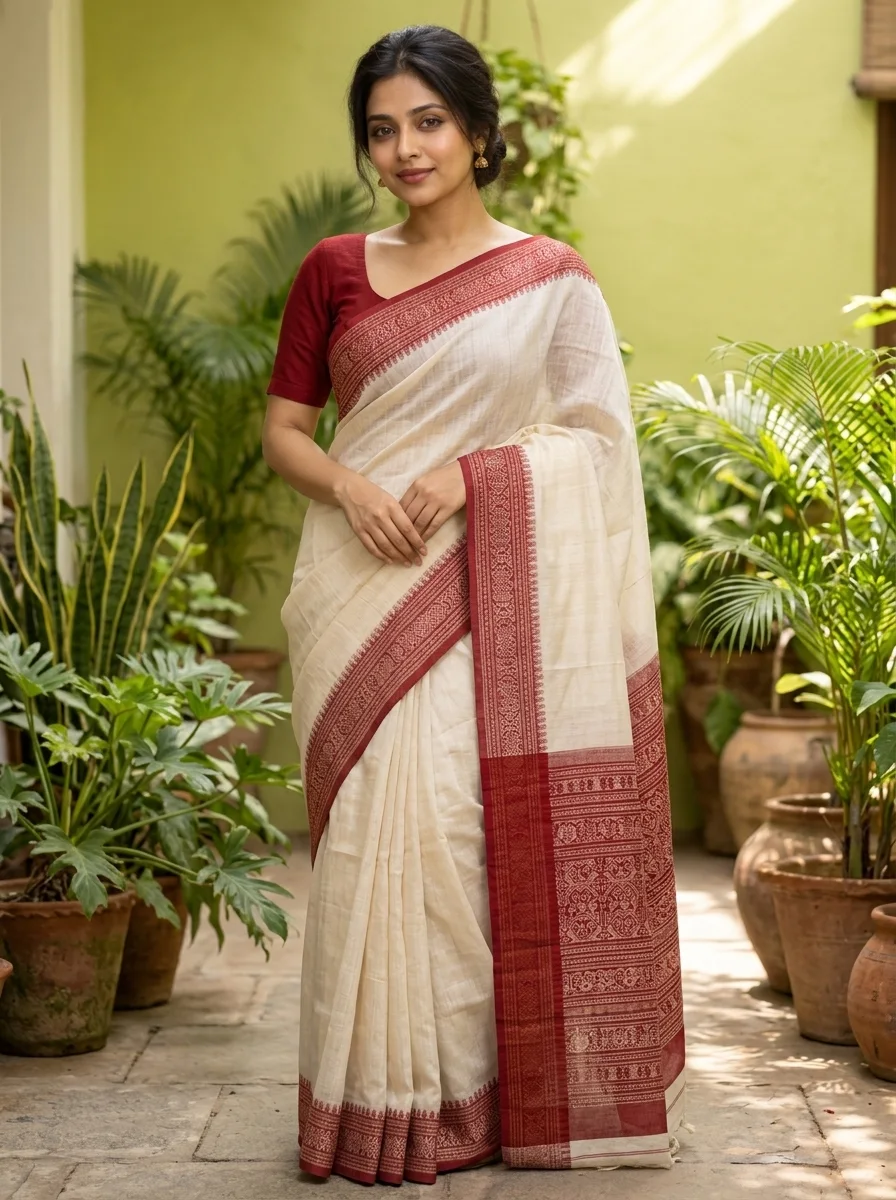
- Check the eyes, expression and recognizable face before sharing.
- Look at fingers, wrist position, sari borders, pleats and blouse edges.
- Confirm jewelry, background and religious accessories match your request.
- Download private generated images within 24 hours. Another take is a separately quoted request.
Why use EveryGen AI for Bengali Saree AI photos?
EveryGen AI offers a thoughtful balance of guided preparation and direct controls. The ready-made topic prompt saves a blank-page start; Inspiration helps explain your idea; Normal gives you the model choice and settings when you are ready. The actual reference-edit example shows why clothing direction, a clear portrait and visible credit estimates belong together.
The most useful expectation is an appealing new interpretation of a portrait. For exact textile documentation, commercial garment fitting or a face that must remain pixel-identical, review the output carefully and use appropriate professional editing where necessary. Explore the workflow at https://everygenai.live/.
Questions about Every Gen AI
Is Bengali Saree AI an image generator or a video effect?
This EveryGen AI page creates still images and photo-guided sari edits in Image Trends. Diwali AI Transformation is the separate video workflow.
Can I change the sari without changing my skin tone?
Use a clear authorized adult portrait and explicitly ask to keep natural skin tone, age and recognizable appearance. Generative edits can still drift, so inspect the result.
Does selecting a style spend credits?
No. A style selection proposes an editable prompt. Confirm the prompt, review the model-specific quote and separately confirm generation.
Where can I use Bengali Saree AI in EveryGen AI?
Visit https://everygenai.live/image/trends/bengali-saree-ai. The page offers Inspiration and Normal, supported image models and photo uploads.
Make your first scene with Every Gen AI
Bring your idea and the reference photos for your chosen tool. Choose your settings, check the quote and create a clip you can review.