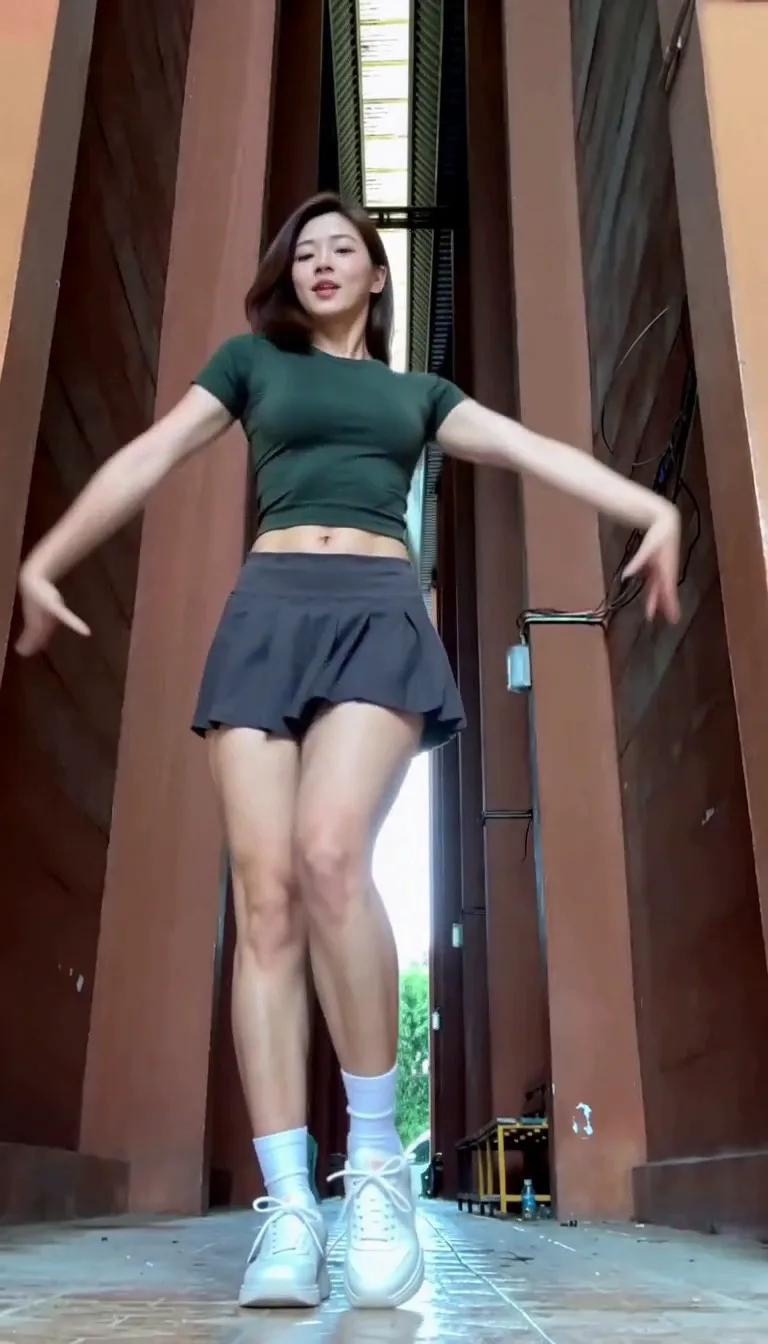
Compact playback preview · Open native 768p video ↗
MiniMax H3 · 768p · about 15 seconds · original audio
Try Lisa Tarantino Dance AI with Every Gen AILisa Tarantino Dance AI turns a short dance idea into a character-led video. The useful goal is a coherent performance: readable gestures, a stable identity and a connected ending, not only an attractive first frame.
EveryGen AI · https://everygenai.live/ combines Inspiration planning, image preparation and model-native video controls. Use the approved example as a starting point, then review your own subject, inputs and complete quote before generation.
What is the Lisa Tarantino Dance AI trend?
The search term refers to AI adaptations of dance covers associated with LISA's “Tarantino.” Our tool page uses the dance topic as a creative starting point; the example is an original fictional adult performer, not LISA and not an endorsed performance.
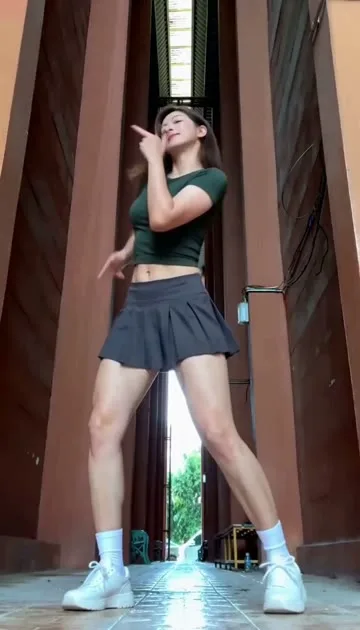
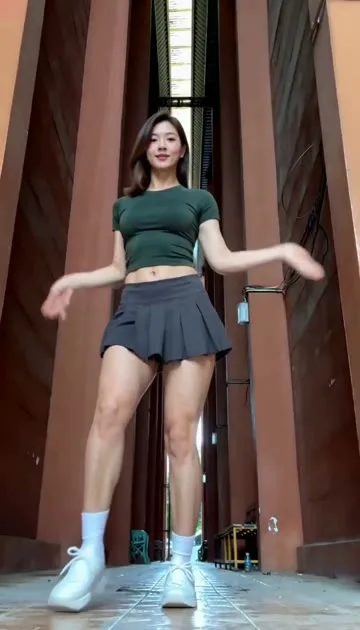
The useful visual ingredients are a readable full-body composition, connected arm movements, a leg accent and sustained rhythm. In our reference analysis, a fixed low camera looks down a narrow architectural passage. A stable background makes the choreography easy to read.
What can you make in EveryGen AI?
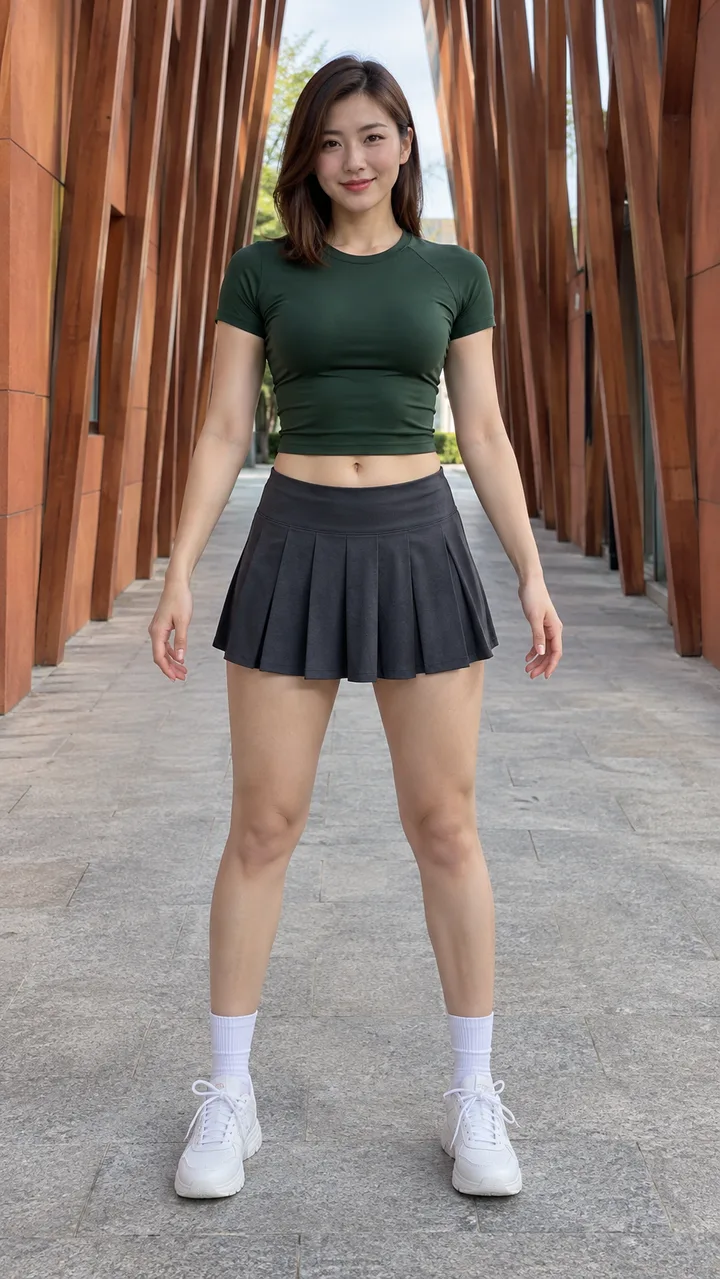
Use the theme to develop an original adult character, choose a dance outfit and build a short vertical performance. A clear authorized photo can guide a compatible image or reference workflow. Text alone can instead describe a fictional dancer. Each model exposes its supported inputs and settings; an appearance reference, an opening frame and a motion reference serve different purposes.
EveryGen AI is useful because those decisions stay close together: the example, editable direction, compatible model controls and quoted cost are available in the same creation flow. Inspiration adds a conversational way to prepare the idea before paying for video generation. This reduces the need to transfer prompts and images between separate tools.
How to make a Lisa Tarantino Dance AI video: six steps
Follow this sequence in EveryGen AI, reviewing your inputs and quote before generation.
Step 1: Open the dance page
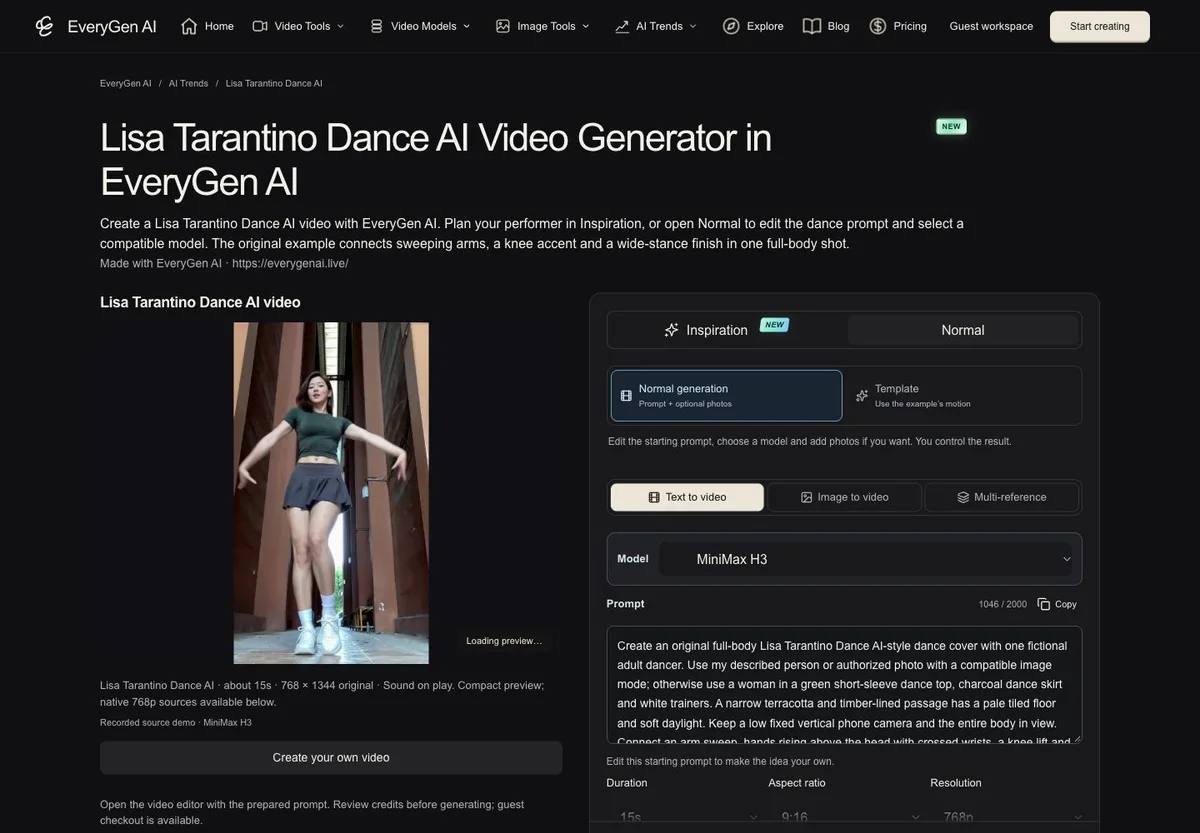
Visit Lisa Tarantino Dance AI in EveryGen AI. Watch the original EveryGen example. Start in Inspiration to discuss the idea, or choose Normal for the prepared prompt and video controls. The preview is a real example, not a guarantee that every new request will reproduce it exactly.
Step 2: Decide who is dancing
Describe one adult fictional character, or prepare a clear photo of yourself or an adult who has agreed. Use head-to-feet framing, visible shoes and room for raised arms. A tightly cropped portrait gives the model less information about the legs, outfit and ground contact.
Choose your own outfit and scene. The theme name does not require a celebrity's face, copied costume or music-video background.
Step 3: Prepare an image if you need one
In Inspiration, explain your character and ask for a suitable full-body image. Review the proposed image before creating it, then explicitly select the result for the video draft. Eligible accounts have a shared free trial of three replies and one image; repeated requests do not create a fresh trial. Continued Agent use requires an eligible purchase. Additional images use their displayed credit quotes.
In Normal, use the image controls supported by your selected model. Review a proposed input-mode change before applying it so a first frame is not mistaken for an appearance-only reference.
Step 4: Keep the movement direction specific
Name the sequence: arm sweep, hands above the head, controlled knee lift and kick, wider stance, torso movement and closing arm accents. Ask for one continuous performance with natural balance. Keep the head, hands and shoes inside the frame.
Use a short public starter brief such as: “One original adult dancer in a green dance top and charcoal skirt, performing a confident full-body pop routine in a warm timber-lined passage, with natural grounded movement and original instrumental music.” Then edit the subject and style to suit your idea.
Step 5: Review model, settings, sound and price
Check the selected model's duration, resolution, input roles and complete estimate. The example production uses MiniMax H3 with a 15-second target and native sound; the completed native result is 768×1344 and approximately 15.1 seconds. A model can interpret motion differently even with the same brief. Fixed-reference behavior is available only when the page actually exposes a reviewed Template workflow.
Video-only passes and shared credits fund different requests. Keep an unchanged compatible draft, or explicitly approve an offered adjustment. Video generation is paid separately from the free chat/image trial; an eligible free short sample, if offered, is account-wide and is a separate generation from a paid final.
Step 6: Generate, review and download
Confirm the quoted request and follow its status in Creations. Review the entire dance: hands, knees, the kick, face consistency and the ending. Download the private result within 24 hours. Generative output can vary, so evaluate the complete motion rather than only its opening frame.
Does it include the Tarantino song?
Our example requests original instrumental dance music. It does not include LISA's commercial recording or grant rights to that recording. If you publish to a social platform, choose any official music through that platform's licensed tools and follow its usage rules. Some video models have no native sound; check the controls before confirming a request.
Why choose EveryGen AI for this workflow?
Its strongest practical advantage is continuity. You can plan a look, create a supporting image, apply it deliberately, choose a compatible video model and return to the saved idea after reviewing purchase options. The editable direction also makes the theme more useful than a locked example: you can make a different original adult character while keeping a clear dance concept.
The realistic limits matter too. Fast hands, crossings and kicks are difficult for generative video, a single photo cannot guarantee perfect identity, and model changes can affect timing. EveryGen AI helps organize the work and show the quote; it does not promise a flawless celebrity imitation or identical choreography from every model.
Create your own Lisa Tarantino Dance AI video in EveryGen AI
The practical advantage is keeping the idea, appearance preparation, model choices and price review in one place. Start at EveryGen AI · https://everygenai.live/ and adapt the approved example to your own adult performer.
Questions about Lisa Tarantino Dance AI
Can I start without writing a long prompt?
Yes. The theme provides a starter direction, and Inspiration can help develop it.
Is LISA in the sample?
No. It uses a fictional adult dancer. The theme is not an endorsement or official collaboration.
Can I choose another model?
In Normal, choose among compatible models and review their native controls. A fixed-motion Template, when offered, has its own declared settings.
Is the preparation image the final video?
No. It is an image asset. The completed video is a separate paid task with its own status and result.
Where do I start?
Open EveryGen AI or the Lisa Tarantino Dance AI generator, then review the example and build your own direction.
Try Lisa Tarantino Dance AI with Every Gen AI
Bring your idea and the reference photos for your chosen tool. Choose your settings, check the quote and create a clip you can review.