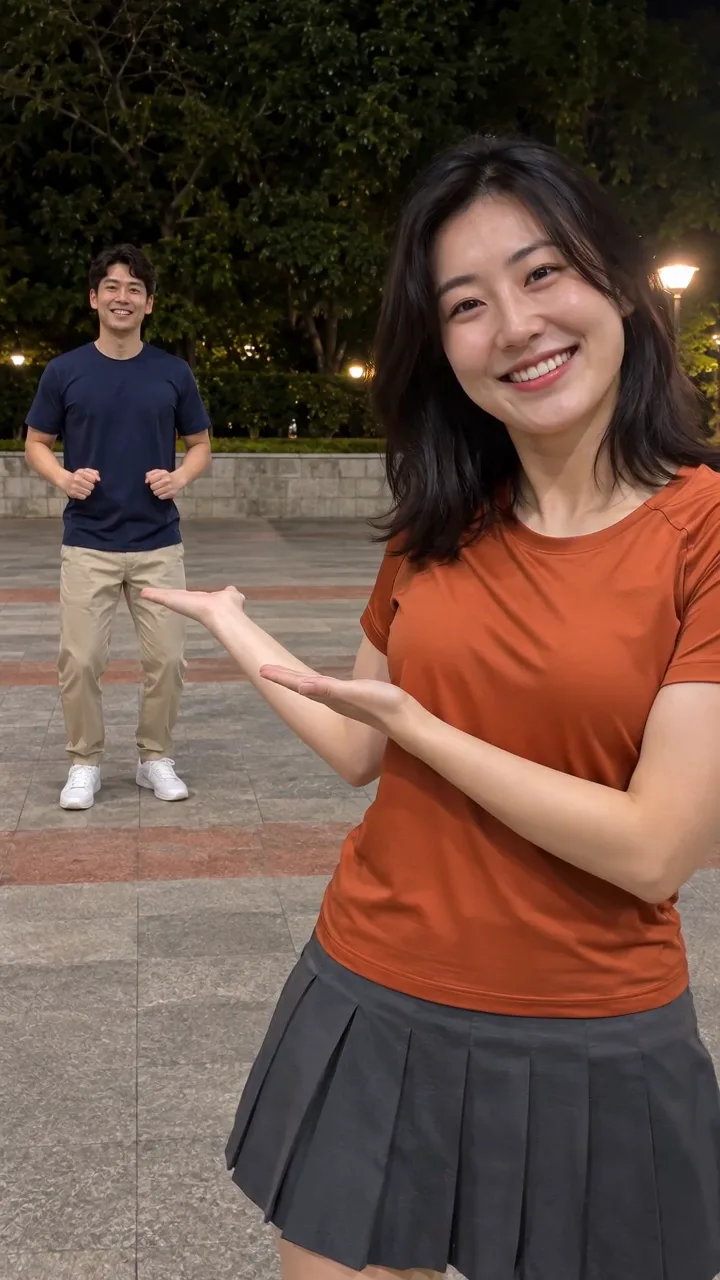
Compact playback preview · Open native 720p video ↗
Seedance 2.0 · 720p · about 8 seconds · original audio
Try Hop Hop Hop AI Dance with Every Gen AIHop Hop Hop AI Dance turns a short dance idea into a character-led video. The useful goal is a coherent performance: readable gestures, a stable identity and a connected ending, not only an attractive first frame.
EveryGen AI · https://everygenai.live/ combines Inspiration planning, image preparation and model-native video controls. Use the approved example as a starting point, then review your own subject, inputs and complete quote before generation.
Where does the Hop Hop Hop idea come from?
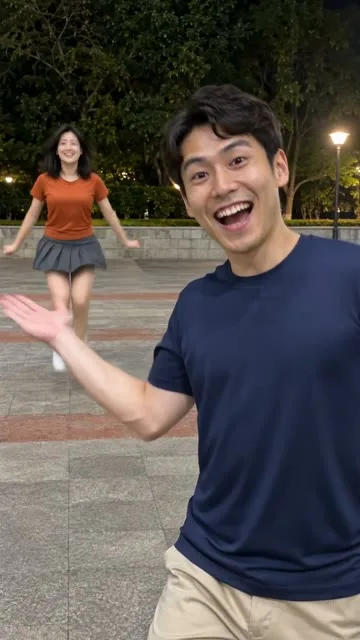
The name is used for a short-form point-and-hop dance format shared through social dance clips and subsequent AI adaptations. The supplied MakeViral page documents a foreground presenter, a background hopper and a swap. Its displayed AI example places stylized characters outside at night; its separate photo template describes a hallway. Those should not be mistaken for one identical video.
Our guide focuses on the observed format and a new EveryGen performance. We do not claim to have verified the first creator, a current view count or rights to the trend recording. The new EveryGen sample brief requests original dance audio, with an original duo image and a textual shot plan. The competitor recording and source frames are not inputs to that generation.
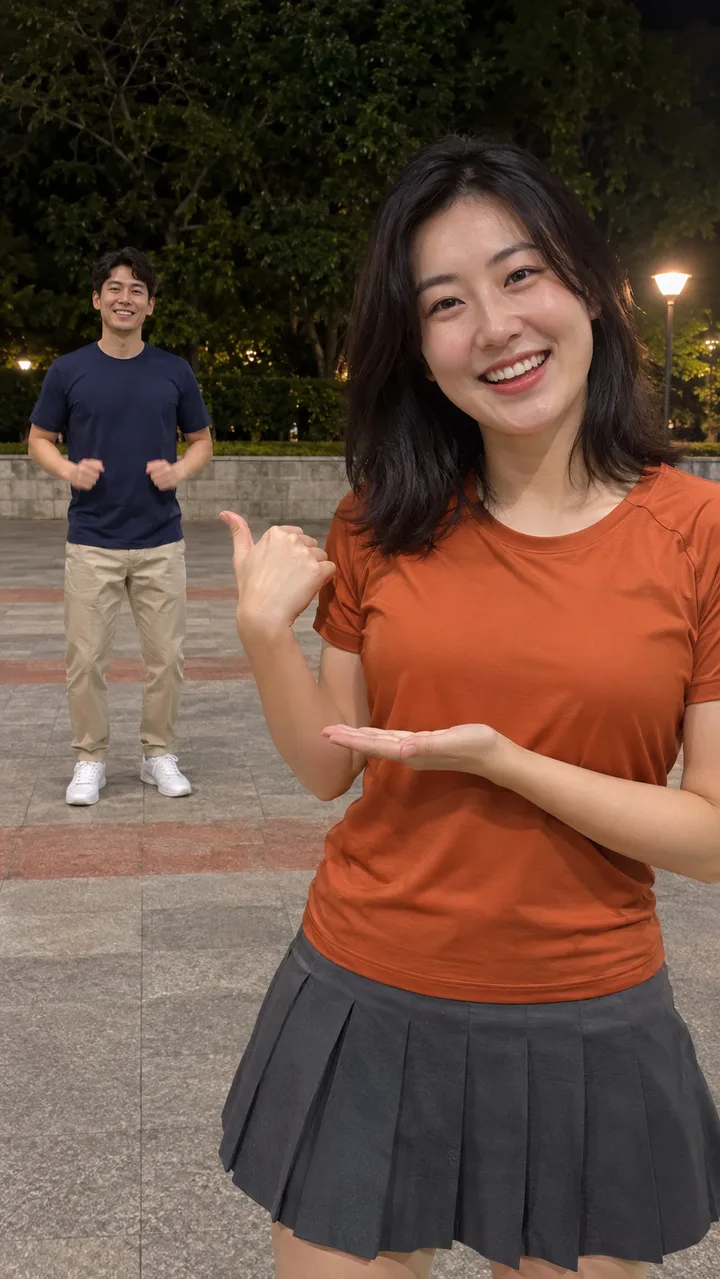
Why does the two-role structure matter?
Give each performer a stable identity. The first person begins close to the camera; the second starts several steps back with their entire body visible. After the cut, those same two people exchange positions. Their clothes and identities should stay with them.
A crowded background makes this difficult to follow. A clean passage, courtyard or simple room gives the pointing gesture and hops enough space. Keep the camera still so a changing viewpoint does not hide the role reversal.
How to use EveryGen AI: five steps
Follow this sequence in EveryGen AI, reviewing your inputs and quote before generation.
Step 1: Watch the example and choose your mode
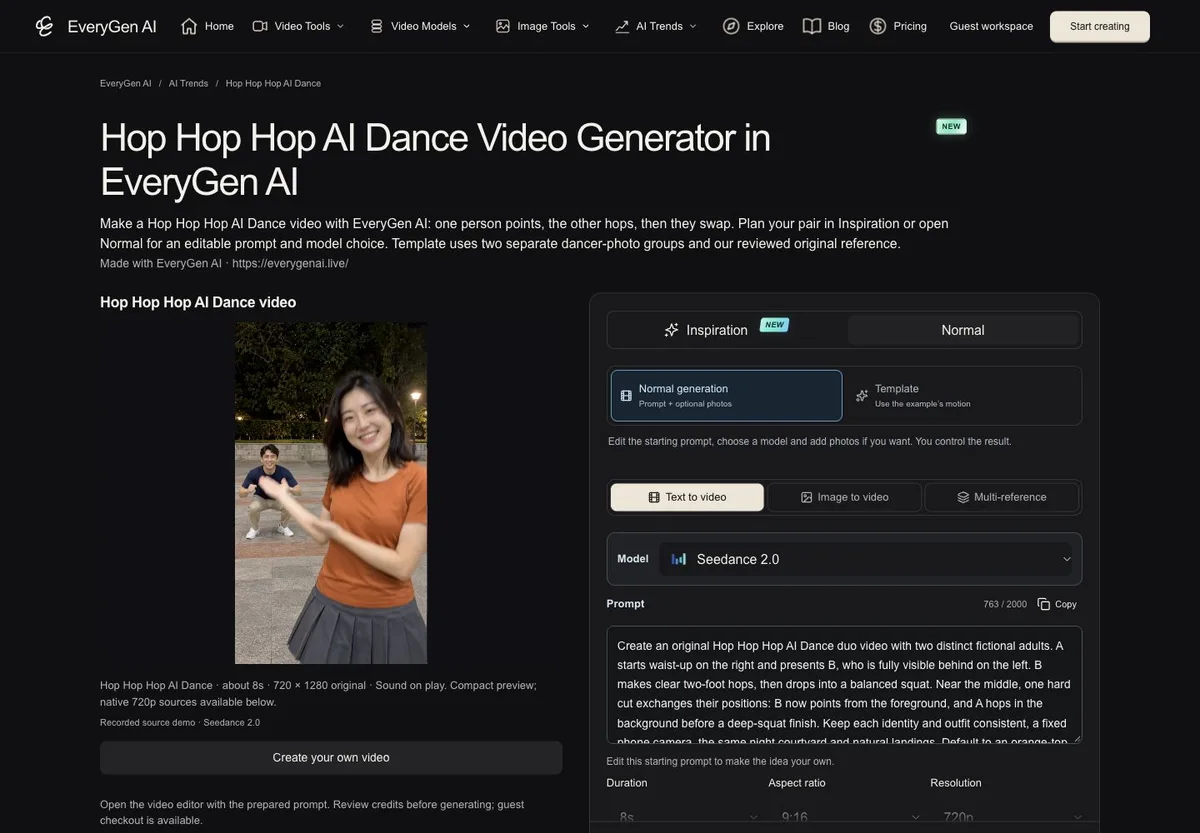
Open Hop Hop Hop AI Dance in EveryGen AI. Start with Inspiration if you want help choosing a pair and setting. Choose Normal if you already know what you want and prefer to edit the prepared prompt.
Step 2: Make the two identities clear
Describe two fictional adults with visibly different outfits, or use authorized photos with a compatible model. For a two-image workflow, keep one adult per image and make the intended first and second roles explicit. For a combined scene image, keep both people unobstructed and separated in depth.
Step 3: Prepare and review an image
Inspiration can help create a starting image. Ask for the lead near the camera and the second dancer farther back, then inspect the result before selecting it for video. This is an image asset, not the finished dance. Eligible accounts share a trial of three replies and one image; continued Agent use requires an eligible purchase, and additional images use their quoted credits.
Step 4: Describe the point, hops and swap
Keep the routine focused: the foreground performer indicates the friend, the friend makes compact grounded hops, then one clear cut reverses their positions. Ask for consistent identities, believable landings and no third performer. Shorter model-native durations may require a simpler routine; review any settings change before applying it.
Step 5: Check the quote and generate
Review the model, native inputs, length, resolution, sound and total credits. A fixed-motion Template, when exposed on the page, has its own reference and declared settings; Normal is a flexible generation workflow and is not a promise of frame-for-frame copying.
Confirm the request, follow progress in Creations and inspect both halves of the result. Download the private file within 24 hours. If an eligible account-wide free sample is offered, remember that the paid final is a separate generation and may differ.
What makes EveryGen AI useful for a duo dance?
Its strength is the connected workflow. You can discuss which person leads, prepare an image, review the actual available controls and keep your draft while comparing purchase options. The example and editable brief make the two-person idea easier to communicate than a blank prompt box.
The creative freedom is useful too. You can develop an original cast and location rather than publishing a copy of the source characters. Keep the most important visual idea—the reversal—while making the performer styling your own.
Common mistakes to avoid
- Both dancers hop together: specify one foreground presenter and one background dancer before the cut.
- The identities merge: distinguish the outfits, separate their positions and review the complete output.
- The swap is hard to see: use one clear cut and a fixed camera, rather than several moving shots.
- A photo is treated as the wrong reference type: check whether the model expects an opening frame or an appearance reference.
- The soundtrack is assumed to be the original song: our example uses original generated music. Add platform-licensed sounds separately if appropriate.
Create your own Hop Hop Hop AI Dance video in EveryGen AI
The practical advantage is keeping the idea, appearance preparation, model choices and price review in one place. Start at EveryGen AI · https://everygenai.live/ and adapt the approved example to your own adult performer.
Questions about Hop Hop Hop AI Dance
Do I need to dance on camera?
You can start from text or compatible authorized photo inputs. The result is newly generated synthetic footage.
Can two friends use their own photos?
Use a model that supports the required reference roles and obtain each adult's permission. Identity matching is not guaranteed.
Can I change the setting?
Normal supports an editable setting with the selected model's controls. A fixed-reference Template preserves the scene it declares.
Where do I start?
Open EveryGen AI and the Hop Hop Hop AI Dance generator, then review the example and quote before confirming a request.
Try Hop Hop Hop AI Dance with Every Gen AI
Bring your idea and the reference photos for your chosen tool. Choose your settings, check the quote and create a clip you can review.