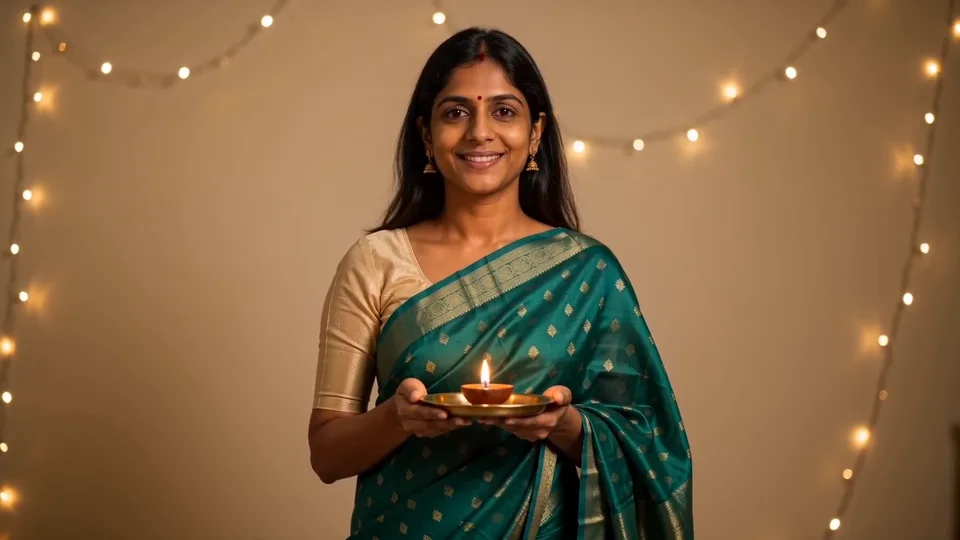
Compact playback preview · Open native 720p video ↗
Seedance 2.0 Fast · 720p · about 15 seconds · original audio
Try Diwali AI Transformation with Every Gen AIA Diwali AI Transformation turns a simple portrait into a festive before-and-after story: begin with an everyday monochrome look, use a small gesture to reveal a colorful outfit, then finish with a relaxed expression. A readable transformation matters more than a complicated scene.
EveryGen AI at https://everygenai.live/ combines Inspiration planning, optional image preparation and a direct video generator. Our original 15-second example shows the idea with a fictional adult, an emerald sari and generated instrumental sound. This guide explains the real steps and the limits to review before you pay.
What is Diwali AI Transformation?
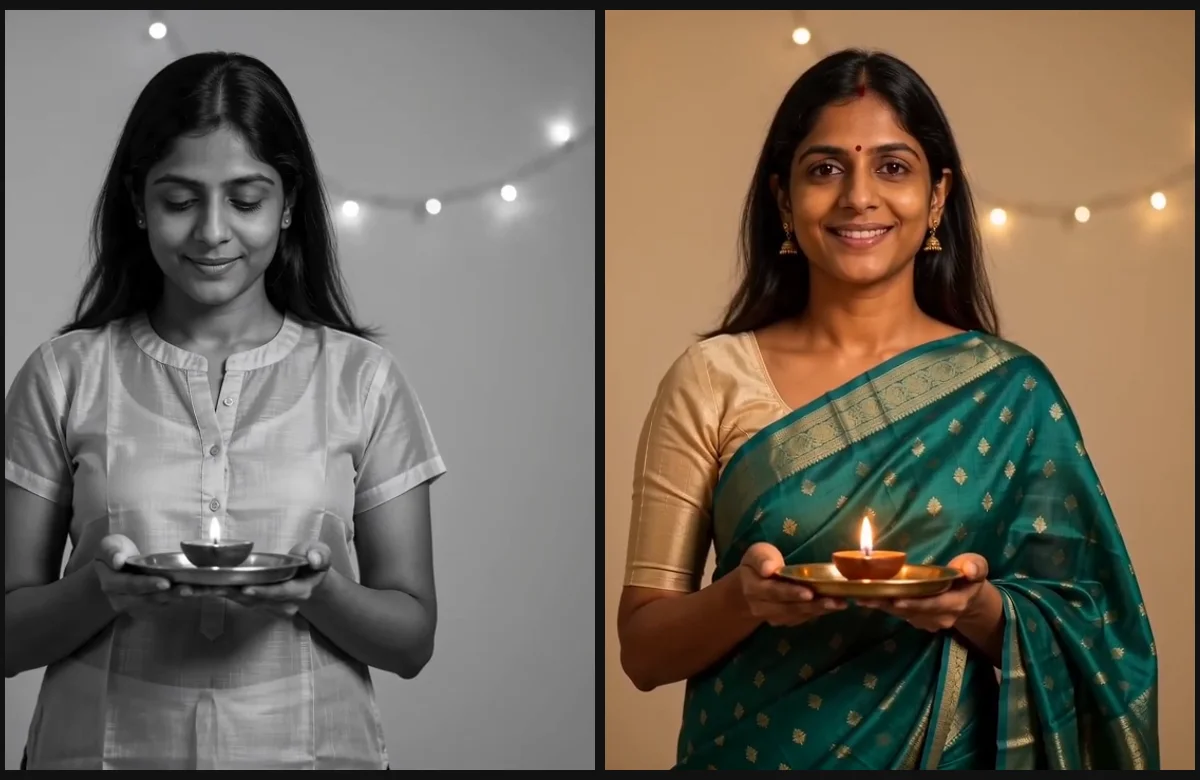
The keyword describes a short festive outfit-transition video. A monochrome everyday portrait becomes a bright celebration look through a hand gesture, a matched cut and warmer color. A sari is one option; the outfit, person and background can be adapted to the creator’s brief.
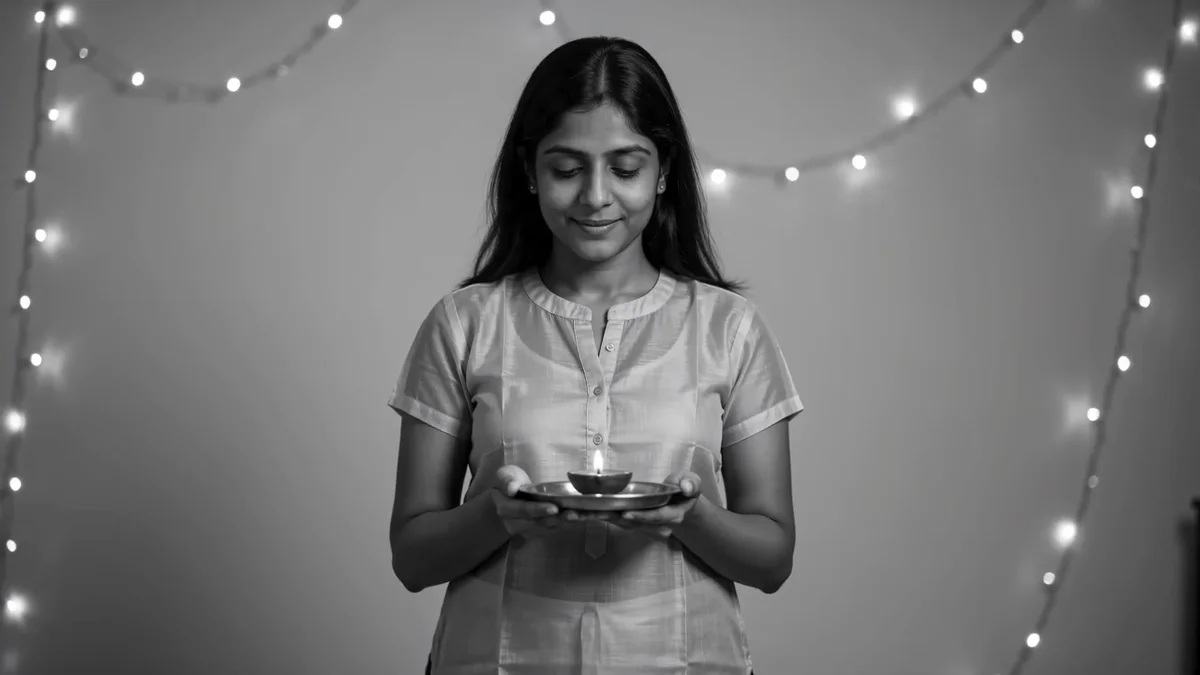
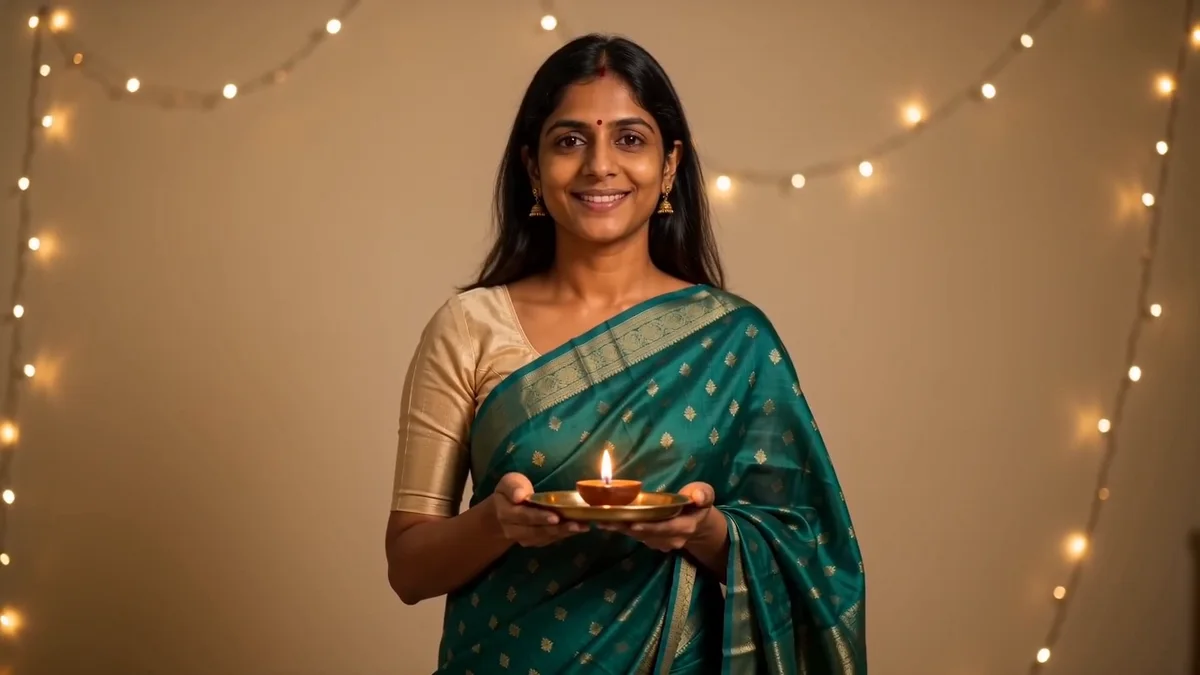
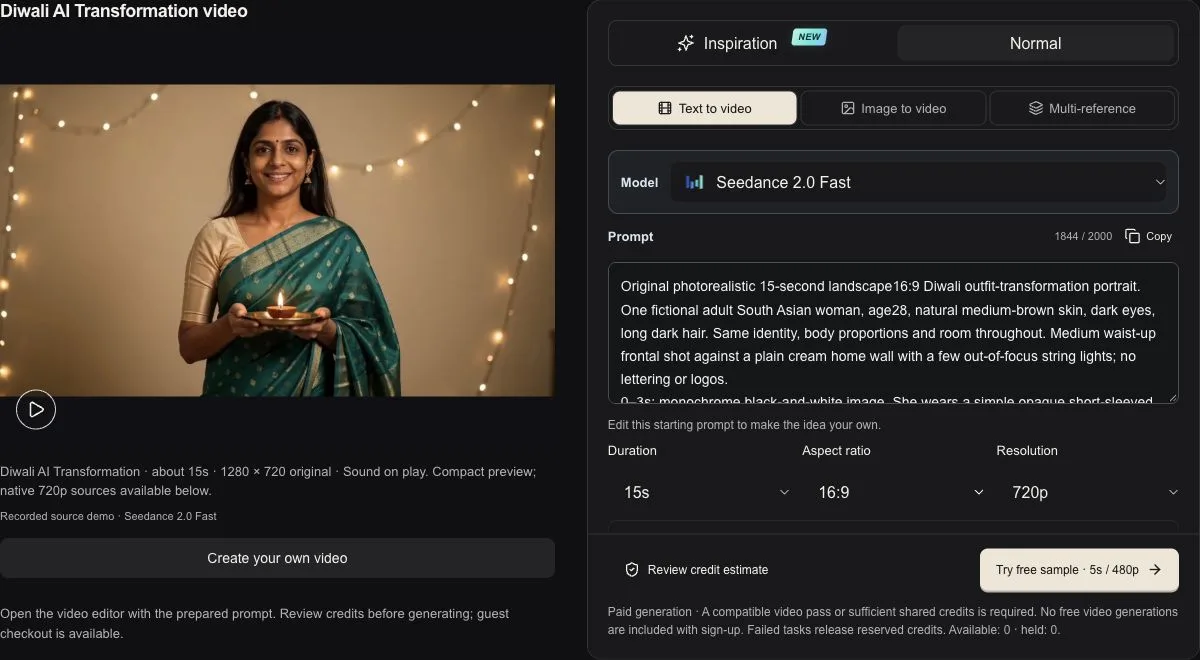
Our EveryGen AI interpretation uses one fictional adult holding a lamp safely on a saucer. The opening is grayscale; a raised hand leads into a colorful green sari and warm room lights. A subtle shoulder turn and smile close the scene. This is synthetic creative footage, not a real celebration or a copied person.
What you can create in EveryGen AI
- A personal festive outfit reveal using an authorized adult portrait with a compatible model.
- A new fictional adult, clothing palette and home setting from text.
- A short social clip with a clear before-and-after change and optional native sound.
- A supporting image and refined creative brief prepared in Inspiration.
- A separately quoted final generation with visible model, duration and resolution controls.
EveryGen AI’s strength here is continuity of workflow: the idea, optional image, model controls, price review and Creations status stay connected. You can discuss the visual direction first, then choose how to generate instead of starting from a blank tool on every step.
Step 1: Open the Diwali AI Transformation generator
Watch the original example beside the form. A fresh topic entry opens Inspiration; the Home new-content card opens Normal with the prepared prompt. Inspiration helps plan an outfit, light and image. Normal lets you immediately edit the complete direction and choose the native video model. Fixed-motion Template is not offered on this topic.
Step 2: Choose the adult and festive outfit
Describe a fictional adult or upload a clear authorized adult portrait in a compatible image-to-video mode. Request the outfit color, blouse, jewelry and background explicitly. Keep the face visible and the reference photo well lit. Do not upload a person’s image without permission.
If you want help preparing a first image, discuss the look in Inspiration and use its separate image action. The existing free trial is three replies and one supporting image per account. Select the prepared image before applying it to the video draft; review any native input or model changes.
Step 3: Write a clear transformation sequence
Make a realistic Diwali AI Transformation of one adult. Begin with everyday clothes in monochrome, holding a small lamp on a saucer. Raise one hand and snap into a colorful festive sari with an opaque blouse and warm room lighting. Keep the change readable and finish with a gentle turn and relaxed smile. Natural movement and original instrumental festive sound when supported; no text, logos or copied recording.
EveryGen AI’s Diwali direction adapts the theme to your description. The direction suggests the look and transformation, rather than forcing the demonstration’s exact camera or motion. Your clothing, subject and setting requests can adapt it. There is no separate theme-text fee.
Keep one person, one main transition and a simple room for a clearer result. A long list of conflicting actions can make a short clip harder to control. Avoid promising a frame-perfect identity or exact fabric; inspect the generated take.
Step 4: Review model, duration, quality and sound
Our completed example uses Seedance 2.0 Fast, 15 seconds, 720p and native audio. You can choose another available model in Normal; the form changes to that model’s supported inputs, frames, durations and output tiers. A model without native sound cannot produce music simply because the prompt requests it.
The demonstration’s transition lands around 5 seconds, and its shoulder turn is subtle. That observed variation is a useful reminder: prompts guide a generative model rather than reproduce a fixed performance. The main web player retains720p, with a smaller card derivative for browsing and a separate native-quality version.
Step 5: Try an eligible short sample or review the paid final
Eligible verified accounts can request one short free sample through the supported preview workflow. It is an account-wide allowance, not a new free video for every topic or browser. The sample is 5 seconds at 480p; it is not the full15-second final. If a selected final model needs an alternative sample model, the interface explains that choice.
A paid final is newly generated at the confirmed native settings; it can differ from the sample. Review the full quote, model, length, quality and any reference charges before continuing. If you need funding, choose a compatible video pass, credit pack or subscription. Image generation needs shared credits; a video-only pass covers only eligible video settings.
Purchase and generation are separate actions. Returning from pricing or the cashier should restore your draft with loading cleared, without automatically submitting a video. A hosted checkout handoff does not mean a payment completed.
Step 6: Inspect the finished video and download
- Check that the face, hands and lamp remain believable across the outfit reveal.
- Review sari edges, jewelry, room geometry and the timing of the color change.
- Listen to the generated music and make sure it suits your post.
- Track progress in Creations and download private results within 24 hours.
- Treat another take or a different native setting as a new quoted request.
EveryGen AI is a convenient place to explore this festive idea because planning, still-image preparation and video generation are connected. Start simple, keep the transition readable and use the settings and quote as the final confirmation. Try the generator at https://everygenai.live/.
Questions about Diwali AI Transformation
Can I use my own photo for a Diwali AI Transformation?
Yes, with permission and a photo-compatible model. Choose the native image-to-video input and review any settings changes. Generative identity and clothing details can vary.
Is the Diwali effect locked to a fixed dance or camera move?
No. This topic offers flexible Inspiration and Normal generation. Theme-specific private guidance suggests the transformation and look; fixed-motion Template is not available.
Does the EveryGen AI example have music?
Yes. Our original Seedance 2.0 Fast example has generated instrumental sound. Other models depend on their native audio capability and selected settings.
Will a free sample be identical to the paid final?
No. The short sample and the final are separate generations with different output settings. Review the selected model and quote before confirming the final.
Try Diwali AI Transformation with Every Gen AI
Bring your idea and the reference photos for your chosen tool. Choose your settings, check the quote and create a clip you can review.