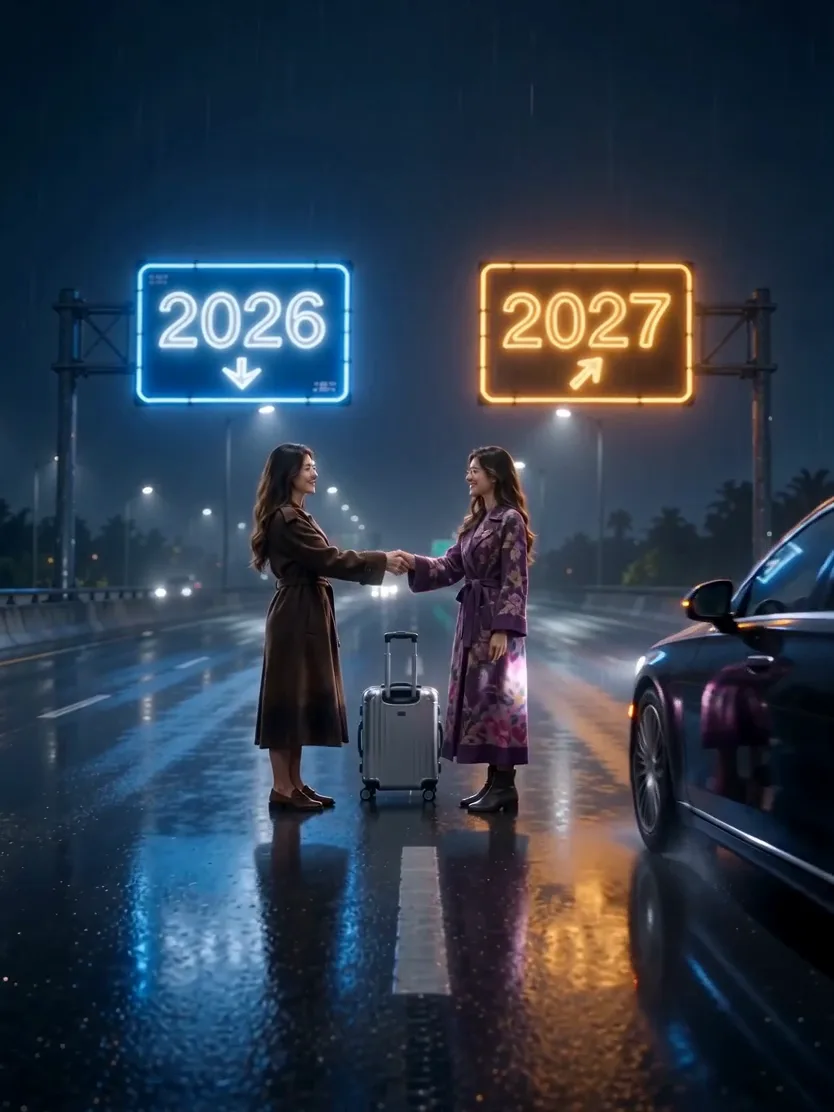
Compact playback preview · Open native 720p video ↗
Seedance 2.0 Mini · 720p · about 7 seconds · original audio
Try Goodbye 2026 Welcome 2027 AI with Every Gen AIThe best Goodbye 2026 Welcome 2027 AI video idea is one that communicates the year change in a single readable moment. Two versions of yourself, a meaningful object and a gentle farewell can say more than a crowded montage of effects.
EveryGen AI at https://everygenai.live/ combines a themed starting prompt, optional Inspiration planning and a native video workbench. Our public example focuses on a blue-and-amber rainy-road farewell. The other ideas below are creative directions you can explore in Normal, not a claim that every idea has an identical ready-made Template.
What is Goodbye 2026 Welcome 2027 AI?
It is a personal New Year transition concept. The old and new year can be represented by two outfits, two versions of the same face, year signs or a change in light. The point is to show a transition the viewer understands, rather than simply adding the numbers to an unrelated clip.
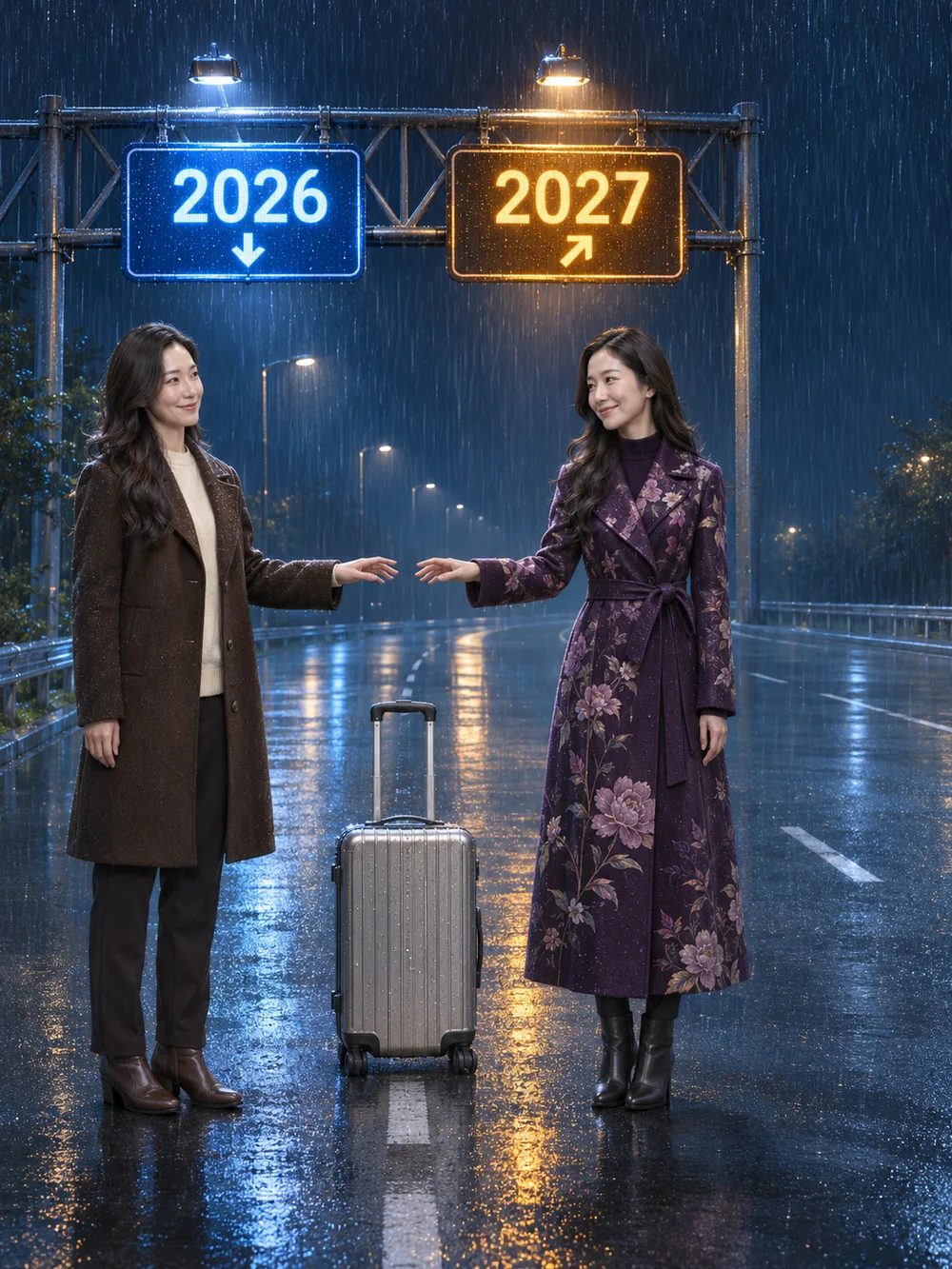
The rainy-road interpretation uses blue 2026 and amber 2027 signs, a centered suitcase and a short exchange between two selves. It feels reflective when movement remains calm and the camera gives the scene time to breathe.
Five New Year video ideas, and when each works best
| Idea | Best suited to | Creative priority |
|---|---|---|
| Rainy-road farewell | A reflective personal year recap | Same face, two outfits, year signs and connected goodbye |
| A quiet doorway | A simple home-to-new-beginning story | One doorway, a clear turn and a change in light |
| A sunrise path | A hopeful forward-looking post | Slow walk and a stable, uncluttered horizon |
| Two-self portrait | A short identity-focused transformation | One recognizable face and restrained outfit contrast |
| A keepsake and a suitcase | A story about what you bring forward | One readable object and a deliberate closing action |
The rainy-road scene has the included reviewed example. The other rows are prompt ideas for a new interpretation. Choose one story for a short video; combining all five adds complexity without necessarily making the year change clearer.
Where EveryGen AI helps most
EveryGen AI is a useful starting point when the story is clear but the prompt is not. Inspiration can help turn a broad wish into a concrete scene and supporting image. Normal exposes an editable starting direction, compatible models and native settings, so you can work directly when you already know what you want.
The reviewed fixed-reference Template, where available on the generator, has its own declared motion and quote. It should not be confused with unlimited creative editing or with the public topic name. Your requested changes, chosen model and media roles still govern what can be generated.
How to make a Goodbye 2026 Welcome 2027 AI video: six steps
- Step 1 — Open the Goodbye 2026 Welcome 2027 AI page on EveryGen AI and choose one short story, such as the included rainy-road farewell.
- Step 2 — Decide how the two selves differ. Keep the face and hairstyle recognizable, then use clothing and color to separate 2026 from 2027.
- Step 3 — Prepare an authorized adult image. In Inspiration, explicitly select the supporting image to use; in Normal, choose only native input roles supported by the model.
- Step 4 — Keep the prompt focused on a connected reach, handshake, release and departure. If you choose a different concept, edit it openly rather than assuming the same fixed Template covers it.
- Step 5 — Review duration, framing, audio, references and the complete quote. Choose compatible existing funding when needed, then explicitly confirm generation.
- Step 6 — Review the same-face continuity, digits, hands and final action. Track the job in Creations and download private video files within 24 hours.
Treat year lettering as a review item
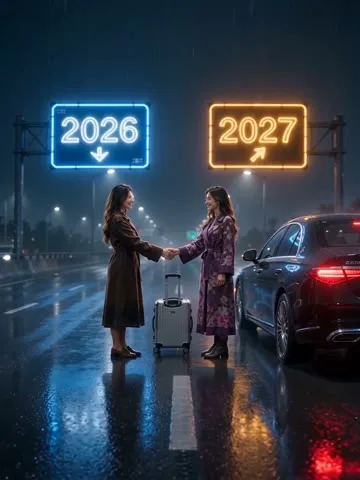
The numbers 2026 and 2027 carry the meaning of the scene. Models may change or mirror a digit during movement, even when the starting image is correct. Ask for the left and right sign positions explicitly, then inspect the result throughout the clip.
If precise typography is essential for a campaign, a separately prepared graphic overlay can be more dependable than generated moving text. That is an editing choice, not a claim that the generator guarantees perfect lettering.
One identity should not become two strangers
A same-person farewell works best with a clear authorized adult image and consistent facial details. Use outfit differences to identify the selves, rather than asking for a completely different age, body and hairstyle at the same time. Avoid busy face-obscuring accessories.
In a first-frame mode, the uploaded image also establishes the opening scene. An appearance-only reference has a different role. Keep that distinction clear when moving from prepared artwork to the video settings.
Keep the music and cost review straightforward
A soft original instrumental and restrained rain ambience fit the reflective example. The commercial soundtrack from a reference site is not included. Audio behavior depends on the selected native model, so check its available controls.
The built-in theme direction has no extra text surcharge. Supporting images, video output and reference processing follow the complete quote. Every paid order provides its stated workflow access and usage; access is not unlimited generation. An eligible sponsored short sample, if offered, is separate from the paid final and may differ.
Choose the clearest story for your new year
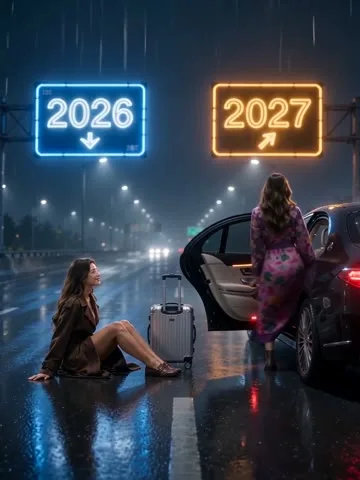
Start with one understandable action, one coherent setting and a face you are authorized to use. Visit https://everygenai.live/, open the New Year topic and use EveryGen AI to plan, generate and review your own goodbye to 2026 and welcome to 2027.
Models discussed in this workflow
Check the native inputs and limitations before changing a draft. These links describe workflow compatibility, not a quality ranking.
Questions about Goodbye 2026 Welcome 2027 AI
What is Goodbye 2026 Welcome 2027 AI?
It is a personal New Year video concept that contrasts the old and new year through two versions of one subject, year markers and a short farewell. Our example uses a rainy-road handshake and departure.
How can I make it with EveryGen AI?
Open the topic at https://everygenai.live/, plan the story in Inspiration or edit the complete Normal direction, choose supported settings and confirm the full quote.
Does the example show a hug or a mountain climb?
Our reviewed example follows the rainy-road farewell interpretation. A hug, sunrise or summit climb is a different scene you can describe in Normal; it is not the fixed motion shown here.
Can I use my own photo for both selves?
Use a clear authorized adult appearance photo. The direction asks for the same recognizable subject twice, with outfit differences. Model identity consistency can vary and should be reviewed.
Will the 2026 and 2027 text be perfect?
Generated typography can change between frames. Review both year signs throughout the result; for publication-critical lettering, a separately prepared graphic overlay may be more dependable.
Is music included?
Our Seedance example has generated original sound. Other models have their own audio capabilities; check supported controls and the confirmed quote before submitting.
Is the seven-second example a free final video?
No. Public examples demonstrate the theme. Eligible account-wide short previews and paid final requests have their own server-checked allowance, settings and quotes; they can differ.
How long can I keep a generated result?
Download your private EveryGen AI result within 24 hours. Your task and settings can remain in Creations after its downloadable file expires.
Try Goodbye 2026 Welcome 2027 AI with Every Gen AI
Bring your idea and the reference photos for your chosen tool. Choose your settings, check the quote and create a clip you can review.