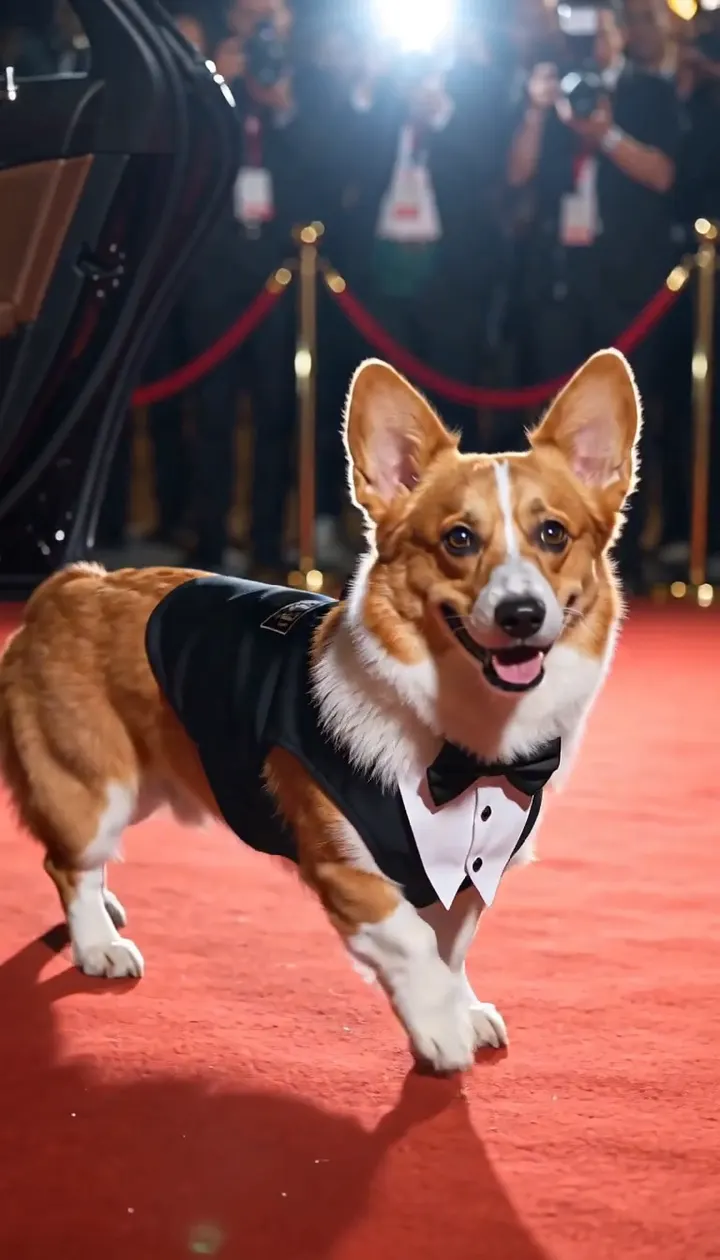
Compact playback preview · Open native 768p video ↗
MiniMax H3 · 768p · about 5 seconds · original audio
Try Pet Red Carpet Arrival AI with Every Gen AIStart by deciding which moment has to be visible. It might be the paws meeting the floor, the cloth slipping over a basket rim or the exact moment a card touches a terminal. Give that contact point room inside the frame and leave a beat for the result.
An appearance photo gives the model the subject's identity. If you choose a first-frame mode, the image also fixes the opening composition. Decide which input you need, then keep the action small enough to see from start to finish.
Choose the moment you want to see
| Action | Starting setup | What to verify |
|---|---|---|
| A pet steps out of a car | Leave space beneath the paws and in front of the open car sill. | The paws land on the carpet before the final pause. |
| A cat moves a hand towel | Use a shallow basket with a small towel partly across its rim. | The towel is visibly inside the basket after release. |
| Two adults interact at a counter | Put the payer in front and the hug partner a little behind and to one side. | The right person taps the terminal and the partner gives the hug. |
Block the shot in three parts. Place the subject and prop, show one clear movement, then hold long enough to confirm where everything ended. Keep unnecessary props outside the frame and make the motion readable at phone size.
Leave room on both sides of a pet's step
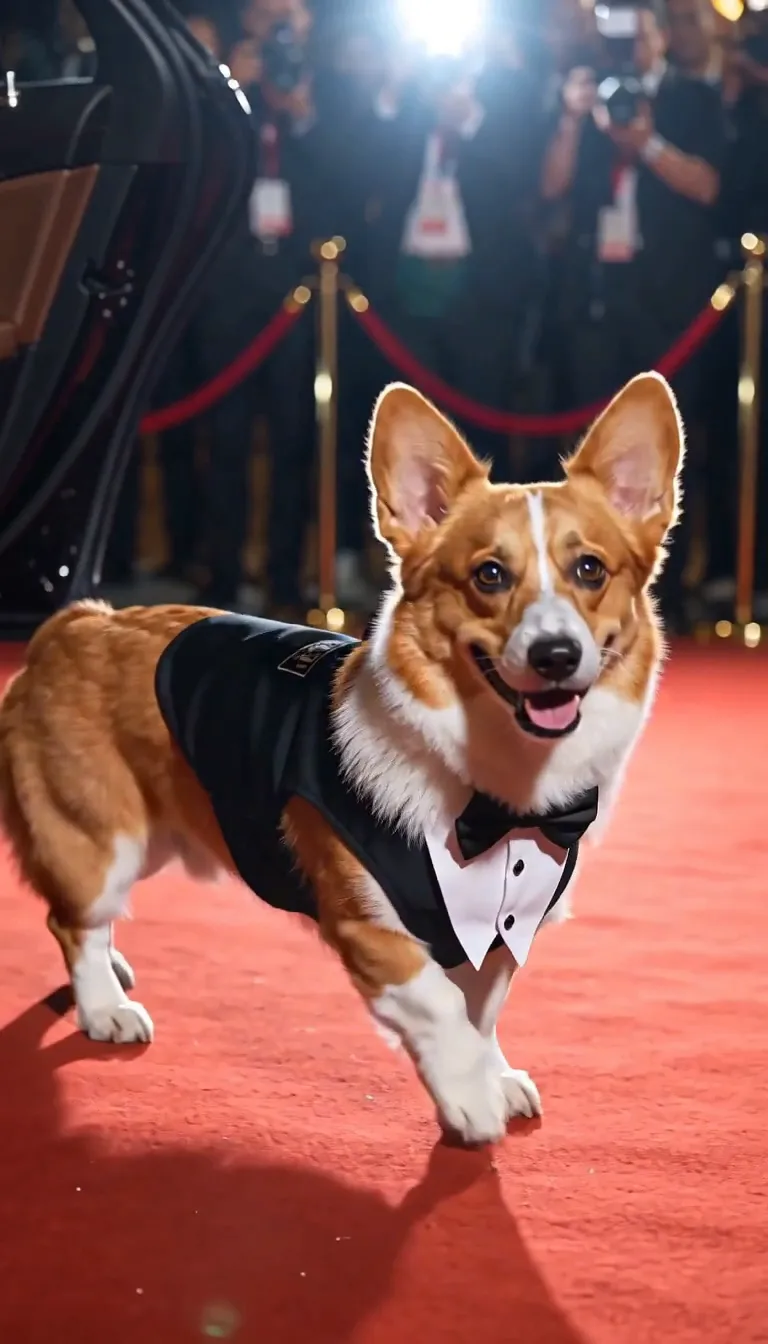
For a red carpet entrance, choose a full-body dog or cat photo with the eyes, ears and paws in view. Compose a low angle with space below the doorway and ahead of the pet. Begin close to the sill so the clip can spend its few seconds on the step, walk and stop.
Play through the step down at normal speed first. Then scrub to the moment when the paws land. Check whether the coat markings and outfit stay recognizable and the feet meet the carpet. A shorter walk gives the final pose more screen time.
Keep the towel and basket rim in the same view
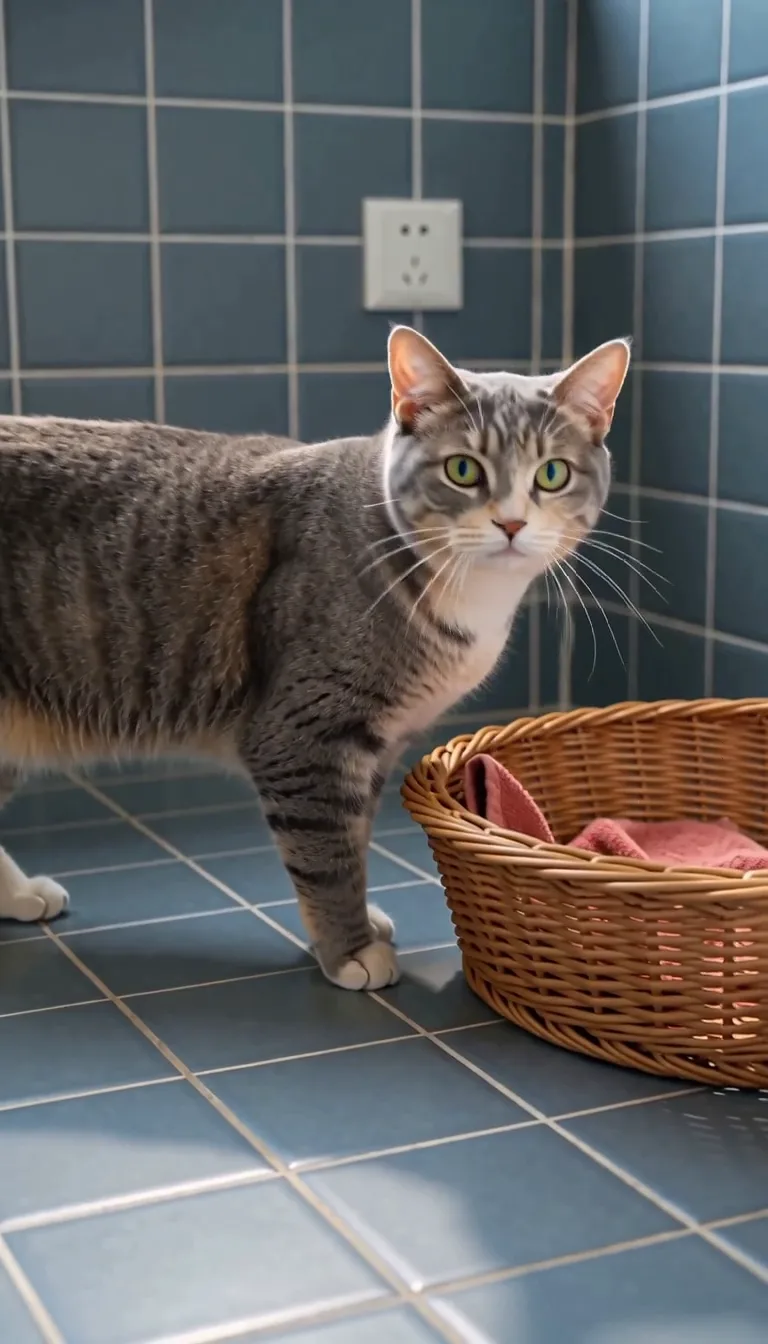
A cloth is hard to track when its edge passes behind a basket or paw. Start with a small towel partly across a low open rim. Use a steady camera that shows the cat, the exposed corner and the inside of the basket. A color that stands out against the floor makes the moving edge easier to follow.
Watch the moment when the cat grips or nudges the fabric and then the moment when it releases it. Check where the towel ends up and whether the cat's markings match from start to finish. A small reaction at the end gives the single chore a punch line.
Separate the card tap from the hug
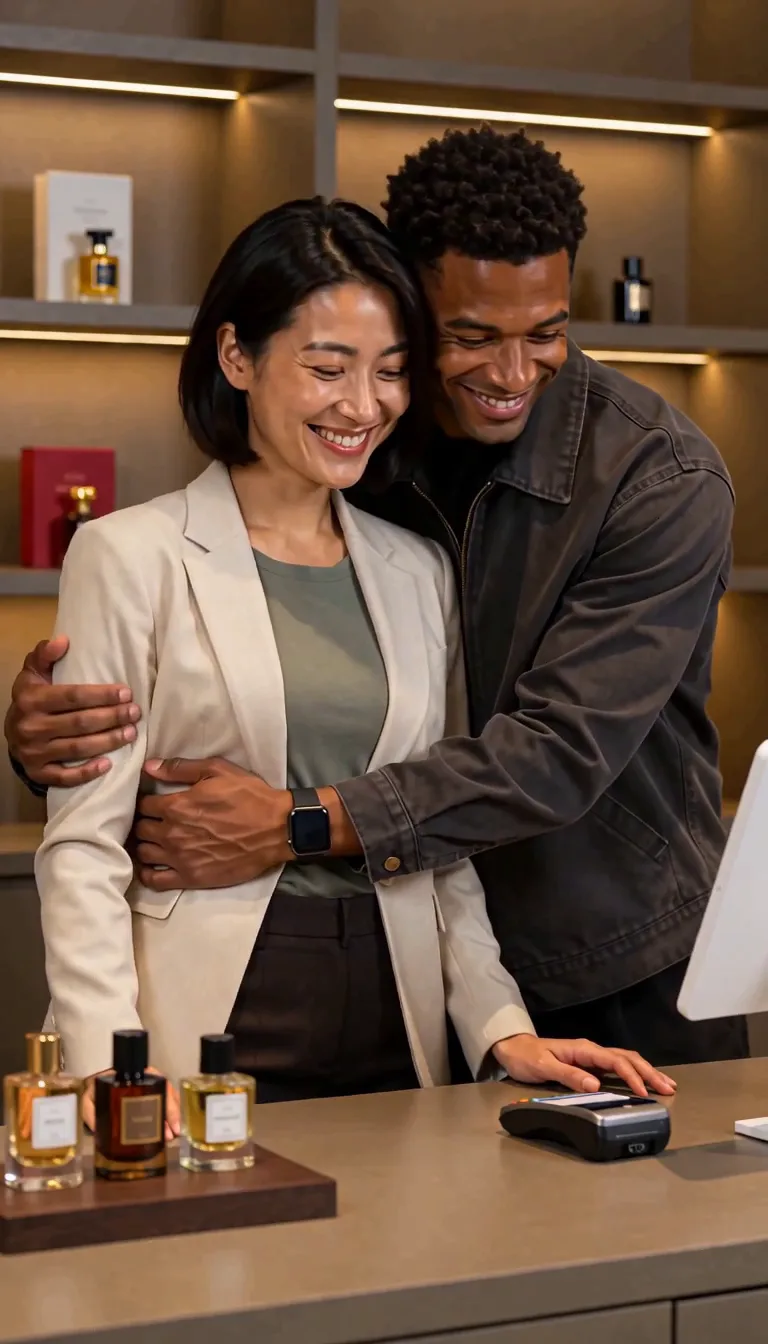
Use two portraits of adults who have agreed to appear. Give the front role to the person who pays, and give the rear role to the person who gives the hug. Photos with clear faces and distinct outfits make the two references easier to check.
Start with space between the two people and show the terminal. Ask for a brief tap, a lowered hand and then a small one-arm hug. Grouping both actions at the same instant makes the arms harder to read. Play the final beat slowly and look at the sleeves, hands and face separation.
Check the quote and watch the whole take
Use Template for the reviewed short setup and its named photo roles. Use Normal to set your own direction and compatible native controls. Check the live quote first. It includes the output settings and any chargeable references.
Play the outcome once through, then scrub to the contact point. Ask whether the movement reads clearly and whether the subject and prop stay consistent. When a take is ready, download the private result from Creations within its 24-hour availability.
Models discussed in this workflow
Check the native inputs and limitations before changing a draft. These links describe workflow compatibility, not a quality ranking.
Sources and review scope
External pages support the statements identified below. Reading a public product page is separate from testing its paid output.
- EveryGen AI reference images guide — checked 2026-11-24. Reference photo input and first-frame input serve different purposes.
- EveryGen AI generation costs guide — checked 2026-11-24. The full quote depends on model, duration and the referenced media.
Questions about Pet Red Carpet Arrival AI
What is the simplest way to show contact in an AI video?
Use one short motion with a stationary object and a camera angle that shows the point of contact. Leave space around the subject and show where the object ended up.
Does a reference photo fix the opening shot?
An appearance reference guides how the subject looks. Use an explicit first-frame mode when you want the opening pose, camera angle and prop positions to come from the image.
What should I check before sharing?
Check the start, the moment of contact and the final result. For two people, make sure each face stays distinct and each person performs the intended role.
Try Pet Red Carpet Arrival AI with Every Gen AI
Bring your idea and the reference photos for your chosen tool. Choose your settings, check the quote and create a clip you can review.