Seedance 2.5 in EveryGen AI turns a written brief or authorized photo references into a 15-second 720p video. This route focuses on one complete short scene. Pick a subject, a visible action and a simple camera move before reviewing the quote.
Use studio credits for the model-native image-reference controls, or a Premium take pass for one successful video with the same fixed duration and resolution. This release accepts text and photos; video or audio references, web search and separate first/last-frame controls are not available for this route.
THE POSSIBILITIES
Seedance 2.5 features, in practice.
Choose the input that fits your idea, then shape the motion. Clips below are local sample footage for the layout.
01 / CREATIVE CONTROL
Text to a 15-second scene
Describe one scene with a subject, action, camera path and light. The duration is fixed at 15 seconds in this EveryGen AI route, so leave room for the action to develop instead of asking for unrelated shots.
A clear beginning and a restrained movement are easier to judge than a long list of effects.
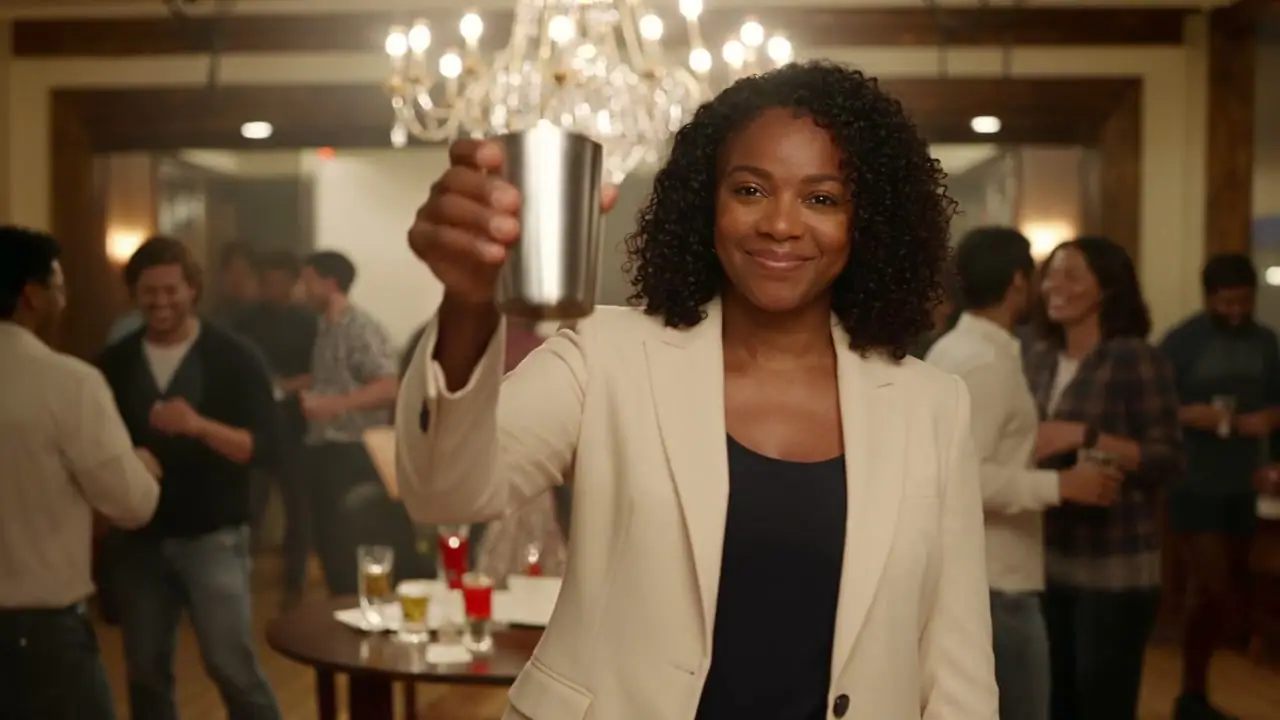
ILLUSTRATIVE FOOTAGECurated 1080p clip · not a Seedance 2.5 output
02 / CREATIVE CONTROL
Photos as appearance references
Switch to Image to video and upload photos you own or have permission to use. Reference images describe appearance and context; they are not guaranteed opening or ending frames. Explain what each picture contributes to the scene.
This route supports up to nine image references. A video pass supports photos but never video or audio references.
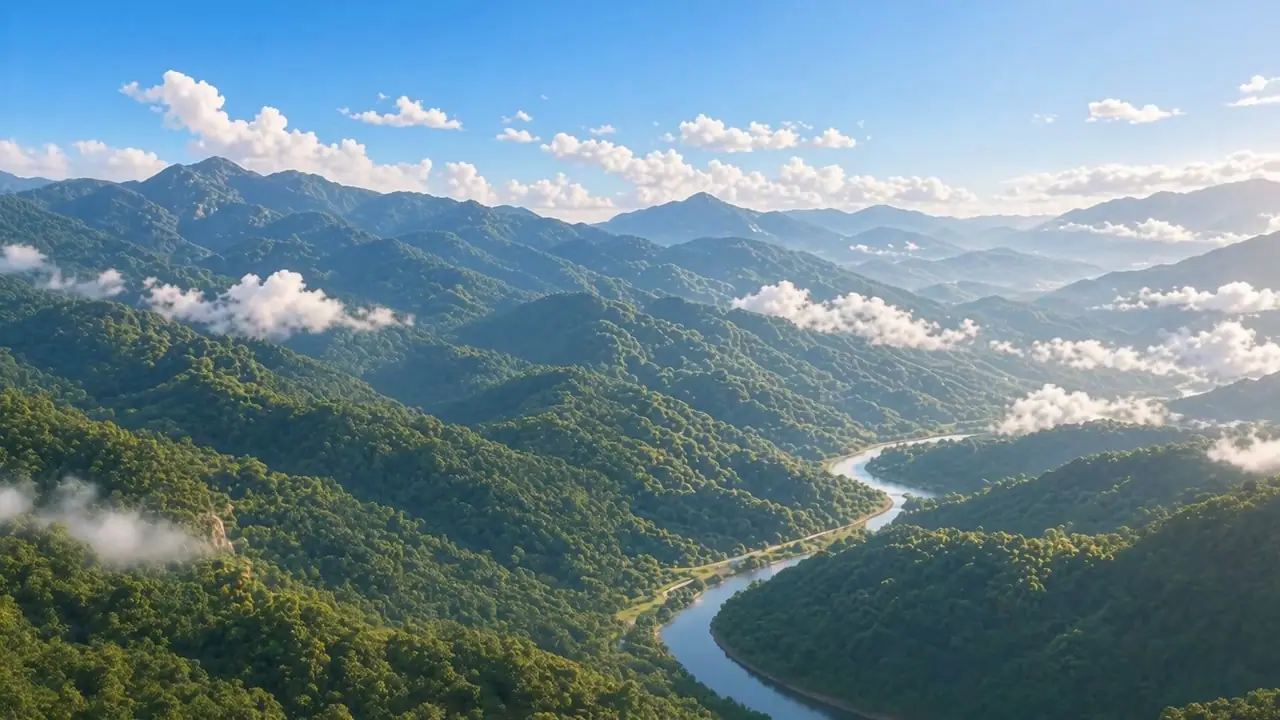
ILLUSTRATIVE FOOTAGECurated 1080p clip · not a Seedance 2.5 output
03 / CREATIVE CONTROL
Review cost before you submit
The workspace separates a single-video pass from general studio credits. A Premium take pass covers one successful 15-second 720p generation with Seedance 2.5 or 2.0. Studio credit consumption follows the selected model and its fixed credit rules.
Confirmed technical failures restore a pass or release reserved credits once. An uncertain submission remains under review.
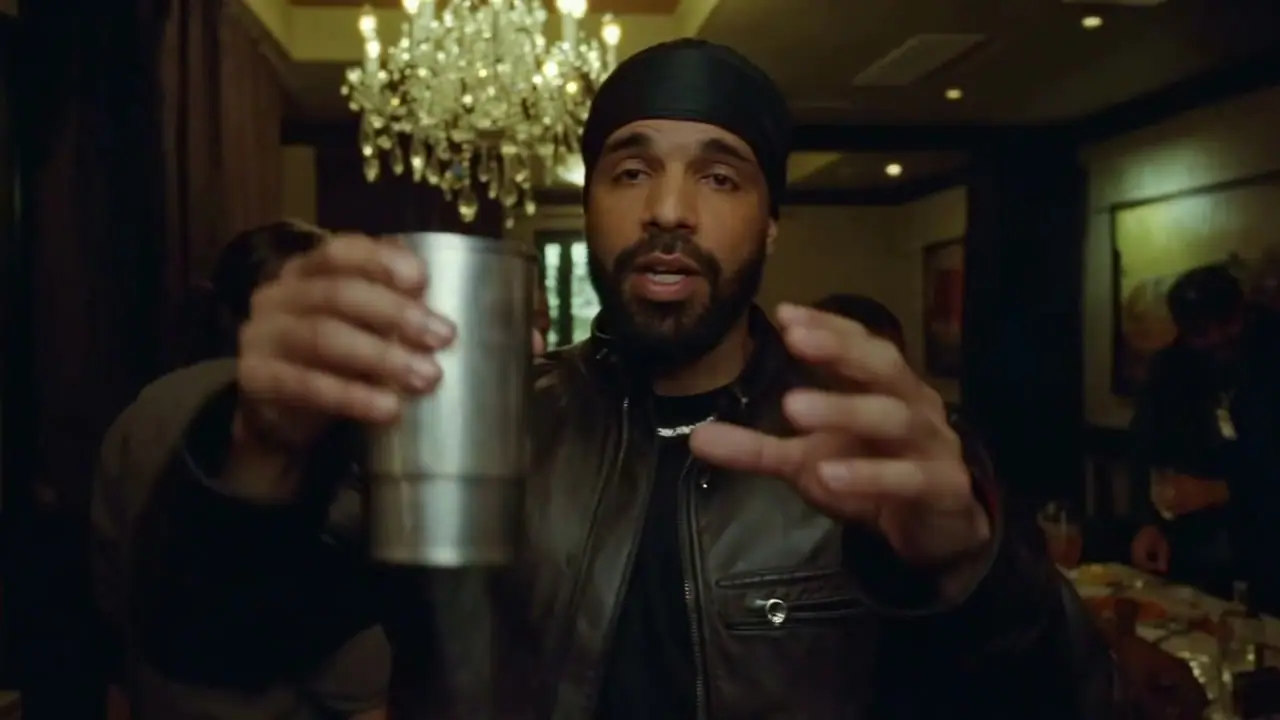
ILLUSTRATIVE FOOTAGECurated 1080p clip · not a Seedance 2.5 output
FROM IDEA TO A TAKE
How to use Seedance 2.5.
A clear starting point, a focused brief and settings you can review before submitting.
01
Choose your starting point
Open Seedance 2.5 in the generator above. Choose Text to video for a written scene or Image to video when you have an opening composition.
02
Build a focused scene brief
Write the subject, action, camera direction and lighting. Upload clear images as appearance references; first and last frame controls are not available in this route. If using appearance references, select the reference-image control and assign roles to up to 9 images.
03
Set the format and review credits
Choose 720p output. The request duration is fixed at 15 seconds. Set the aspect ratio for the destination. Review the estimate after changing a setting or adding a reference clip.
04
Generate, review and refine
When generation is enabled, submit after reviewing the brief and content checks. Track the request in Recent takes. Review the full clip for subject details, continuity and sound, then download a useful result or change one part of the brief for the next take.
Load a brief with supported settings in the full workspace. Review it and add your own images or references where required.
Text to video
A quiet cinematic approach
A traveler walks slowly along a sunlit coastal path, fabric moving gently in the breeze. A smooth lateral tracking shot follows one continuous action, warm natural light, realistic detail.
Keep the adult subject recognizable from the reference photo. They lift a cup naturally and smile gently. Warm ambient light, subtle background movement, slow camera push-in, one continuous scene.
Upload a photo you have permission to use; review likeness and movement.
Inputs, output settings and credit rules for this workspace.
Can Seedance 2.5 generate video from text or an image?
Text to video is supported: describe a scene and its movement. Reference-image inputs; no first/last-frame control are supported in image mode. A separate reference-image control accepts up to 9 images for appearance guidance.
Which duration and resolution can I choose for Seedance 2.5?
720p output is offered with a fixed 15-second duration. The controls above use these same settings. A resolution selection describes the requested output and does not guarantee native detail or readable small text.
Can I upload reference videos or audio?
This configured route does not expose video or audio reference uploads. Put movement and sound directions in the prompt where supported. Compare Seedance 2.0 if your scene needs those reference types.
How are video-generation credits calculated?
The credit table below the controls section lists this model's fixed rates for every supported output size. Some routes charge per request and others by duration. A content-check allowance is included once. Use Review credit estimate in the generator for the actual settings and uploaded reference duration before submitting.
Does Seedance 2.5 include generated sound?
This route has an optional generated-audio control under Audio, seed & camera. Describe relevant ambience or effects in the brief, then listen to the full result. Sound generation does not replace a final voice recording or music mix.
What happens during content checks or a failed request?
Prompts and image references are checked before submission. A rejection or unavailable check stops submission. These checks do not audit reference-video frames or audio tracks. Confirmed failed tasks release reserved credits once; an uncertain submission remains under review to avoid duplicate requests.
Are these videos results from the example prompts?
The current clips are local sample footage used to demonstrate the layout. They are not outputs from the displayed prompts, model benchmarks or evidence of a specific model's quality. Example prompts are editable starting points; image and reference examples require your own uploads.
 Seedance / VIDEO MODEL