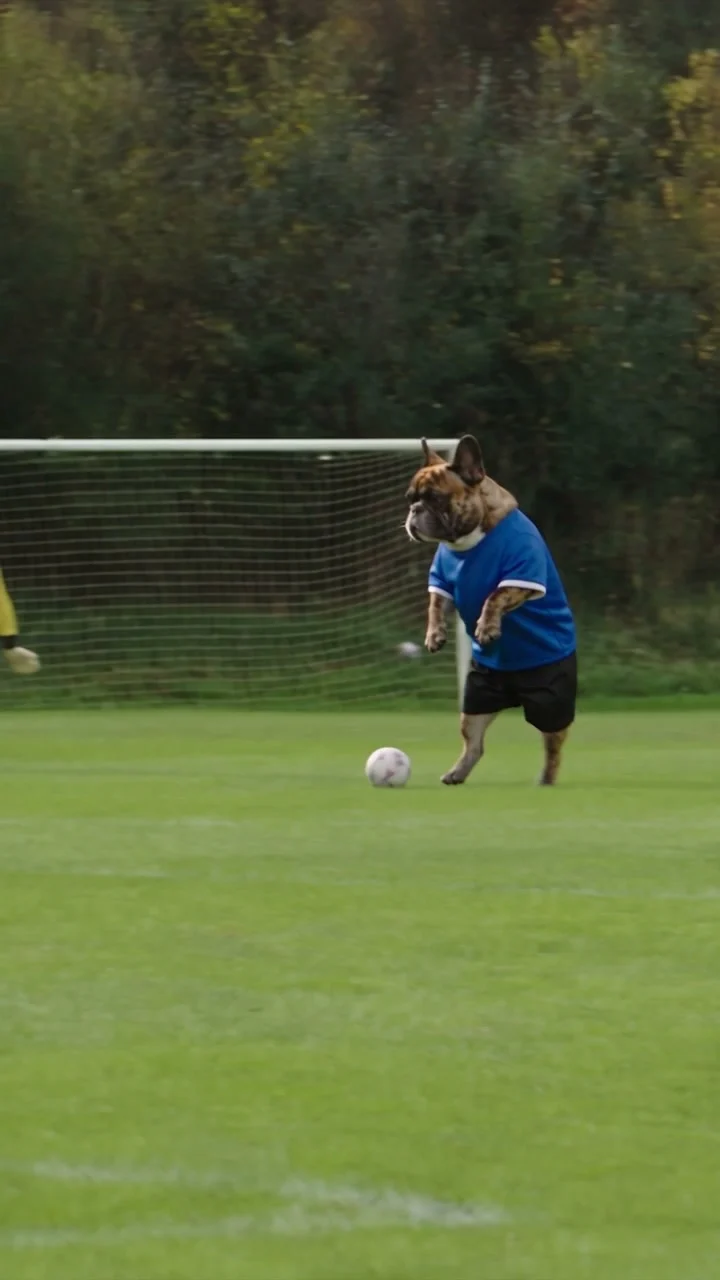
Seedance 2.5 · 720p · about 15 seconds · original audio
Try Ozil Goal with Every Gen AIA composed football finish is satisfying because the scorer seems to have more time than everyone else. Turn that scorer into a small dog in a blue shirt and the familiar sports sequence gets an unexpected lead character. The contrast between a serious match and an unlikely hero gives an Ozil Goal dog video its charm.
The Every Gen AI Ozil Goal tool helps you build that kind of scene from a subject photo and a prepared action reference. Our example uses an original bulldog character. EveryGen Mode supplies the motion template, while the subject and environment inputs let you decide what should make your version distinctive.
A small hero makes the football story bigger
The joke works because the scene treats the dog like a serious scorer. There is a pitch, a goal and opponents with a reason to chase the ball. The dog does not need extra props or an explanation: the shirt and the football action already tell the audience what role it is playing.
The intended sequence also gives the short a beginning and an ending. A lifted ball creates the first moment of uncertainty, a controlled landing continues the attack, defenders add pressure and a low finish provides the payoff. Keeping that order readable makes the scene more satisfying than a collection of unrelated football movements.
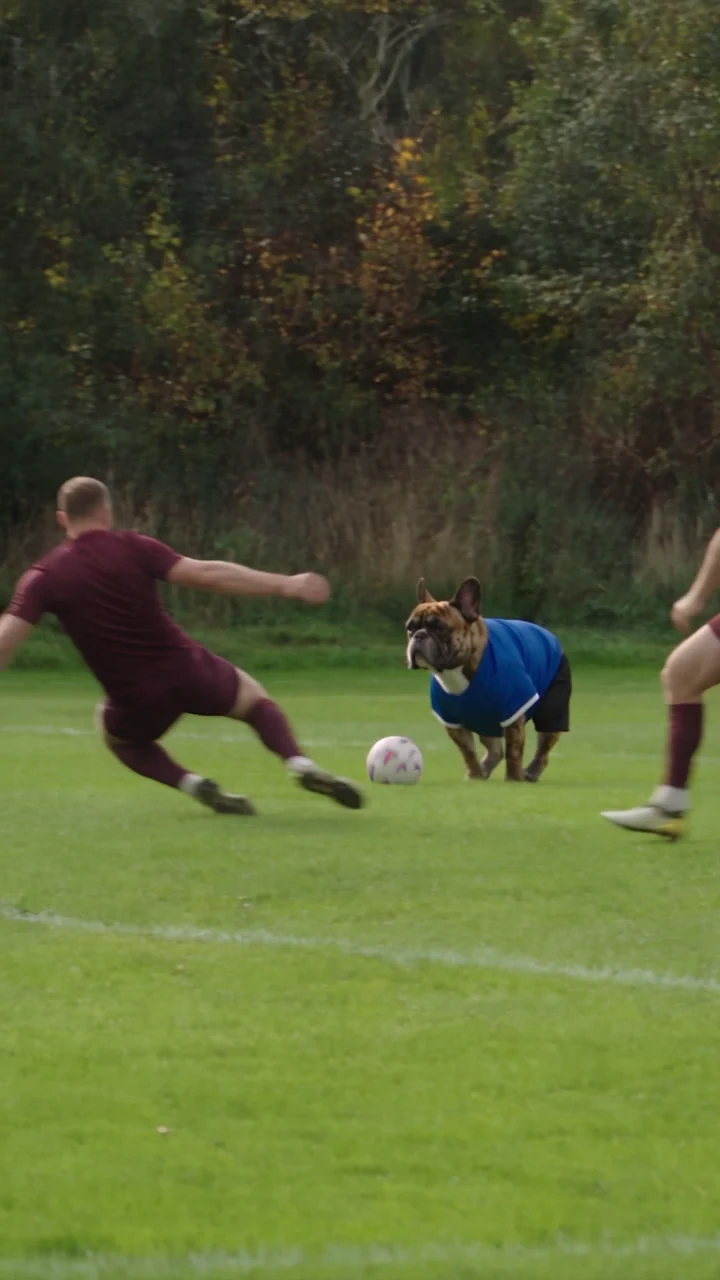
For a personal version, the strongest idea is often a character the viewer immediately recognizes: your own pet’s markings, an original mascot or a deliberately unexpected fictional athlete. Keep the football situation clear enough that the character’s confidence becomes the entertaining part.
Give appearance and action separate references
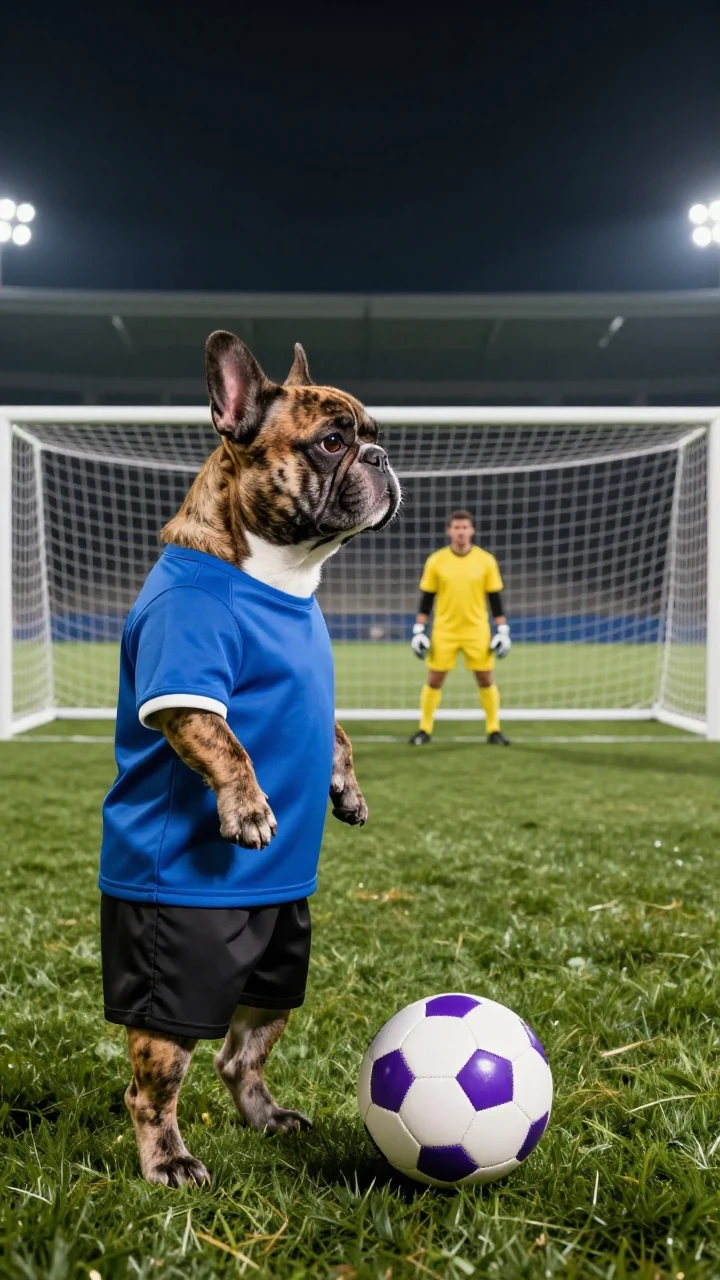
A photo can describe fur, a face and a shirt, but it cannot show an entire football sequence. EveryGen Mode combines your appearance photo with our original video reference so those jobs are expressed separately. You only need to supply the subject photo to start with the prepared scene.
The supplied direction asks the model to keep the scorer’s appearance and wardrobe while following the action: the goalkeeper chip, landing-ball control, two defensive challenges and a low finish. These are creative targets for the new generation. Inspect the result for recognizable identity, a consistent shirt and believable ball contact.
If your pet photograph has a busy background, treat it as an appearance source rather than a request to import everything in the image. Put a desired pitch or location in the environment group when you want to guide that part of the scene.
What Every Gen AI adds to the football idea
- A ready-made Ozil Goal scene direction, so you can start with the football idea instead of writing every movement from a blank page.
- An original EveryGen motion template supplied by the tool, without requiring you to upload a match recording.
- Subject-photo controls that let you try a pet, an original mascot or another suitable appearance reference.
- Separate optional environment photos for a location change or a coherent blend of compatible settings.
- Editable prompts and visible model settings when you want more direct control over the brief.
The practical advantage is a shorter path from a funny idea to a specific attempt. The template handles preparation of the intended movement, while your input gives the scorer a recognizable look. You can keep the first attempt simple, then refine one detail instead of reinventing the whole scene.
Build your dog football scene step by step
- Open the Ozil Goal workspace and choose EveryGen Mode.
- Upload a clear subject reference with visible facial features or fur markings. Use additional views of the same subject when helpful and supported.
- Keep the prepared field for the first attempt, or add compatible environment images separately.
- Review the vertical framing, supported duration, model permissions and credit quote. Our example is a roughly 15-second native 720p vertical video.
- Generate a take and watch it from the first lift of the ball through the finish. Download the version you want to keep.
For 9:16 delivery, the action has to fit vertically without losing the ball or goal. Keeping the goal position and camera path readable is more useful than asking for a dramatic camera change at every touch. The viewer should be able to follow one scorer, one ball and one intended finish.
Write a football brief the scene can follow
Use my subject photo for the scorer’s recognizable appearance and blue wardrobe. Follow the supplied original football action reference: chip the advancing goalkeeper, control the landing ball, continue through two defensive challenges and finish low toward goal. Keep the same scorer, keeper, defenders, goal direction and one football throughout. Preserve the intended order and rhythm, with natural contact at each touch. Vertical 9:16 framing, no role swaps, duplicated players, added props, captions or logos. Use original stadium ambience.
This is a suggested brief for your own scene, rather than the recorded prompt for the example. Start with the prepared direction in the tool and adjust one feature that matters: the scorer’s look, a clearer view of the finish or a different pitch atmosphere. More instructions are useful only when they make the action easier to understand.
A neighborhood pitch can make the small hero feel familiar; a fictional arena can make the same character feel grander. Environment references are most useful when they agree on the light and layout. Combining unrelated locations may distract from the ball and the finish.
Keep the fun, then check the football
Watch the ball as carefully as the character. Check that it remains a single ball, that touches make sense and that the goal stays in the right direction. Then look for changing clothing, extra players or a sudden identity shift. AI football motion may need another take; the example is one creative result, not a guarantee of match-perfect physics.
EveryGen Mode uses studio credits and supported video-reference access. Review the quote, including any reference-input cost, before submitting. Standard one-time video passes have different text/photo permissions and do not include this motion-reference workflow. User-generated videos are stored for 24 hours, so download your chosen take promptly.
If you enjoy unexpected characters, the Hit the Road Dude dog-driver guide offers a slower comic reaction. For a surprise built around a single transition, try the Unforgettable Car reveal guide. All three begin with a focused idea and a working Every Gen AI creative tool.
Questions about Ozil Goal
Is this an actual Mesut Özil goal recording?
No. The embedded example is an original AI-generated dog football scene. Ozil Goal names the creative format here; the demonstration does not use an actual player’s match recording or imply endorsement.
Can I use my own dog or an original mascot?
Use a suitable subject image to guide the scorer’s appearance. Clear markings and a readable outfit help the reference communicate the character. A generated result still needs review for identity, body motion and ball contact.
Do I need to upload a football reference video?
EveryGen Mode supplies our original motion template. You upload the subject photo and any optional environment images; no external match clip is required.
Will the model reproduce every football touch exactly?
The direction specifies an intended order and rhythm, but generation can vary. Review the chip, control, defensive challenges and finish in the actual output, and allow for another attempt when a key movement is unclear.
Try Ozil Goal with Every Gen AI
Bring one idea or a reference photo. Choose your settings, check the quote and create a clip you can review.